


Lost menu

Somehow I lost the menu that gave me the option to show total messages, hide local folders, etc.
Vahaolana Nofidina
Try View>Folder>>Folder Pane Header
All Replies (5)
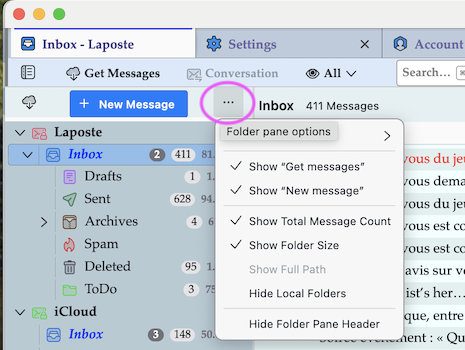
The button ••• which allows to display the menu items your are looking for is called "Folder pane options". You'll find it at the (right) top of the folder pane...
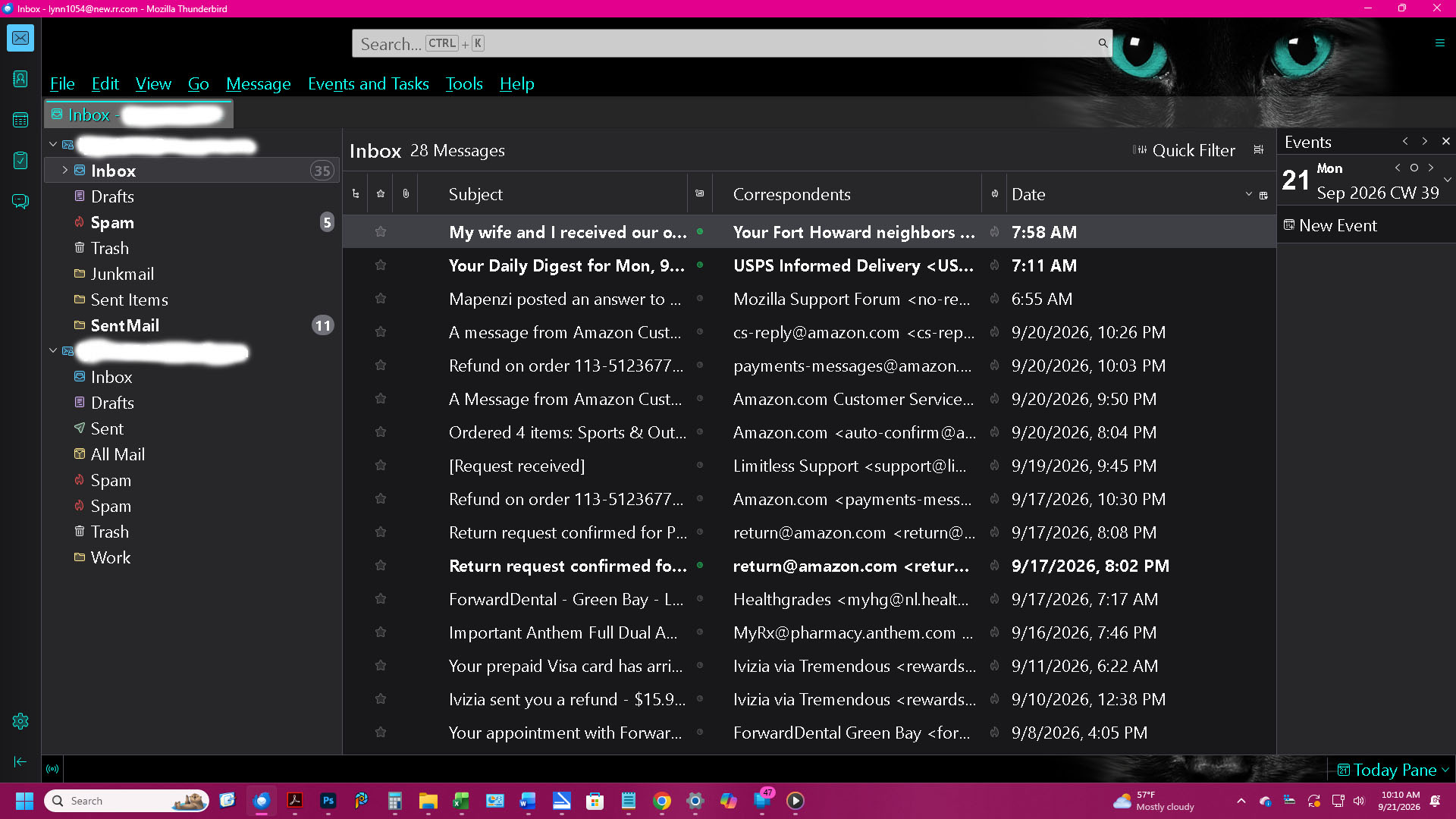
Thank you for trying to help. However, my screen doesn't look like that.
Vahaolana Nofidina
Try View>Folder>>Folder Pane Header
Thank you for the suggestion. Unfortunately, nothing changed.
Update: I take that back, it DID work. I have the menu again. Thank you so much!
Novain'i Lynn t@
When that menu WAS there, I was clicking/trying different things and I'm assuming I clicked on something that made it disappear completely - and forever, unless I can figure out how to bring it back.