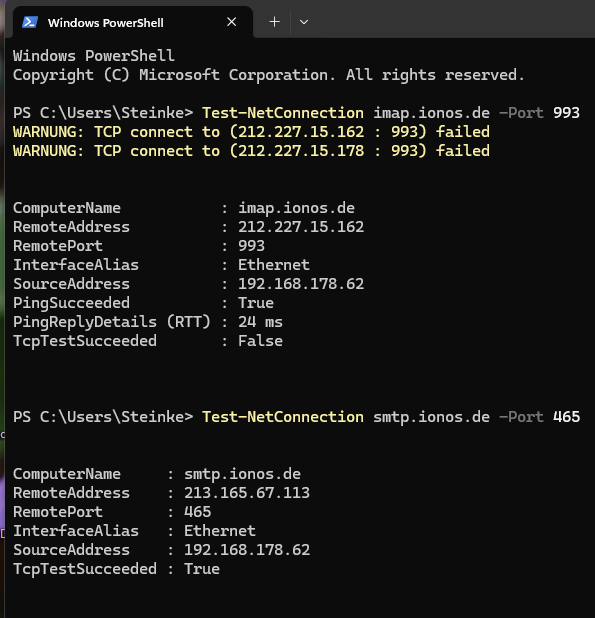
Zeitüberschreitung bei IMAP-Serververbindung, SMTP-Serververbindung funktioniert tadellos
Zeitüberschreitung bei IMAP-Serververbindung, SMTP-Serververbindung funktioniert tadellos
All Replies (4)
Posting a screenshot of the server setting pane may help so volunteers here can see what your settings are. thank you
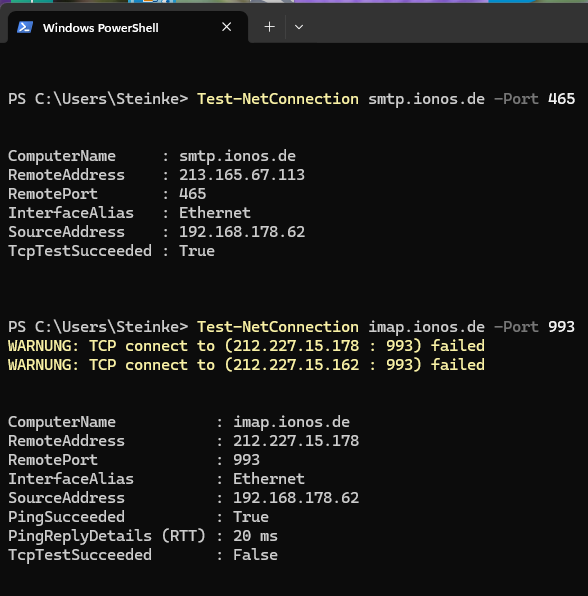
I've cut it into 2 sheets.

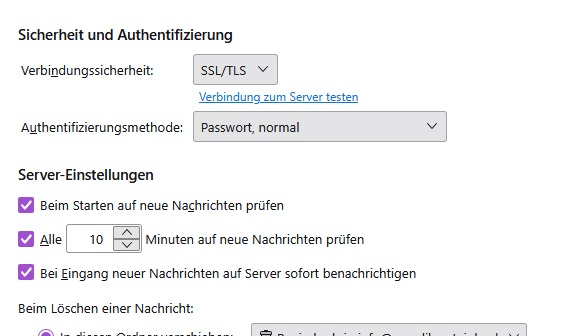
Your IMAP server settings are in the 'server settings' pane for the account. That is what we need for a volunteer here aware of your general account issues to respond. Also, you might also try this, on the assumption that the setting is correct:
- click to settings>general
- scroll to the bottom and, on the right, is 'config editor'. click that
- enter this: mailnews.tcptimeout
- I think you will see the default setting is 100. Change to 250 save and exit
- restart thunderbird and see if that works. Also, recheck config editor to be sure your change took.
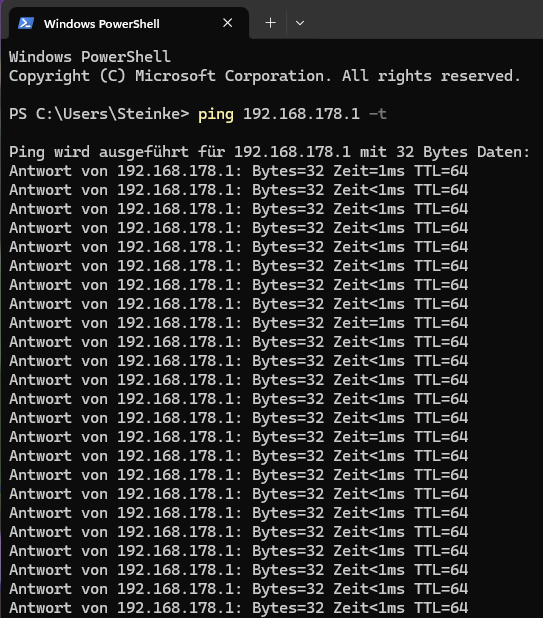
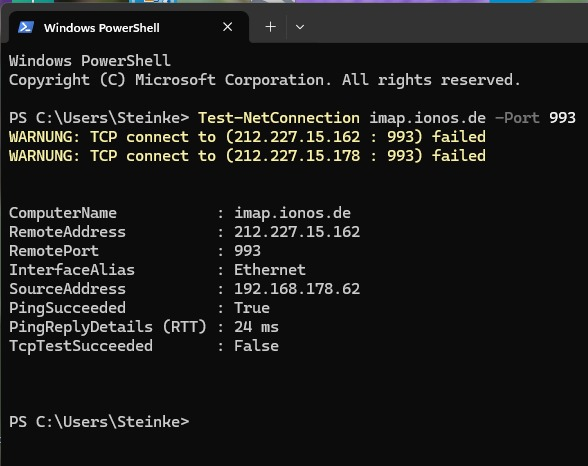
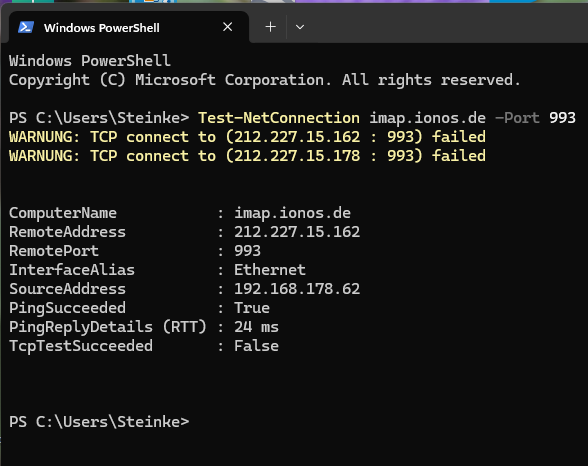
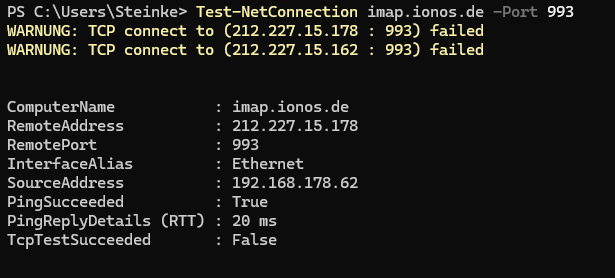
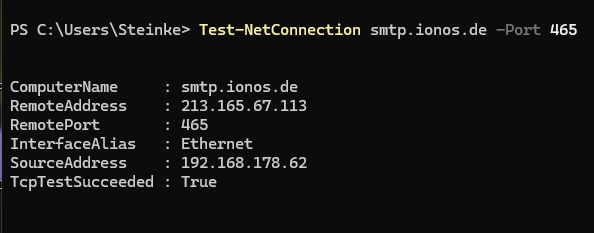
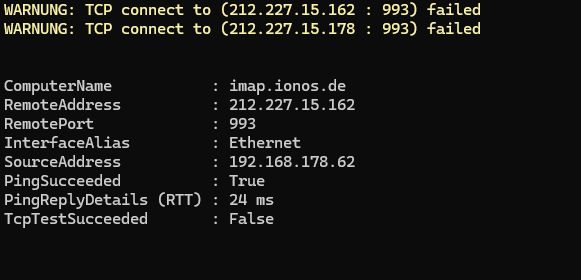
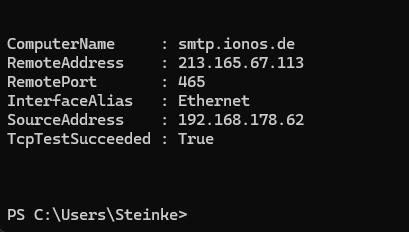
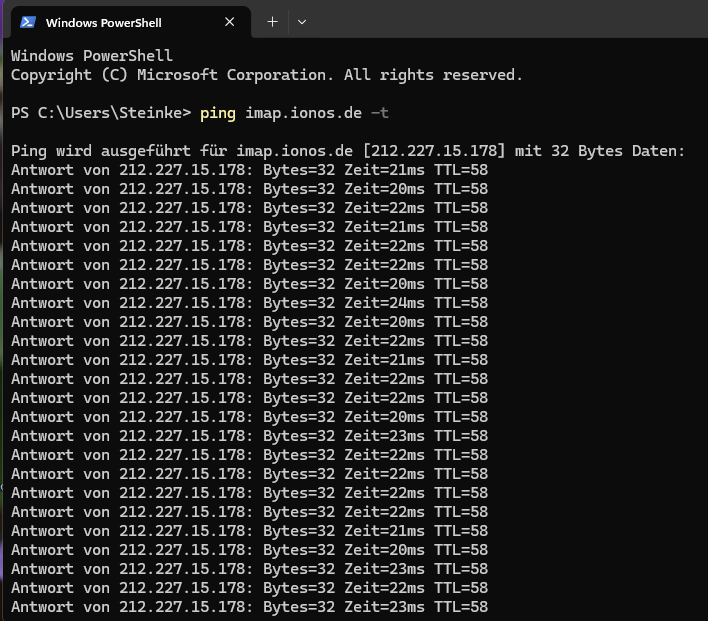
I changed the default setting to 300 and I rechecked it, but it won't work. The server imap.ionos.de shows several times, that it can't be reached. The ionos-server smtp.ionos.de is reached in a second. Only my ionos accounts have this problem. My Gmail-account runs very well.