Windows 10 reached EOS (end of support) on October 14, 2025. If you are on Windows 10, see this article.

Search Support

Avoid support scams. We will never ask you to call or text a phone number or share personal information. Please report suspicious activity using the “Report Abuse” option.

Learn More

drop down changed to translate selection to french. Has always been translate selection to english. How to change back?

  • 3 replies
  • 0 have this problem
  • Paskiausią atsakymą parašė Bill
  • Išspręsta

Dropdown menu changed to "Translate selection to French. Has always been "Translate selection to English". I use it all the time. I don't think I changed anything. How can I set it back to English? Tried this: "To change the translation selection back to English in Firefox, go to the Language section in the General panel of Firefox settings, select English from the dropdown menu, and restart Firefox. This will revert the translation settings to English." Didn't work. System language is English (CA).
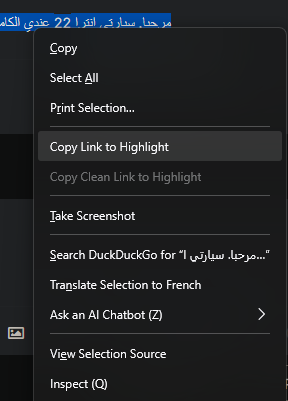
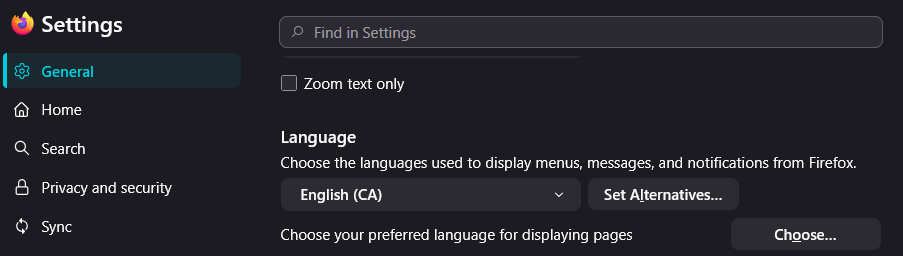
Dropdown menu changed to "Translate selection to French. Has always been "Translate selection to English". I use it all the time. I don't think I changed anything. How can I set it back to English? Tried this: "To change the translation selection back to English in Firefox, go to the Language section in the General panel of Firefox settings, select English from the dropdown menu, and restart Firefox. This will revert the translation settings to English." Didn't work. System language is English (CA).
Pridėtos ekrano nuotraukos

Chosen solution

Never mind, discovered the "Refresh Firefox" option. Restored dropdown option to "Translate Selection to English".

Skaityti atsakymą kartu su kontekstu 👍 0

All Replies (3)

Chosen Solution

Never mind, discovered the "Refresh Firefox" option. Restored dropdown option to "Translate Selection to English".

Hello

If that happened again.

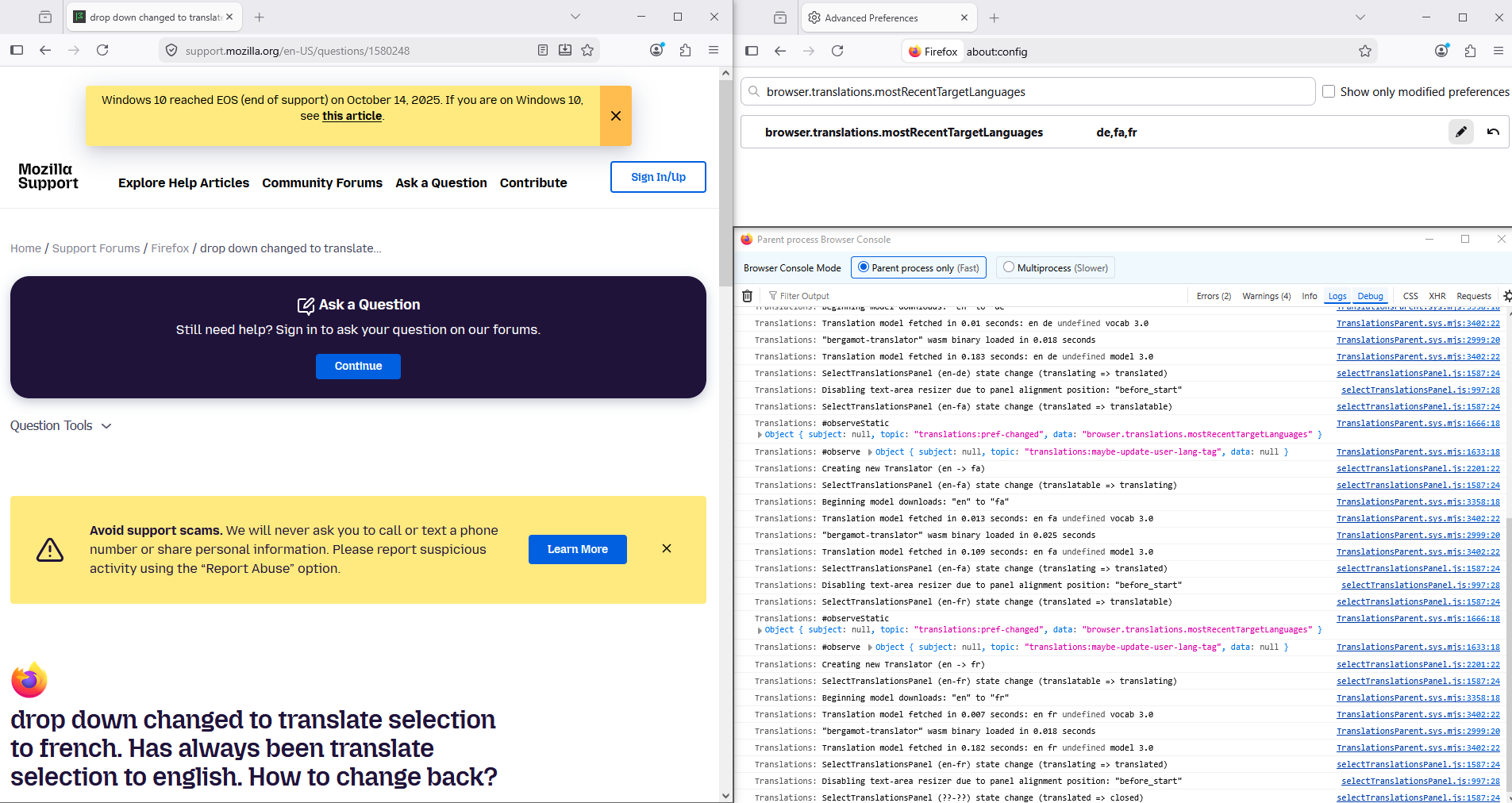
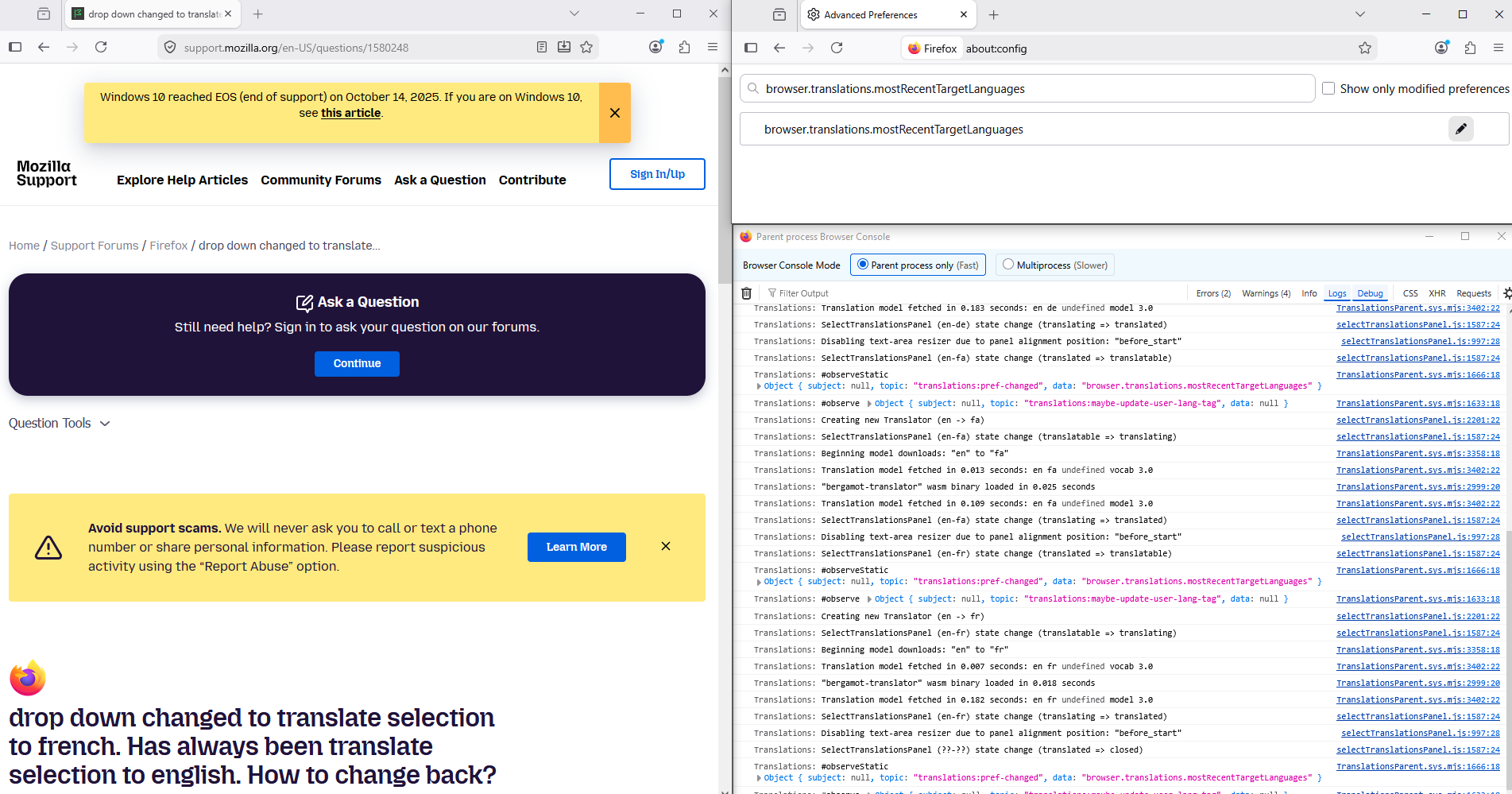
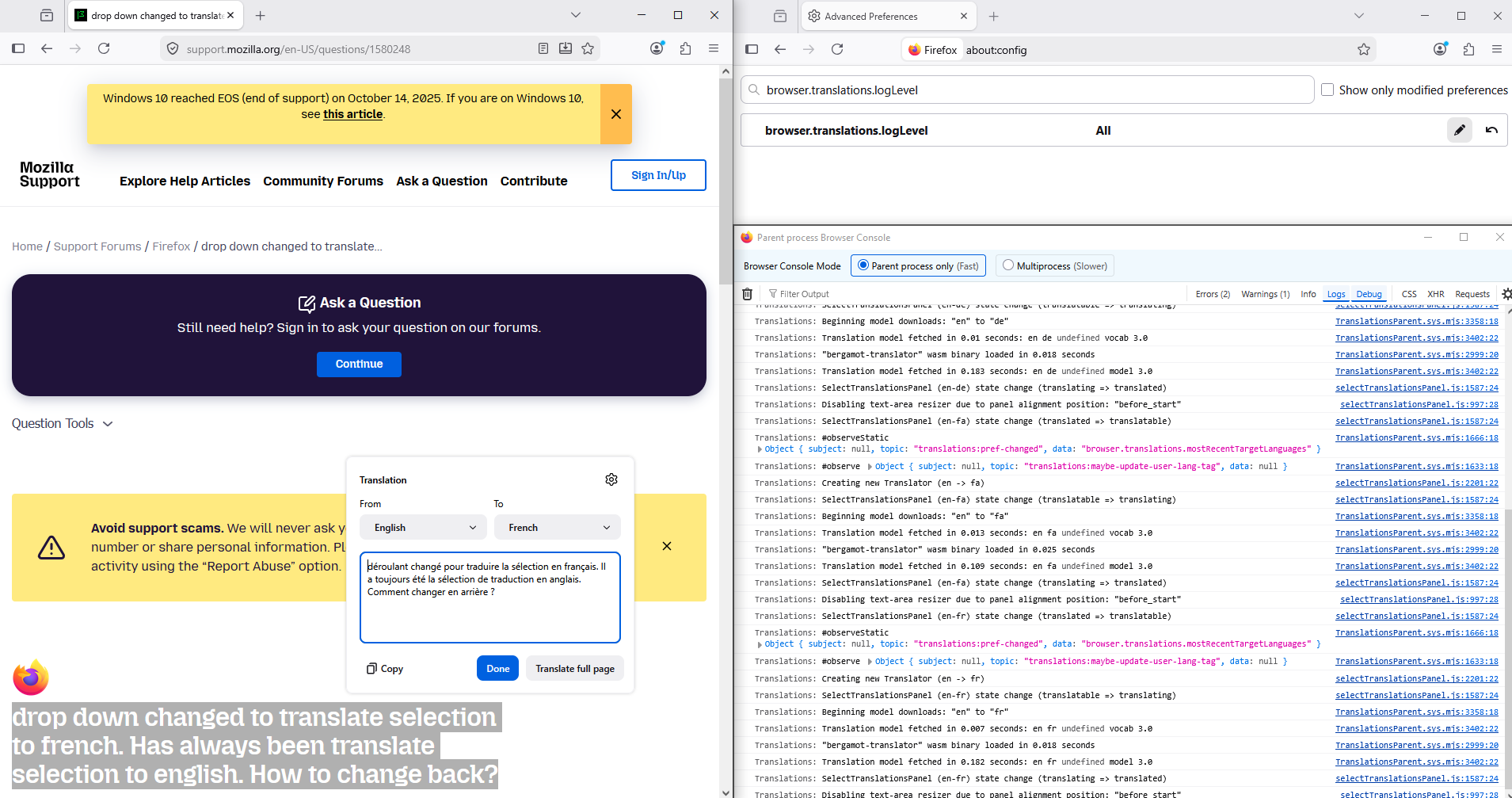
For illustration https://support.mozilla.org/en-US/questions/1535724 And, according to the translations log, for information purposes.

Maybe, you can try, reset the preference, about:config browser.translations.mostRecentTargetLanguages

Below, for illustration.
Thank you Agent virtuel. I will try that setting, if the issue returns.

Užduoti klausimą

You must log in to your account to reply to posts. Please start a new question, if you do not have an account yet.