


Firefox cannot access some websites while others work ok
I've been using Firefox for >15 years, and for the last 2 years in China on a Mac with a VPN. Firefox has stopped opening websites blocked in China, like Google, Facebook, and YouTube, even though they all open in Safari and Chrome. I even tried Brave and DuckDuckGo browsers and they all worked. So I tried everything fromcreating new profiles, clearing the cache and browsing history, and installing an old version of Firefox. It seems to know I am in China because new profiles and new versions like Nightly show Chinese websites on the default start page (even with VPN set to South Africa). Firefox Mobile on my Android phone works fine using the same VPN. It's just his damn desktop. I'm a fairly technical user, so I know what I'm doing.
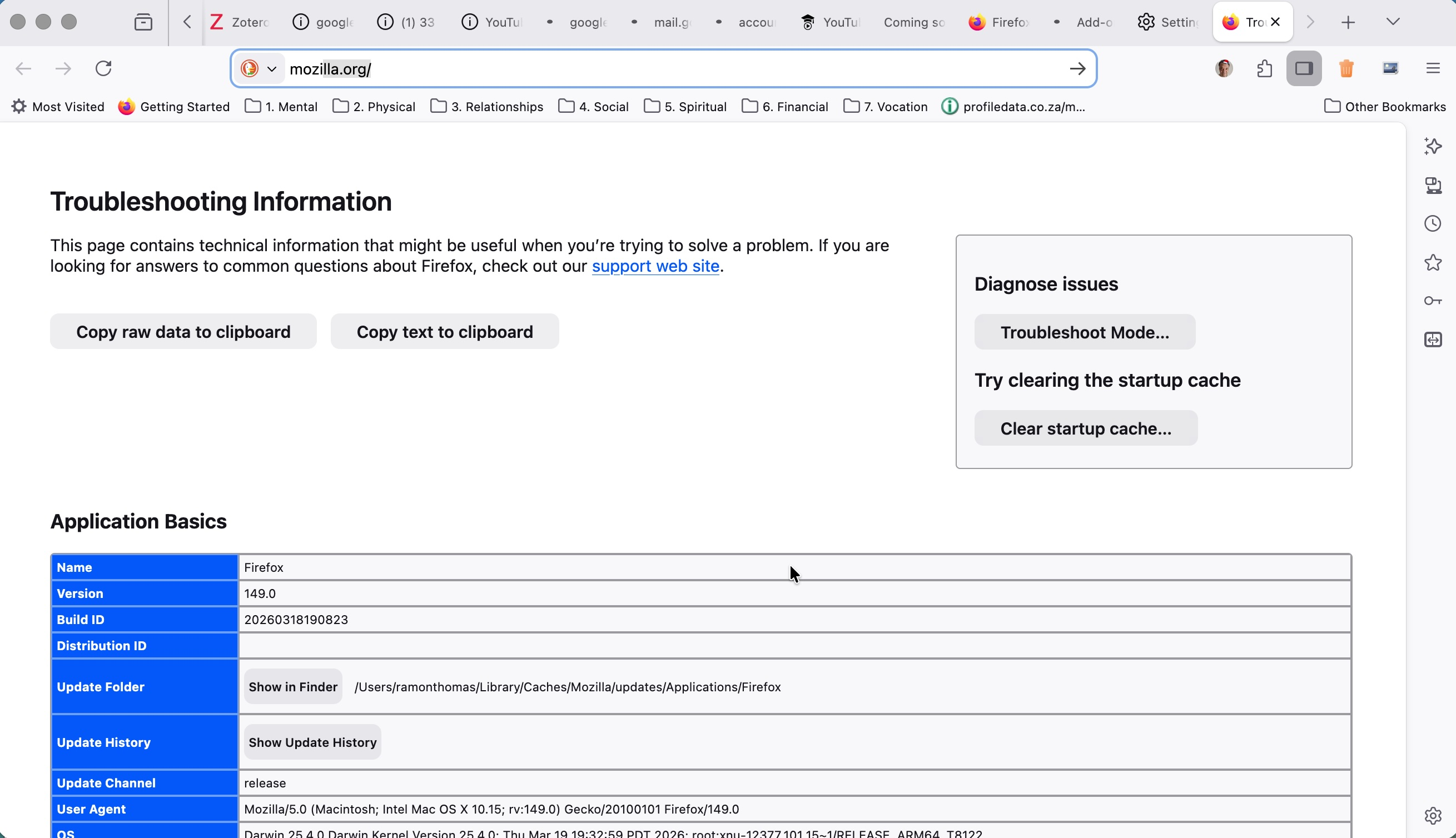
Also, on Firefox 149, there is no Refresh option in the screenshot attached.
All Replies (1)
Hello,
It is probably because the VPN isn't configured the best.
Here's a way to fix it :
- Make sure your VPN is set to use obfuscated servers to hide the traffic.
- Configure Firefox to use the VPN's DNS or set it to network.proxy.socks_remote_dns as true in about:config to prevent DNS requests from leaking outside the tunnel.
- Switch between protocols within the VPN app to bypass restrictions.
- Disable enhanced tracking protection for certain websites.
- If the Mac was bought in China, ensure system-level DNS settings are not interfering.
Note that some VPN's might not have these options.
Modified by dessertdish