


Enable cookies on iPhone 16 PLus

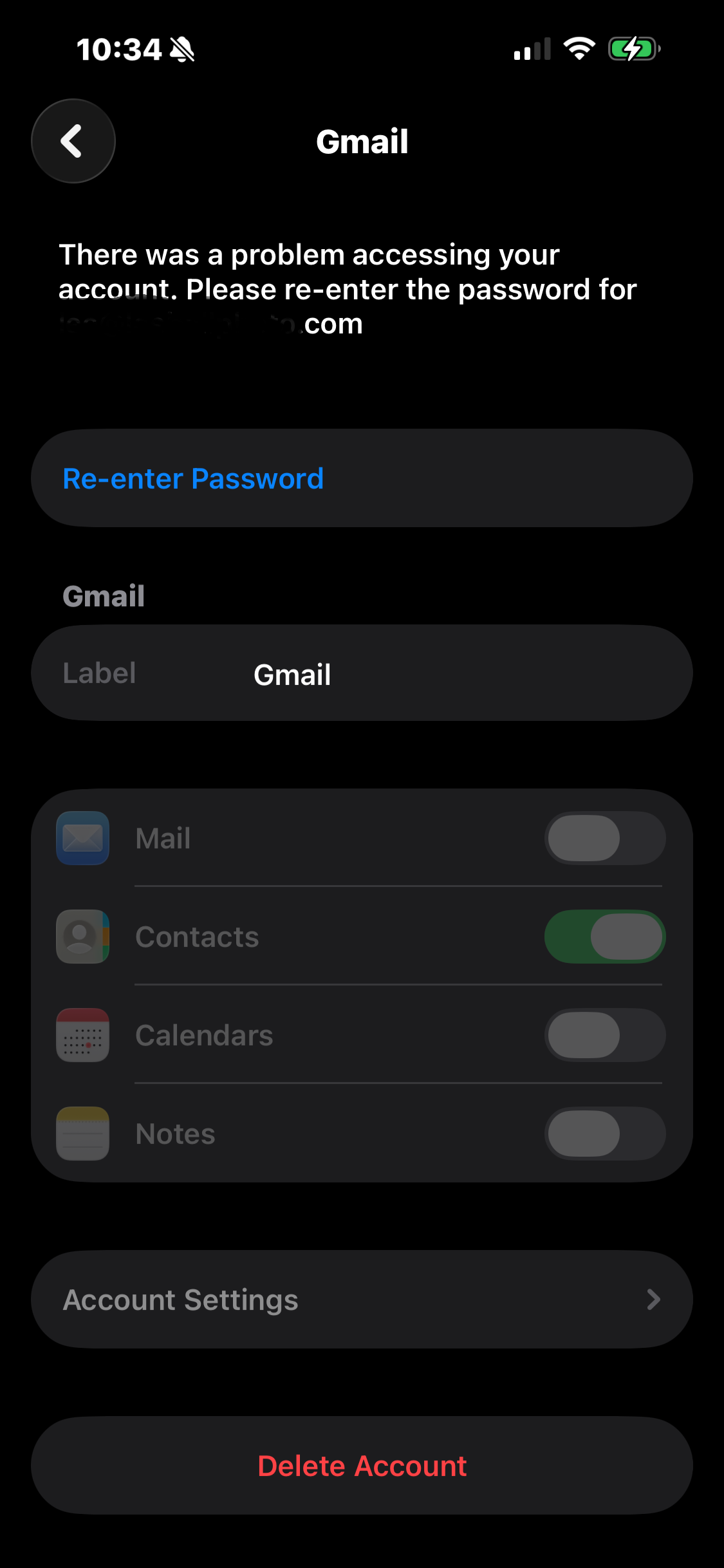
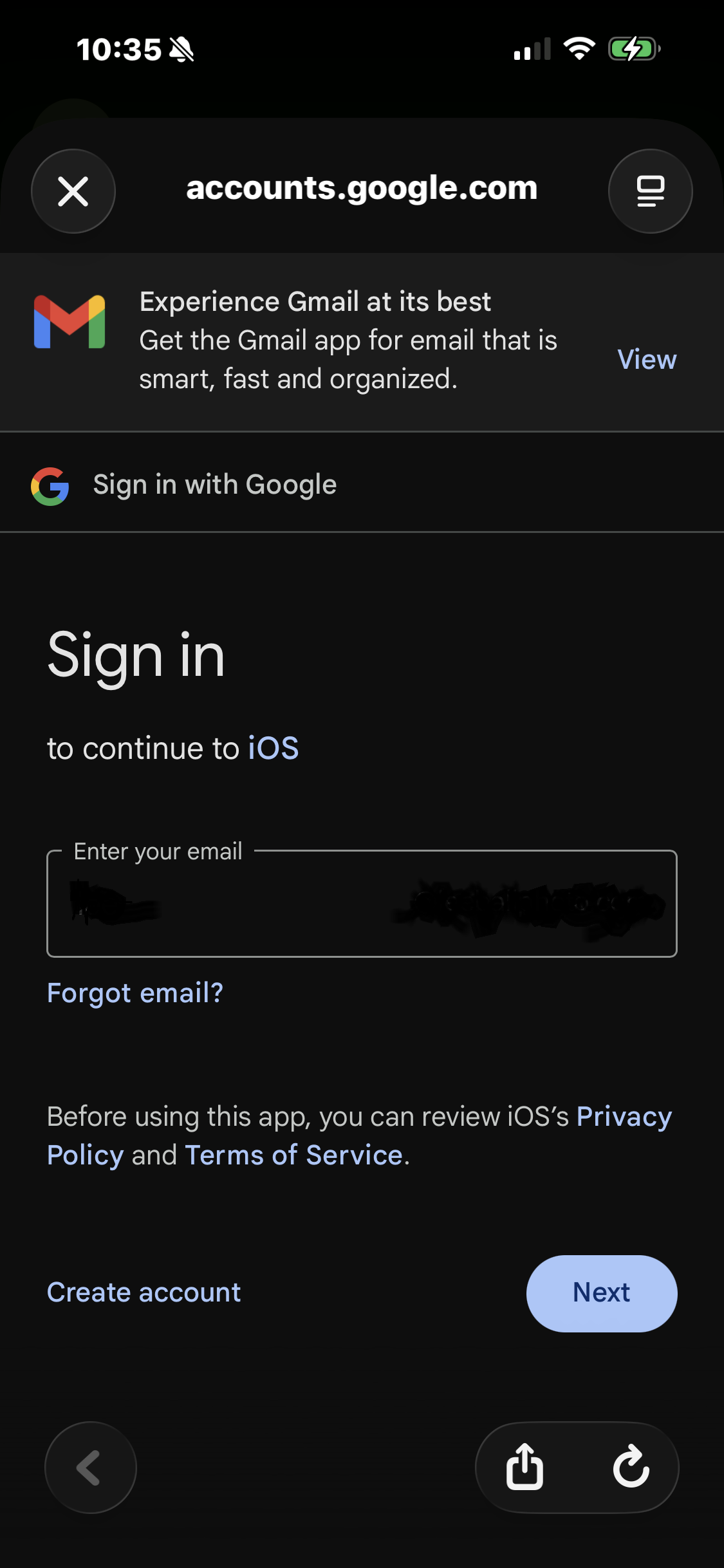
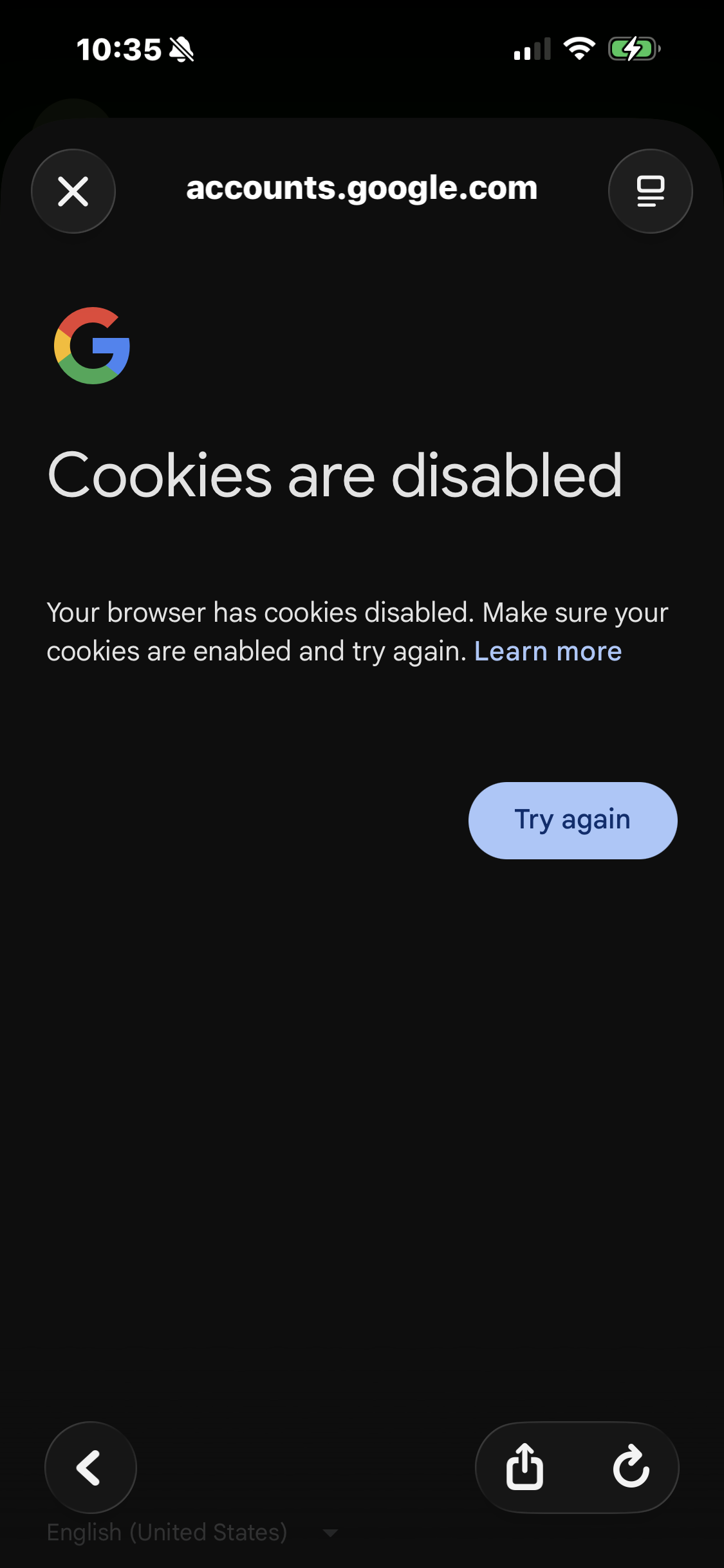
Mozilla Firefox browser is default browser on iPhone 16 Plus. Having issues syncing contact information with Google Gmail on PC desktop computer. Having issues signing in to Ticketmaster cellular telephone application. Keep receiving pop-up window which states problem accessing Google account because the browser (Mozilla Firefox) is blocking everything. Google states Mozilla Firefox cookies are disabled. What are the steps needed to disable Mozilla Firefox browser cookies to allow cookies to be utilized?
모든 댓글 (2)
Screen grabs left to right are the order of Google popups
선택된 해결법
This solution sent from Mozilla Support worked:
To enable cookies on your iPhone 16 Plus, just follow these simple steps:
Open the Settings app Scroll down and tap Safari Under the Privacy & Security section Turn OFF the option “Block All Cookies”
Once this is disabled, cookies will be enabled on your device, allowing websites to function properly and remember your preferences.
After enabling cookies, you can easily use Delta Roblox on iPhone iOS with the help of a secure and trusted site.