


where did "Delete Search History" go?

up until this latest version you could delete your search history with a simple right click. This option no longer exists and there is no easily found way to delete "Search History" where did it go? will it be returned? is Search History no longer delete able?
모든 댓글 (8)
Hi
Click the Menu > History and select Clear Recent History… Select how much history you want to clear.
Or you can press Ctrl+Shift+Del for immediate access.
More info Delete browsing, search and download history on Firefox
George, thanks for the reply Unfortunately, your response refers to "Browsing History" and not "Search History". "Search History", prior to Firefox version 149, was available in the Firefox Search field/box via a right click - this no longer exists.
글쓴이 blisme 수정일시
Hi sorry for that
Firefox added a three-dot menu (ellipsis) next to individual items in the dropdown list.
Click inside the Search Bar
Your recent searches will appear in a dropdown list.
Hover your mouse over the specific search term you want to delete.
A three-dot icon should appear on the right of that specific line.
Click those three dots and select Remove from history or to delete the highlighted item, press key Shift+Delete.

about:config --> browser.search.widget.new --> false

khazard said
about:config --> browser.search.widget.new --> false
That doesn't do it. @George Kitsoukakis reply above is the way.
Ed, thanks for the reply while @George Kitsoukakis ' reply may work individually (I've had no luck with it as the 3 little dots NEVER appear) the original/former version with a single right click and "erase all" option is far better and simpler why do in 2 or 3 clicks what a singular one did and in my humble "old" user opinion that it is that singular simple action that needs to be returned or at least a simple viable replacement thanks Bill
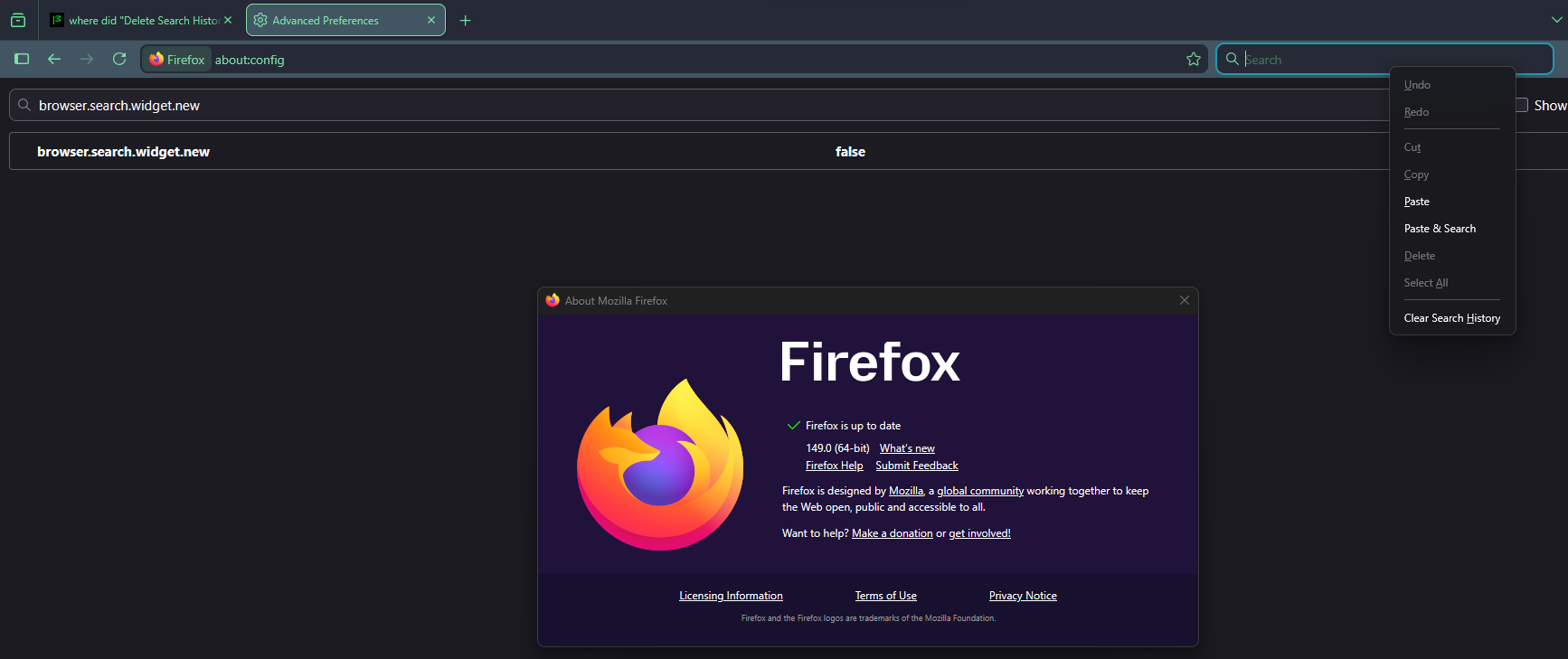
and with the advent of v154 the right click to delete SEARCH history is once again gone Firefox is seemingly telling us to do in 3,4,5 or more steps what we used to be able do in 1 in fact there is no longer a search box in the toolbar just the website box that you're forced to search from