


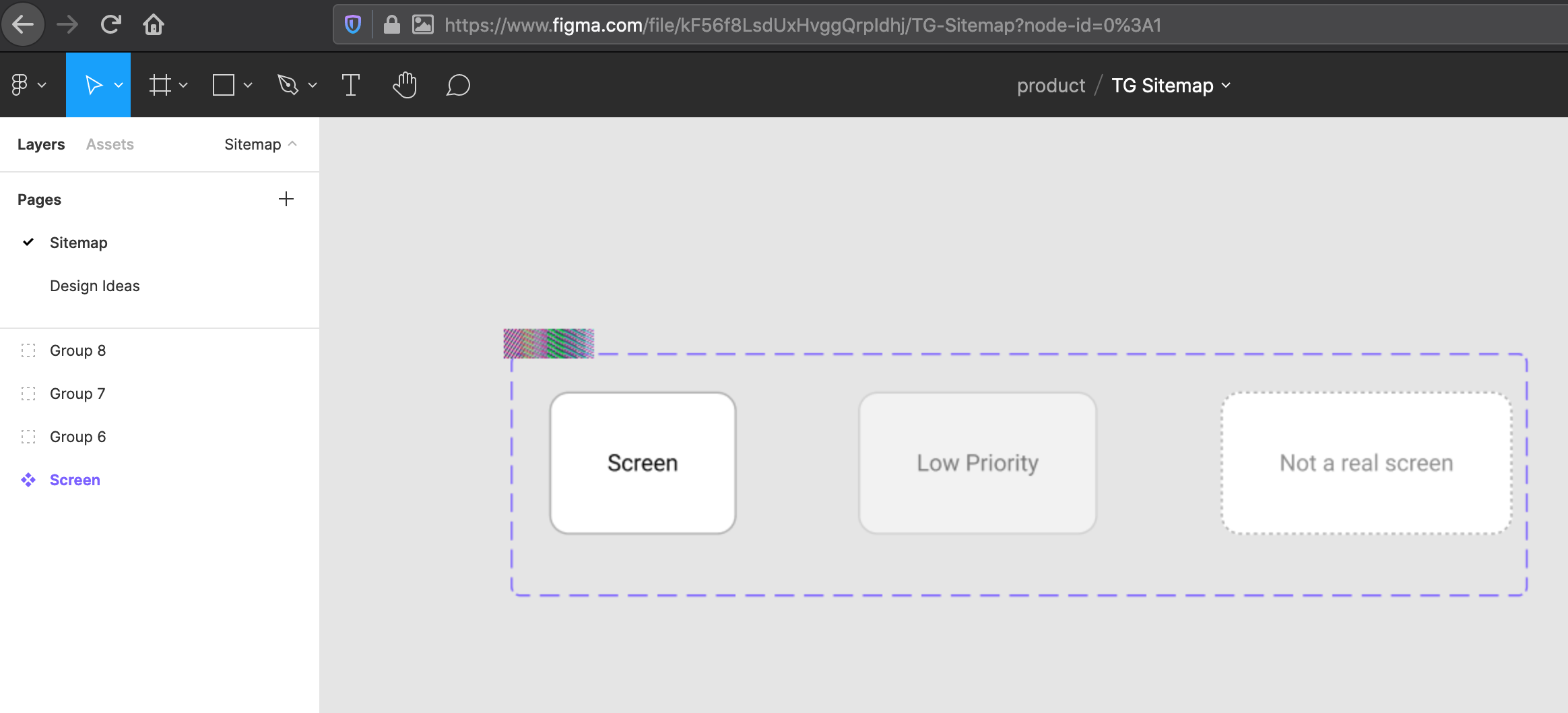
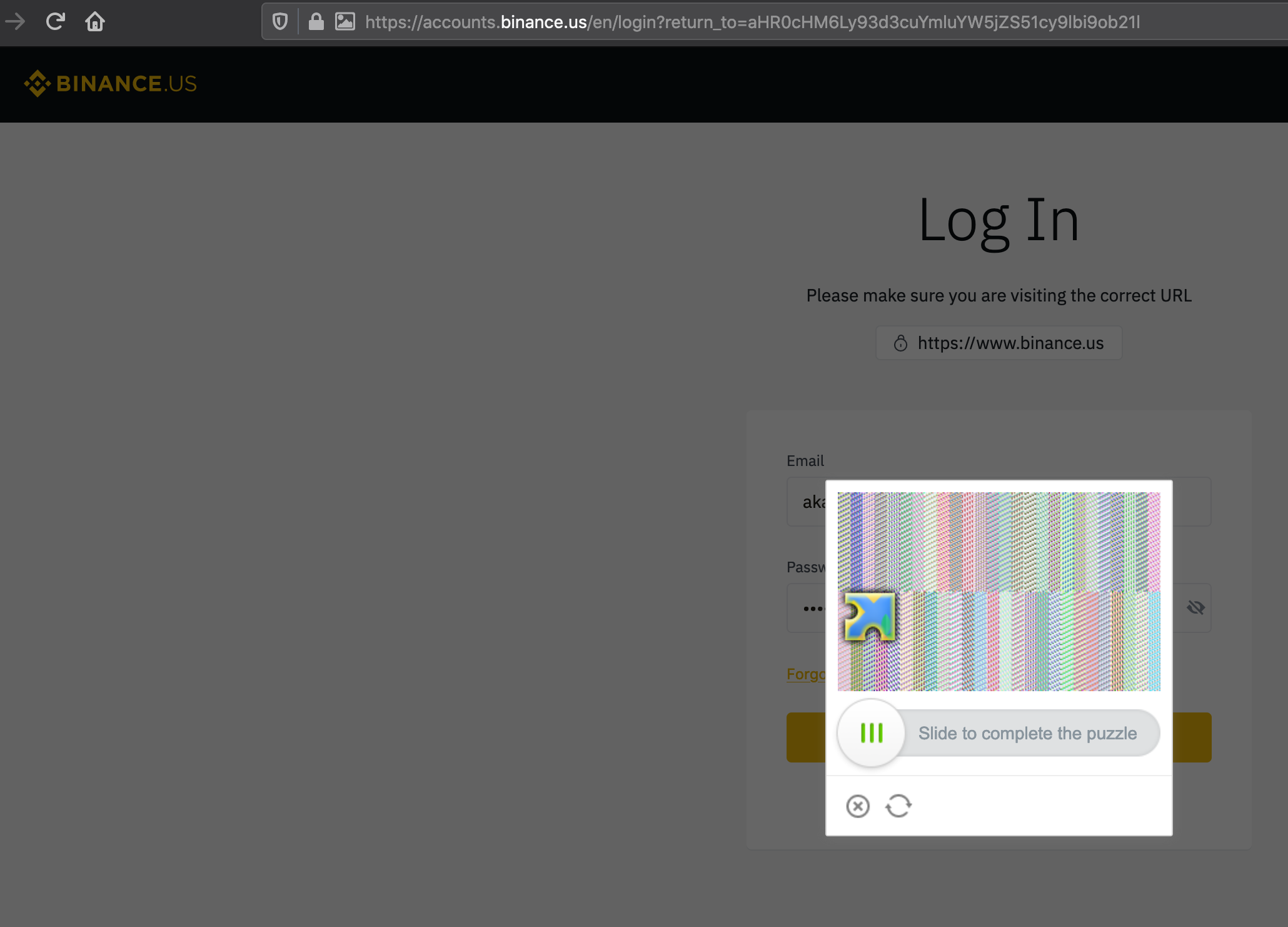
I get pixel texture on several images on different website

Its been happening for several months. I tried doing a refresh firefox and a safe mode firefox. Neither solved the issue. Screenshots attached. Mac OS 10.15.7 Catalina. Firefox 88
I thought my issue may be similar to: https://support.mozilla.org/en-US/questions/1308429
선택된 해결법
Did you install the "Plaid" extension? Just kidding.
I suspect this is a side effect of the canvas fuzzing feature enabled by the privacy.resistFingerprinting preference. In the address bar of your screenshots, next to the lock icon, there is an extra icon that looks like an image. Try clicking that icon and see whether it lets you give the site permission to extract a clean image from a canvas. Hopefully that will solve the problem without eliminating protection on other sites.
Success?
문맥에 따라 이 답변을 읽어주세요 👍 1모든 댓글 (7)

hello ak,
i dont have a mcApple nor the problem you are experiencing. However, i would suggest to tweek your graphics card by maximizing whatever settings it has and also disable the control of it by applications.
then inside the options in FF, try fiddling with the performance settings.
the above are just thoughts
btw: i would like to see if i can reproduce your issue. do you have a link for us or is the issue inside an account that only grants you access?
accounts.binance.us is one of the URLs. So if you can signup for a free account if you like. I did try disabling hardware acceleration as well - it did not resolve the issue. Happy to do a screenshare as well.
Thanks for the link and offer.
But i am not exactly enthusiastic with creating an account; at least not at this time. :-)
Have you tested this issue via another browser yet ?
Yes, on the same machine - with Safari = no issue. Same account/etc.
선택된 해결법
Did you install the "Plaid" extension? Just kidding.
I suspect this is a side effect of the canvas fuzzing feature enabled by the privacy.resistFingerprinting preference. In the address bar of your screenshots, next to the lock icon, there is an extra icon that looks like an image. Try clicking that icon and see whether it lets you give the site permission to extract a clean image from a canvas. Hopefully that will solve the problem without eliminating protection on other sites.
Success?
That solved it! Great eye. I never noticed that icon before.