


History doesn't sync between Firefox PC and Android

Hello, I have an issue with the history not being synced between my Android smartphone and my Windows PC/s.
History synchronizes just fine between my PCs (Win 10/11). Other sync functions between my phone and PC work just fine - checking the open tabs on another device, sending a tab to another device.
I am currently using 2 "sets" of Firefoxes on my devices with 2 different accounts, and the issue is present on both:
Set 1: Firefox - PC1 (Win10), PC2 (Win11), Phone (Motorola Edge 40 NEO) Set 2: Firefox Nightly - PC (Win11), Phone (Motorola Edge 40 NEO)
I already updated Firefox everywhere, logged out and in, cleared the cache & storage, restarted my phone etc.
All Replies (3)
I don't know if that is related, but I also use the Extended History addon, and in its configuration panel in the Devices tab it says "No synced devices found" as if I weren't logged it to my Mozilla account?
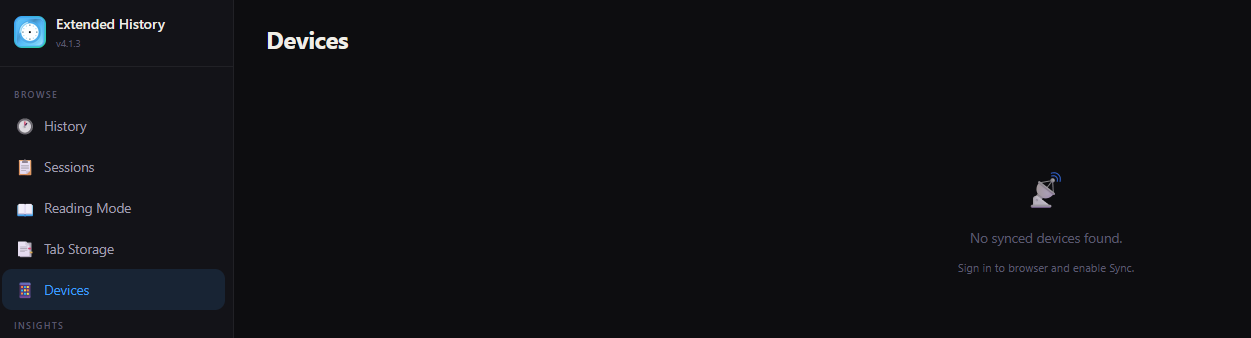
That screenshot is a useful clue. If Extended History is showing “No synced devices found,” I’d first check whether the add-on is seeing your Firefox Sync devices correctly rather than assuming the history sync itself is broken.
Since you’re using two separate Firefox account sets, I’d also double-check that the PC and Android device in question are signed into the same Mozilla account and that History is enabled under Sync on both devices.
If the devices are showing correctly in Firefox Sync but Extended History still reports no synced devices, it may be worth temporarily disabling that add-on and testing the normal Firefox history sync on its own. That could help narrow down whether the issue is with Sync or the extension.
Hello, some time has passed and I noticed that from time to the on my phone the history is being synced from my PCs, however I never saw any piece of the mobile history on my PCs. Incredibly weird.