


Windows 10 reached EOS (end of support) on October 14, 2025. If you are on Windows 10, see this article.

Search Support

Avoid support scams. We will never ask you to call or text a phone number or share personal information. Please report suspicious activity using the “Report Abuse” option.

Learn More

free vpn

  • 3 replies
  • 0 have this problem
  • Last reply by TyDraniu
  • Open

hello, i heard that firefox released a free vpn plan, i tried to access it via the toolbar but it asked me to install the app (pic 1), after i installed the app it asked me to select a plan but there isn't a free option (pic 2). the firefox vpn won't allow me to proceed unless i select a plan (pic 3). so how to i get access to the free plan?
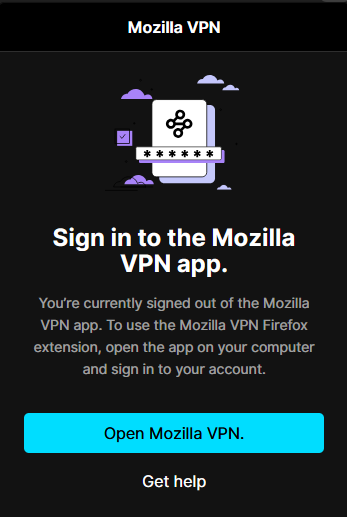
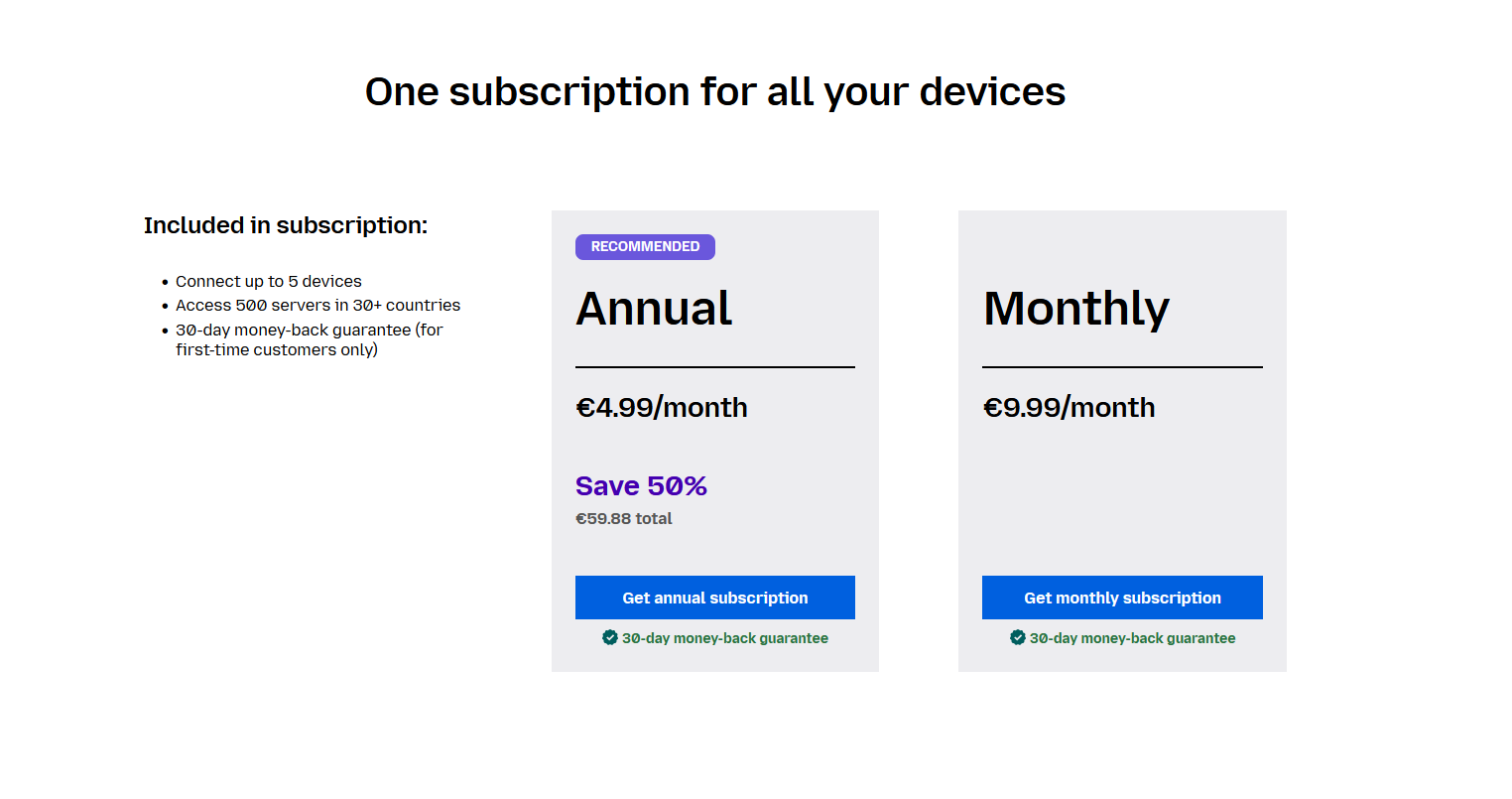
hello, i heard that firefox released a free vpn plan, i tried to access it via the toolbar but it asked me to install the app (pic 1), after i installed the app it asked me to select a plan but there isn't a free option (pic 2). the firefox vpn won't allow me to proceed unless i select a plan (pic 3). so how to i get access to the free plan?
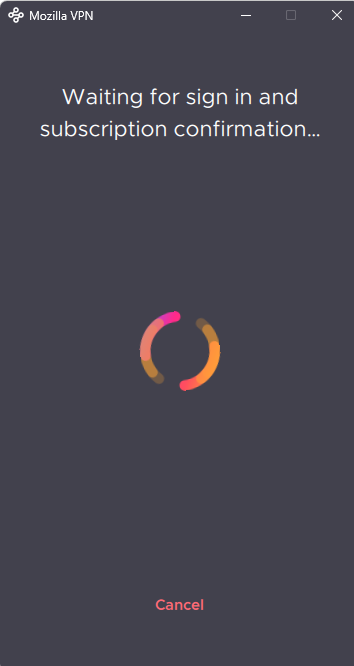
Attached screenshots

All Replies (3)

It is not a free plan of Mozilla VPN, it is a separate built-in VPN.

then how do i access the built in vpn?

The Firefox built-in VPN is offered in stages to users in the U.S., U.K., Germany and France and Canada starting in Firefox version 150. It may not be available to you yet, even if you’re in one of these locales, as the staged rollout takes time to reach everyone.

If the built-in VPN is available, you would see a VPN icon in the top-right corner of the toolbar, that opens a prompt to turn on the VPN. You would also need to sign in to a Mozilla account. For more information, see the Use built-in VPN in Firefox article.

Ask a question

You must log in to your account to reply to posts. Please start a new question, if you do not have an account yet.