


Solved
How do you clean up completed tasks?

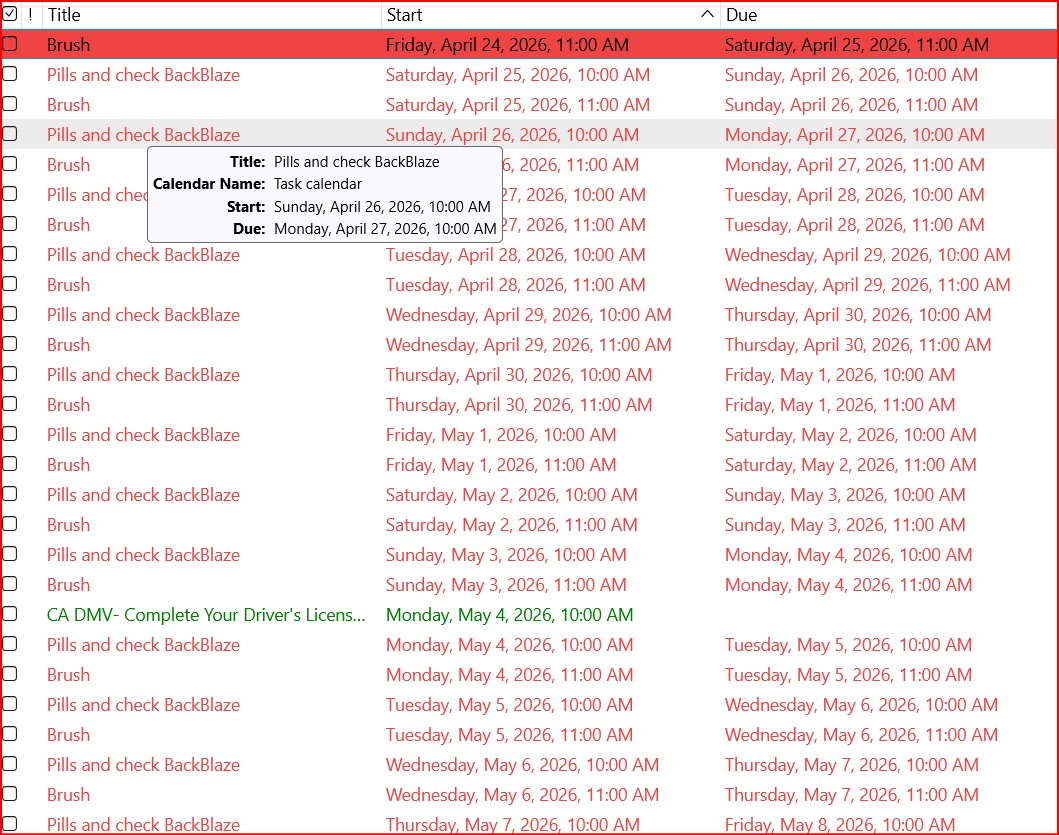
My Tasks tab shows hundreds of completed tasks. How do I remove them or delete them?
Do have to delete them one at a time?
My Tasks tab shows hundreds of completed tasks. How do I remove them or delete them?
Do have to delete them one at a time?
All Replies (2)

Chosen Solution
Select one or more tasks.
Right-click on the selection.
Choose "Mark Completed" or "Delete Task".
How simple! I'm sure I right-clicked before, and missed it. Thanks Lin