


can't backup my mozilla based browsers
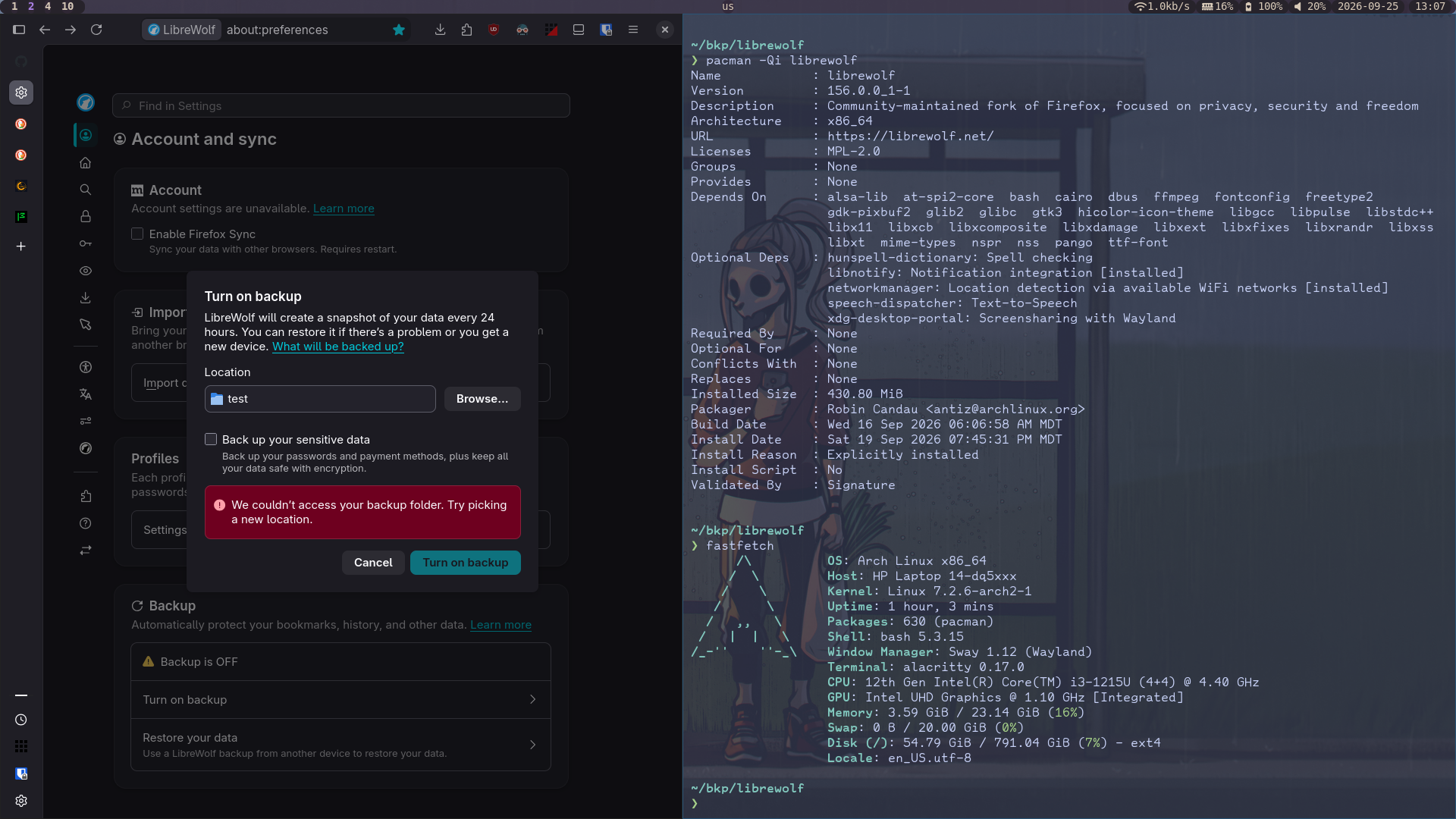
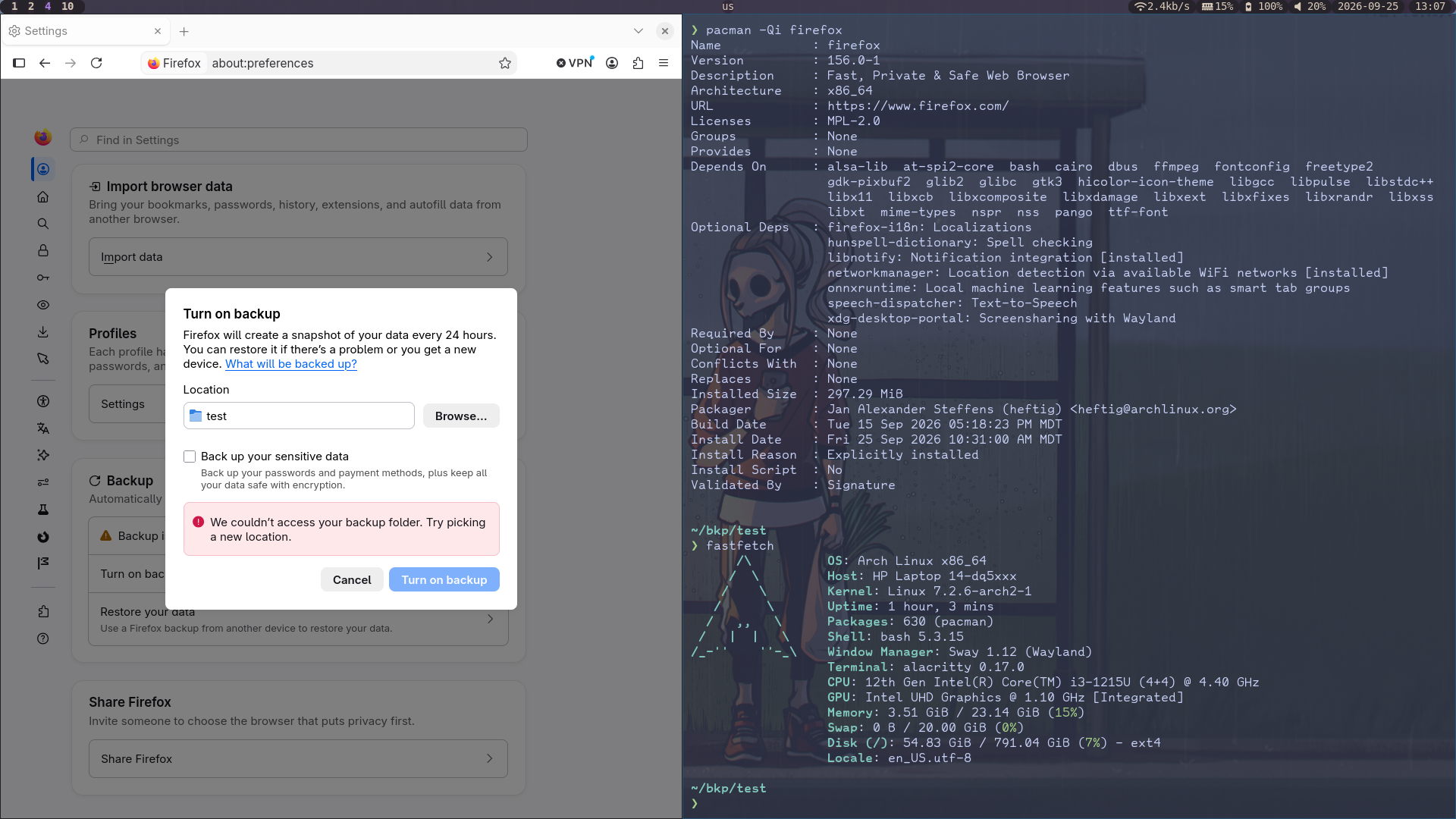
When I try to backup my browser by going to settings, accounts/sync, press "Turn on backup", select a file, then press "Turn on backup" it gives me the error "We couldn't access your backup folder. Try picking a new location". I've tried on both librewolf (my default browser) and default firefox. I've tried many different directories, including ~/bkp/librewolf, ~, ~/.config/librewolf/librewolf/ke7g2g68.default-default/sessionstore-backups, ~/.config/mozilla/firefox/67ggi7is.default-release-1790353084599 ~/.config/mozilla/firefox/97cgns5q.default-release, ~/.cache/mozilla/firefox/67ggi7is.default-release-1790353084599, etc. All of them give the same error. I've heard that I'm not supposed to run browsers with sudo privileges so I haven't done that. I've never intentionally backed up my files as far as I can remember, so I don't know if this is a recent thing or not, sorry.
system info: -firefox version: 156.0.1 -librewolf version: 156.0.0_1-1 -os: arch linux -kernel version: 7.2.6-arch2-1 -WM: sway 1.12 (Wayland)
All Replies (2)
Have you tried to use your user directory? I'm sure these dot directories wouldn't work.
I have tried my user directory, sorry it's kind of small and unnoticeable. I probably could've listed it somewhere better. Also my bkp directory isn't a dot directory so I don't think that's the problem. Probably. For the dot directories I was just hoping that if I used a folder I know that these programs can access that it would work.
Modified by Kaitlyn Allred