


sorting order of names in address book

how to sort order of names in address book entries - in a preferential order (not alphabetical)
All Replies (6)
Thunderbird provides several options from its menu on the addressbook pane: first/last, last/first, email address, ascending/descending.

The work around is to put a number in front of the Display name and then sort it by Name
Michel, thanks for your suggestion - that should have worked. Unfortunately, the display ignores the number sequence in sorting "Names". Allan

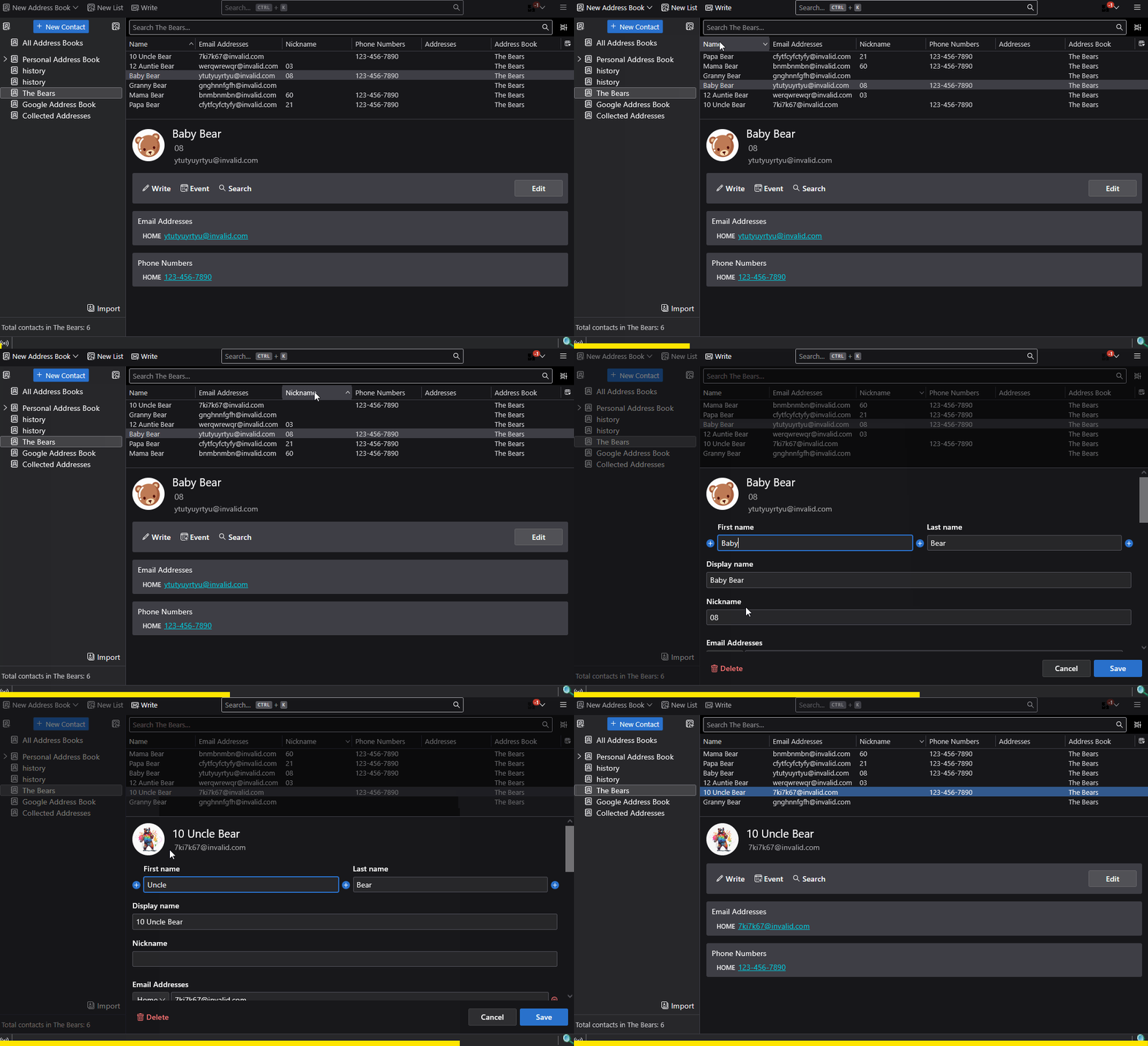
Put the number in front of the Display Name or in the Nickname field, and use Table Layout.
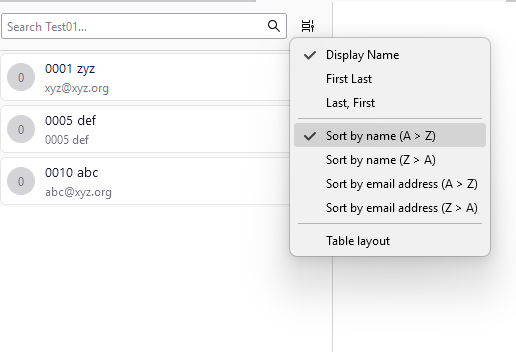
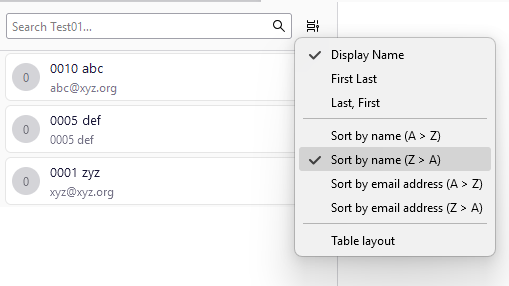
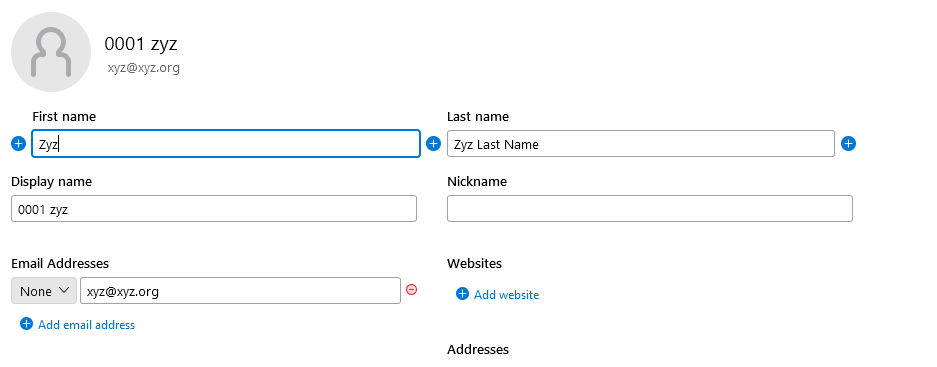
Here are screen shots of what I did as test.
1) sorted by Name A > Z 2) sorted by Name Z > A 3) sample of definition of 1 member of the list of the book address
Modified by Michel T
You aren't using Table Layout where you can choose the Display Name or Nickname columns to sort by. See the attached animation.
Modified by Lin