


Firefox Flatpak unable to load Google.com (infinite loading loop) on Pop!_OS

I am experiencing an issue where Google.com (other google domains work fine) will not load in Firefox, resulting in an infinite loading loop. Other browsers on the same system (Brave) work fine.
Here are the steps I have already tried:
Reinstalled Firefox completely
Removed Firefox via sudo apt remove --purge firefox -y
Cleared all user profiles and caches: ~/.mozilla/firefox, ~/.cache/mozilla, ~/.config/Mozilla
Reinstalled via Flatpak
Tested network connectivity outside Firefox
curl google.com works correctly
DNS resolution works via getent hosts google.com in the host system
Checked proxy settings
Ensured “No proxy” is selected in Firefox → did not resolve the issue
Tested in Safe Mode (disabling extensions)
Problem persists, so not caused by extensions
Tried disabling IPv6 inside Firefox
network.dns.disableIPv6 set to true → no effect
Cleared DNS cache inside Firefox
about:networking#dns → clicked “Clear DNS Cache” → no effect
Disabled DNS-over-HTTPS (Secure DNS)
about:preferences#privacy → “Use secure DNS” → disabled → no effect
Disabled HTTP/3 (QUIC)
network.http.http3.enabled set to false → no effect
Verified Flatpak network permissions
flatpak info --show-permissions org.mozilla.firefox shows network access allowed
Inside the Flatpak shell:
flatpak run --command=sh org.mozilla.firefox getent hosts google.com
→ returns only IPv6 address: 2800:3f0:4001:839::200e google.com
Chosen solution
Interesting that your dns cannot find google of all sites. ;-)) I looked at your open steps to troubleshoot, but didn't see anything about changing dns. Have you tried changing DNS just to test? Any entries in your pc host file?
Read this answer in context 👍 1All Replies (7)
What happens when you try your OS via a live usb stick? Have you tried Firefox from Mozilla? https://www.mozilla.org/en-US/firefox/all/desktop-release/linux64/en-US/ See what happens when on a different network like your phone hotspot. Google owns mozilla so you know it's not a browser issue. https://sitereport.netcraft.com/?url=http://mozilla.org
Modified by jonzn4SUSE
jonzn4SUSE said
What happens when you try your OS via a live usb stick? Have you tried Firefox from Mozilla? https://www.mozilla.org/en-US/firefox/all/desktop-release/linux64/en-US/ See what happens when on a different network like your phone hotspot. You know google owns mozilla so you know it's not a browser issue. https://sitereport.netcraft.com/?url=http://mozilla.org
Yes, i tried the .deb official version, same problem. Others browser or systems(mobile/firefox) works fine just on my main PC that doesnt work.
Star said
Firefox Flatpak unable to load Google.com (infinite loading loop)
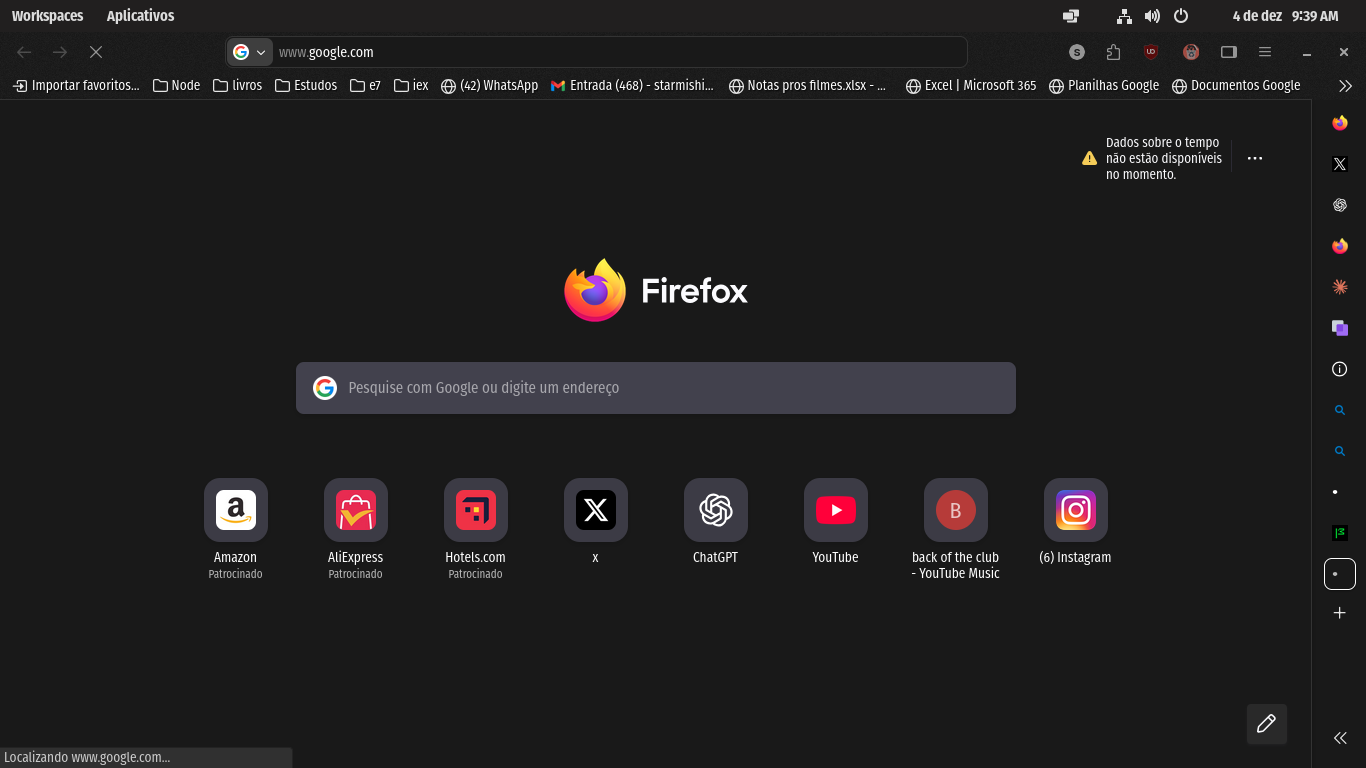
What is it waiting for? Post a screenshot of what's showing in the bottom left corner of the browser. see screenshot
jonzn4SUSE said
Star said
Firefox Flatpak unable to load Google.com (infinite loading loop)What is it waiting for? Post a screenshot of what's showing in the bottom left corner of the browser. see screenshot
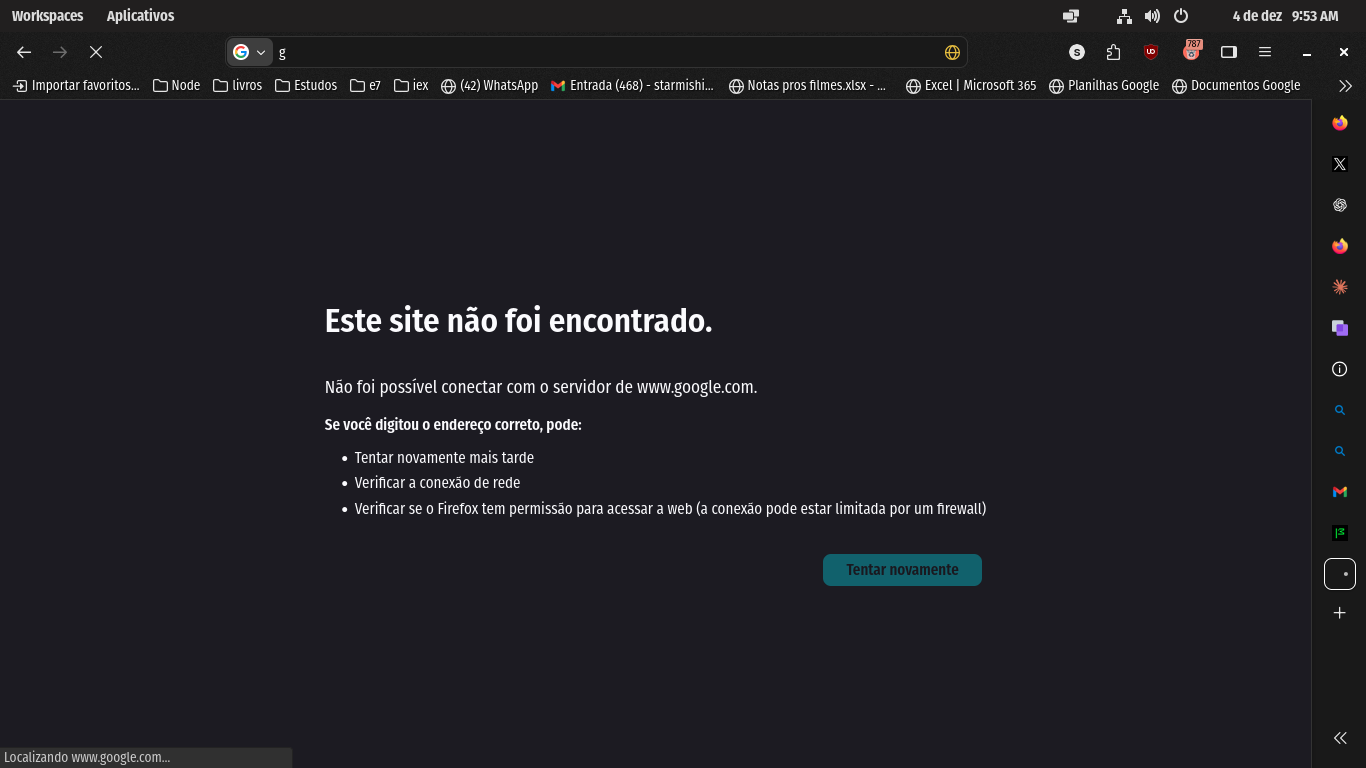
Im Brazilian. It says: 'Locating www.google.com'.
After a while, it says: 'Site cannot be found... Wasnt possible to connect with www.google.com servers '
Chosen Solution
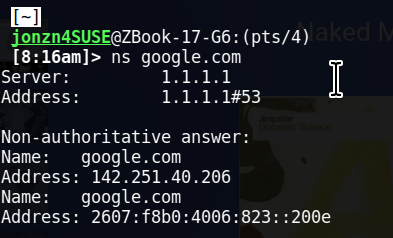
Interesting that your dns cannot find google of all sites. ;-)) I looked at your open steps to troubleshoot, but didn't see anything about changing dns. Have you tried changing DNS just to test? Any entries in your pc host file?

Modified by jonzn4SUSE
jonzn4SUSE said
Interesting that your dns cannot find google of all sites. ;-)) I looked at your open steps to troubleshoot, but didn't see anything about changing dns. Have you tried changing DNS just to test? Any entries in your pc host file?
Lol. It was all skill issue. My DNS wasnt changing because i needed to restart my connection to changes have effect. TYSM Jonzn