

This thread was archived.
Please ask a new question if you need help.

Solved
Archived
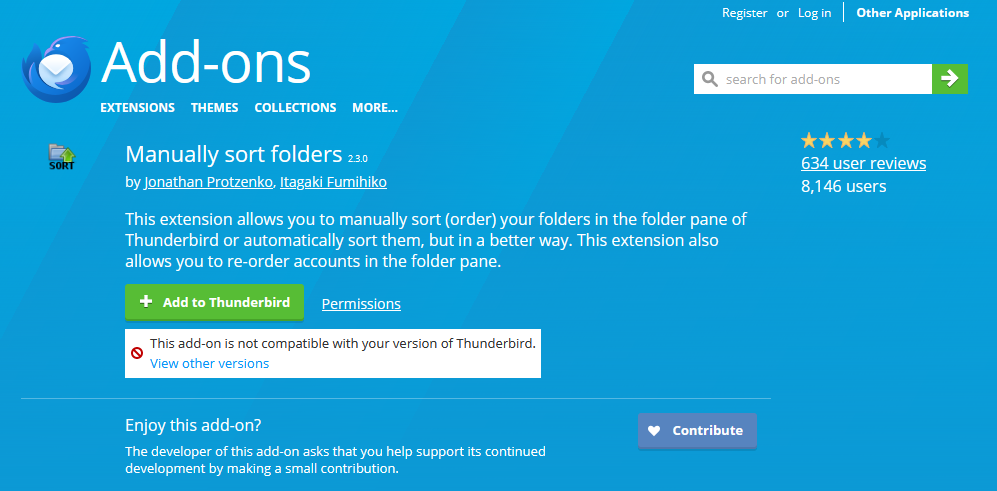
thunderbird 140.2.1 how to change folder order

How can I change the order of folders within an account? This latest version does not support the sort folders add-on.
How can I change the order of folders within an account? This latest version does not support the sort folders add-on.
All Replies (2)

Chosen Solution
You don't need that add-on any more, it's built-in now. Just drag and drop folders.

version 147.0.2 (64-bit) - Click the settings button at bottom left side. Click Account Settings at bottom left side. Select then drag the account name you want to reposition to your desired location in the list on the left side.