


Opting out from Targeted Cookies on Firefox

Kaiser has installed a 3rd Party cookie. "We may also place a persistent third-party cookie (provided by Google) on your hard drive if you sign on to kp.org."
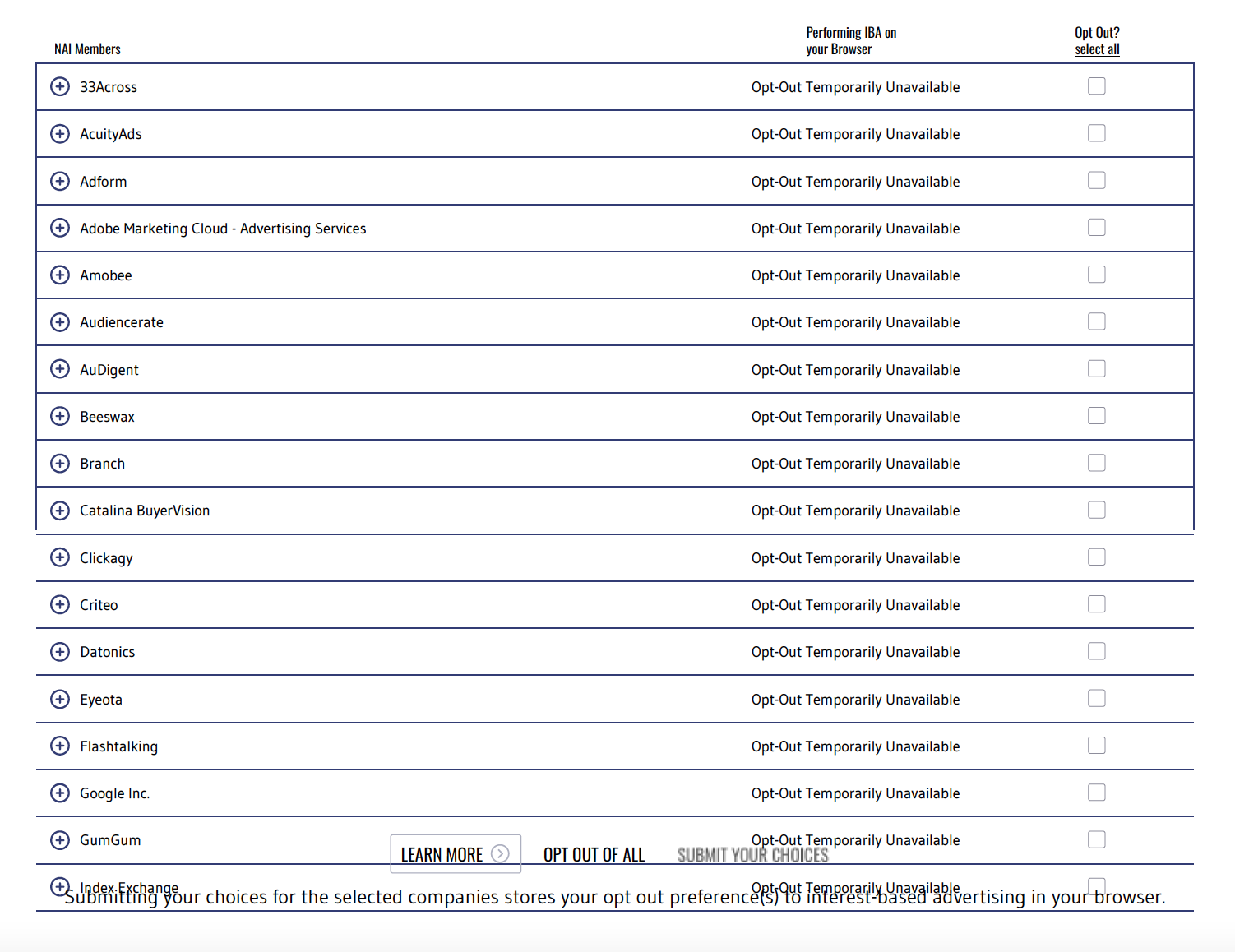
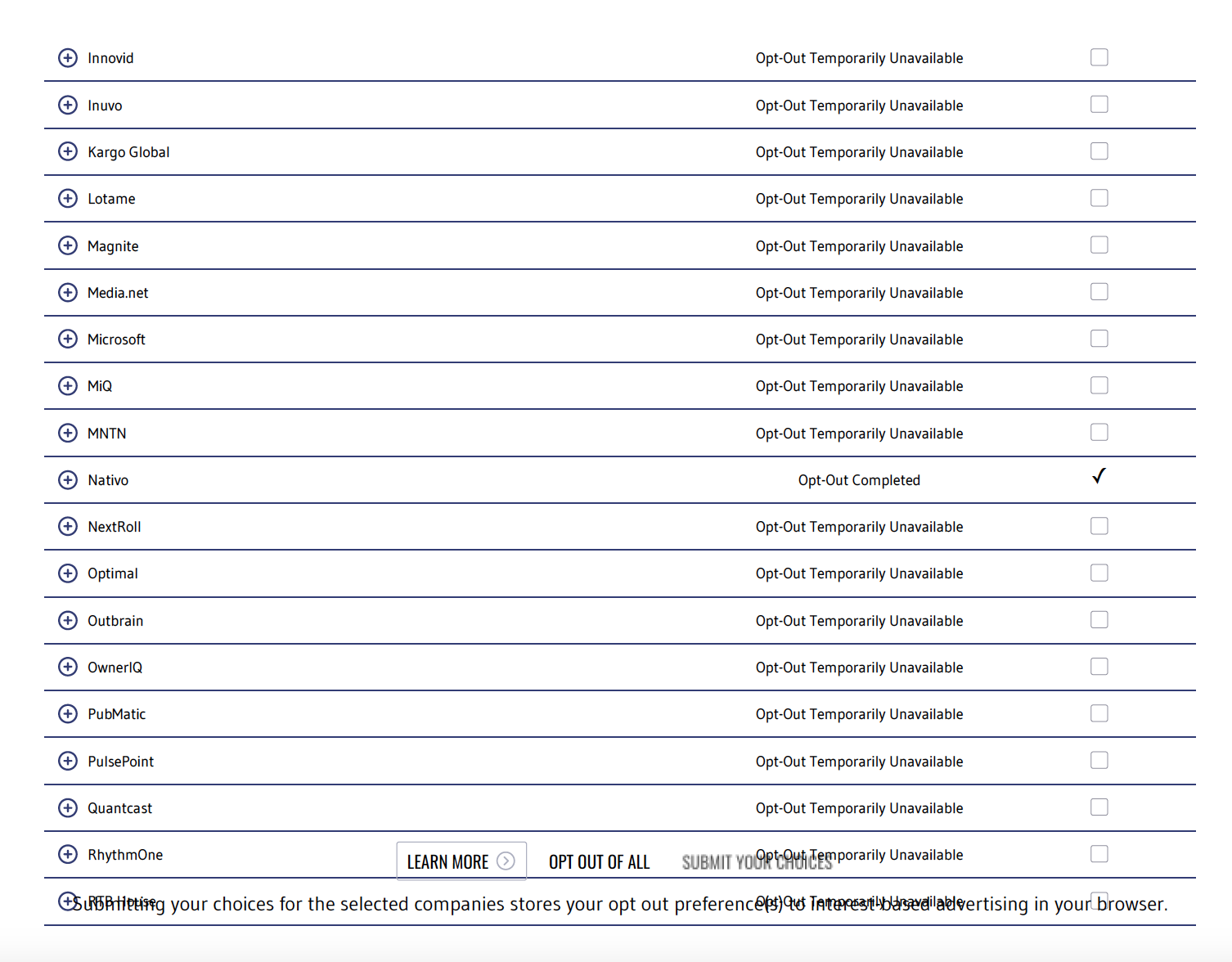
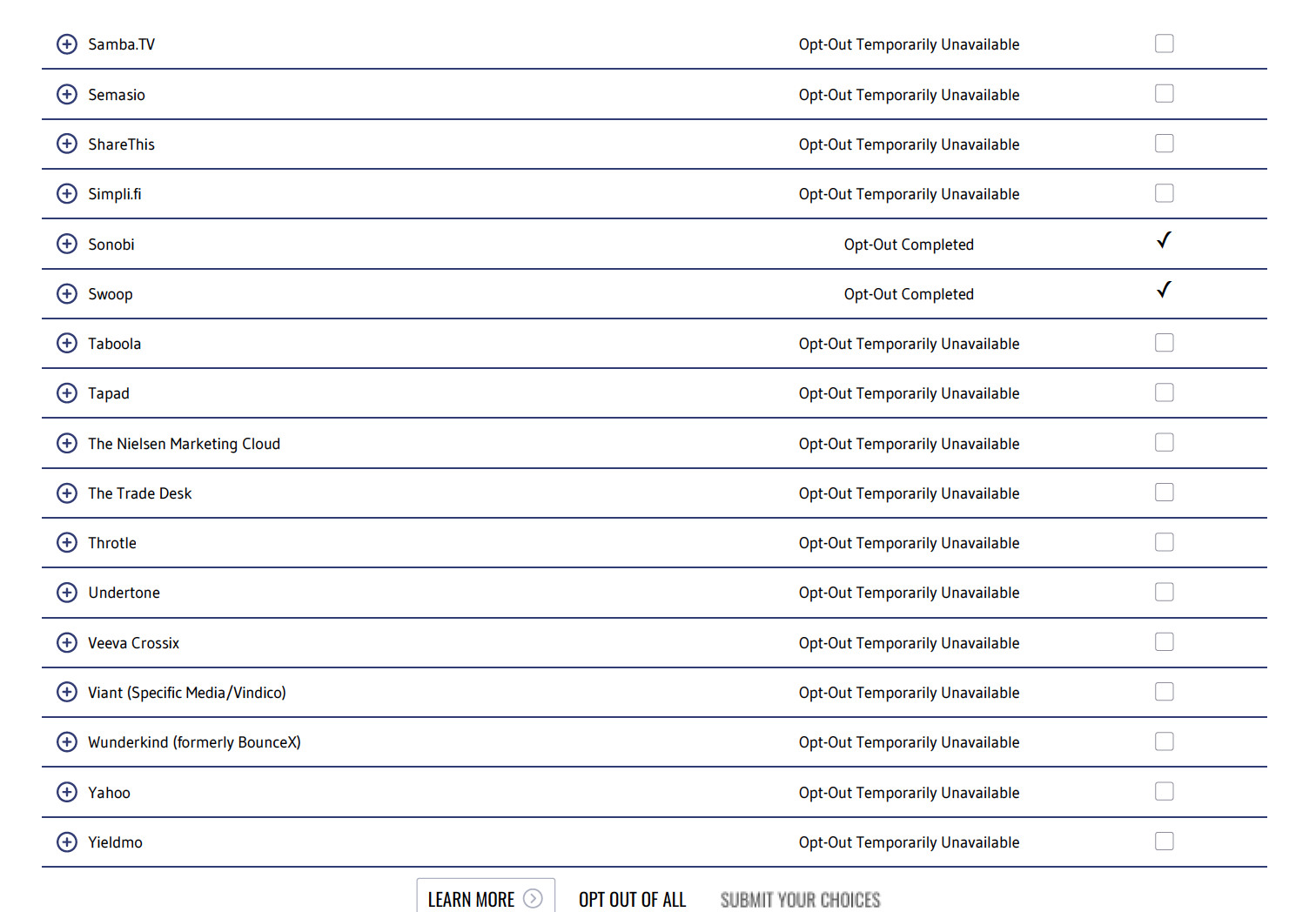
The way to opt out is to go on the following website and opt out. However, only 3 out of the 51 companies could opt out on Firefox. It claims that the browser setting is prevent it from opting out. https://optout.networkadvertising.org/?c=1
Kaiser has installed a 3rd Party cookie.
"We may also place a persistent third-party cookie (provided by Google) on your hard drive if you sign on to
kp.org."
The way to opt out is to go on the following website and opt out. However, only 3 out of the 51 companies could opt out on Firefox. It claims that the browser setting is prevent it from opting out.
https://optout.networkadvertising.org/?c=1

All Replies (1)
Hello,
Please see Third-party cookies and Firefox tracking protection for what third-party cookies are and how to disable them.