


Hello ! I run TDB 128.6.1esr (64 bits) on a macbook pro 2019.

Hello ! I run TDB 128.6.1esr (64 bits) on a macbook pro 2019 OSX Monterey.
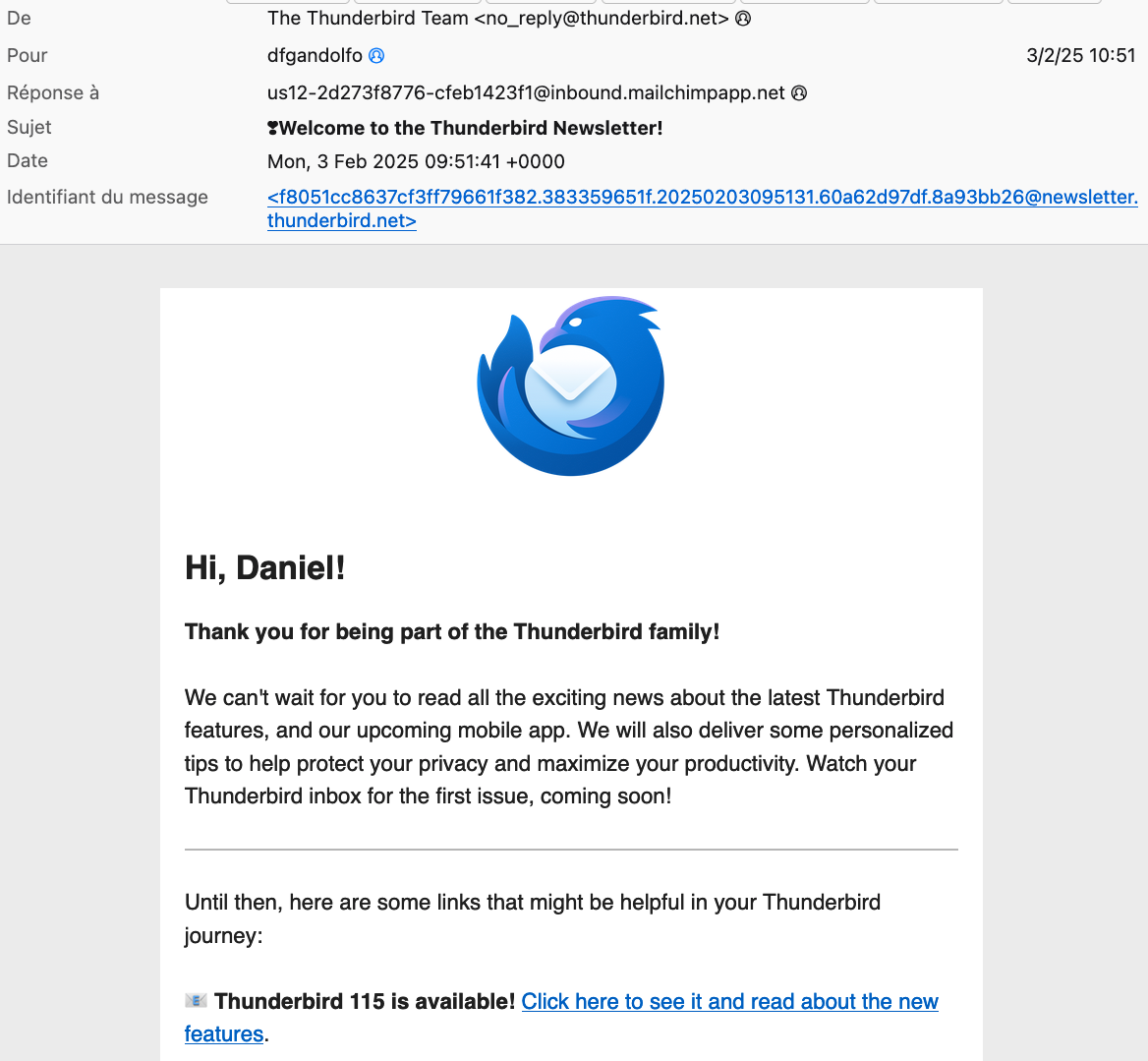
After registering, I just received a message saying: "Hi, Daniel! Thank you for being part of the Thunderbird family!".
It also says : "Thunderbird 115 is available! ".
Should I update to this version ? Is safer than the version TDB 128.6.1esr I'm using ?
Sorry if my question is trivial...
All the best, Daniel
All Replies (4)
128.6.1esr is currently the best version to be running.
I don't know why or how you would have gotten such a message. Please post a screen shot of the message with mail headers.
Thanks a lot for your reply!
I got this info after registering for TDB newsletter (see below).
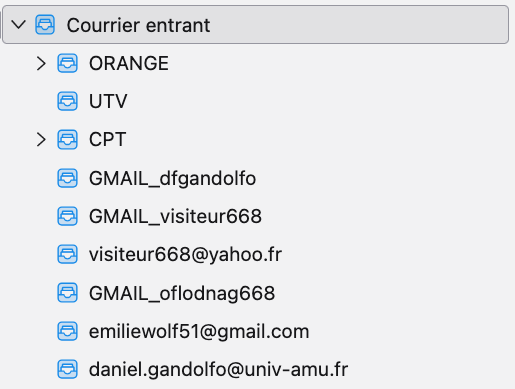
By the way, I have many troubles with some of my mail Folders in the "unified folder" of TDB (see picture). Several mails I receive from these mail boxes don't appear in the "unified folder". What can I do to fix it ? I didn't find help for this.
Have a nice day. All the best, Daniel
Thanks for pointing out the newsletter issue. I have passed this on to the appropriate group.
Daniel Gandolfo said
By the way, I have many troubles with some of my mail Folders in the "unified folder" of TDB (see picture). Several mails I receive from these mail boxes don't appear in the "unified folder". What can I do to fix it ? I didn't find help for this.
For best support, please post a separate topic for this, and each different issue you may have.
FWIW, the version 128 article is at https://www.thunderbird.net/en-US/thunderbird/128.0/whatsnew/