


Problems showing sprites/images correctly

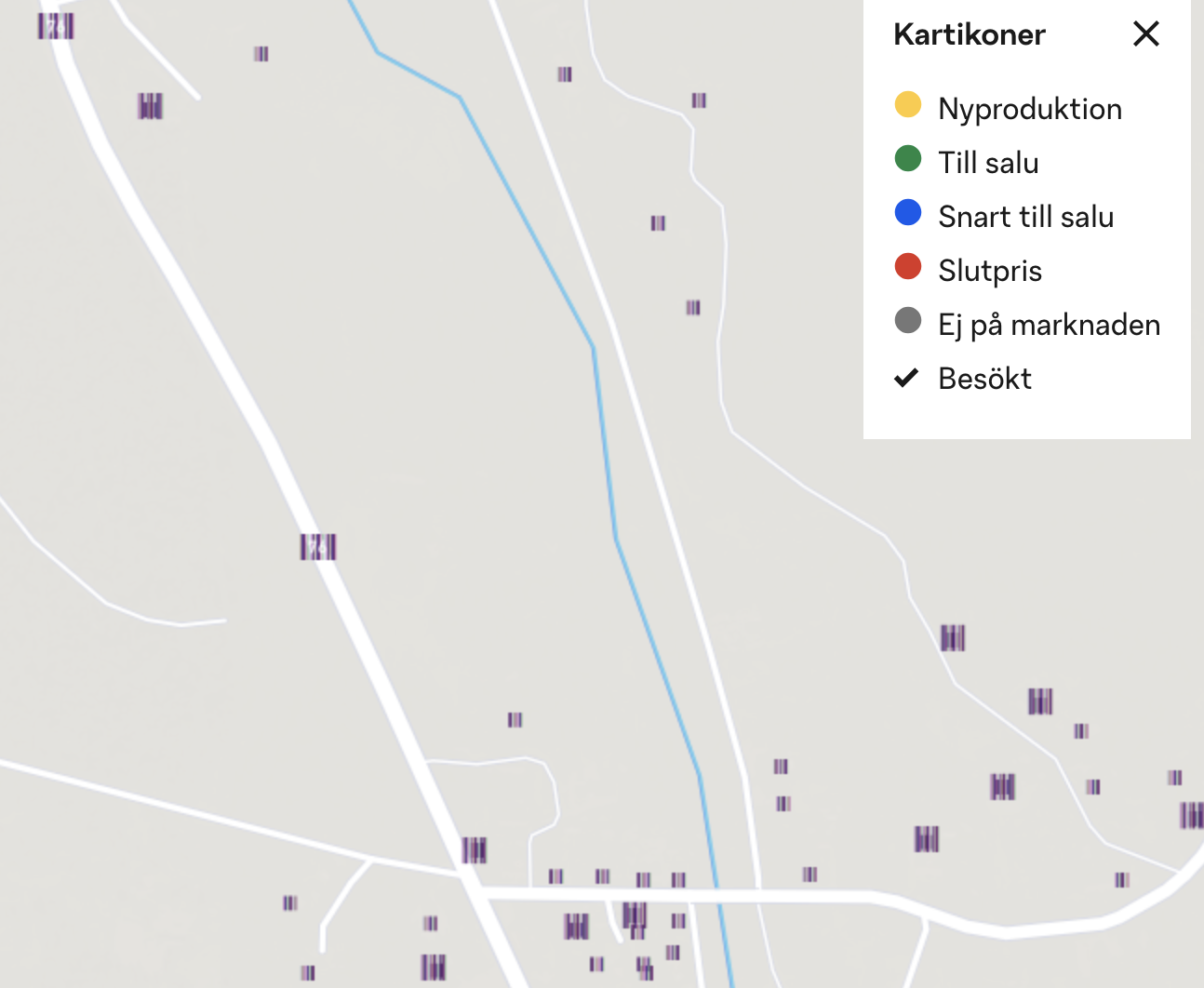
I have had this issue for a long time so in multiple versions of firefox where images of different types don't load correctly and are replaced with a garbled tv-test image type.
On the attached image you can see an example where dots on the map wont show correctly. Can this be some sort of privacy setting I have enabled withot knowing? I have reset firefox but still get the issue.
Chosen solution
Do you have enabled "Resist Fingerprinting" if you check "Resist Fingerprinting" on the about:config page?
- about:config => privacy.resistFingerprinting
All Replies (6)
Chosen Solution
Do you have enabled "Resist Fingerprinting" if you check "Resist Fingerprinting" on the about:config page?
- about:config => privacy.resistFingerprinting
cor-el said
Do you have enabled "Resist Fingerprinting" if you check "Resist Fingerprinting" on the about:config page?
- about:config => privacy.resistFingerprinting
That was it! Thank you. Seems as the resist fingerprinting removes a bit to many images.
This is a problem with content drawn on canvas.
You can also try this to see if that works:
- about:config => privacy.resistFingerprinting.autoDeclineNoUserInputCanvasPrompts
- https://support.mozilla.org/en-US/kb/about-config-editor-firefox
Should privacy.resistFingerprinting.autoDeclineNoUserInputCanvasPrompts to true or fale? (it's set to true)
I assume that it should be false to make Firefox prompt for allowing access.
That don't seem to help. I'll keep privacy.resistFingerprinting off.
Thanks for your help.