


Screenshot not working with particular Amazon page, OK with others

Weird issue. Trying to screenshot an Amazon page but image does not download. Try copy image and I can paste it into MSPaint.
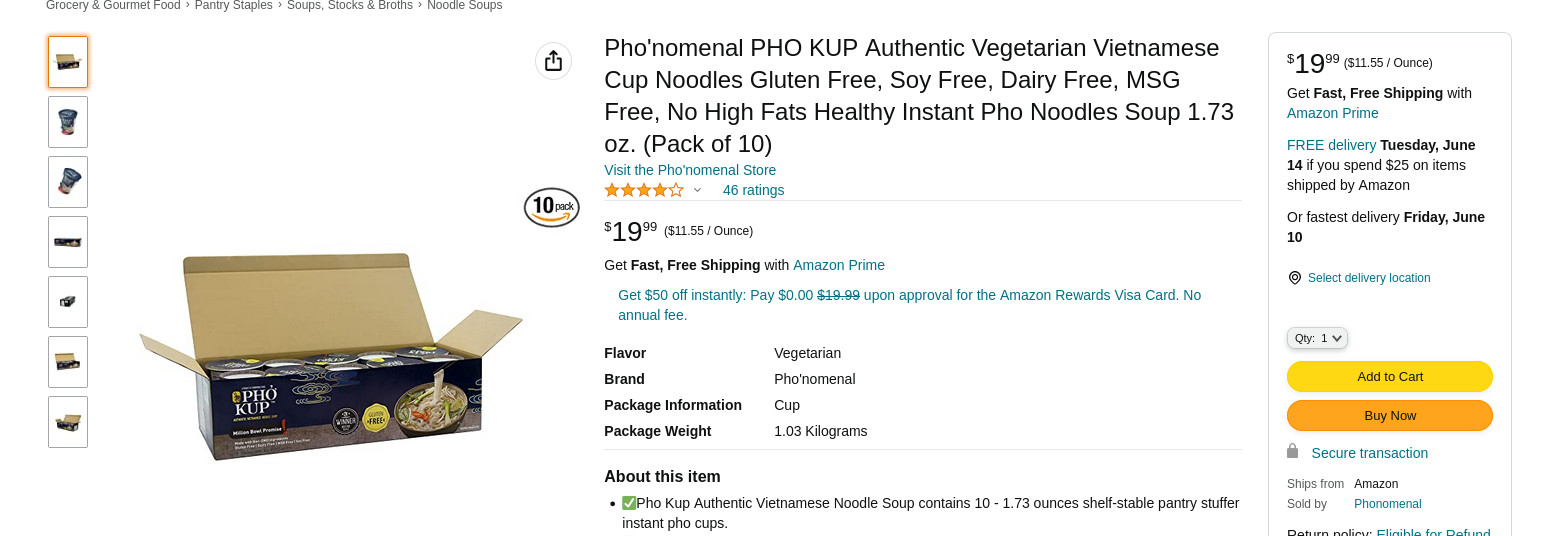
Screenshot image download works for other Amazon pages and other sites like noaa.gov, and places image in downloads folder as expected. Only Amazon for a specific product: https://www.amazon.com/Phonomenal-Authentic-Vegetarian-Vietnamese-Noodles/dp/B08Z5MK39L
Why just this product?
FF101.0 (64-bit) on win10
ყველა პასუხი (4)
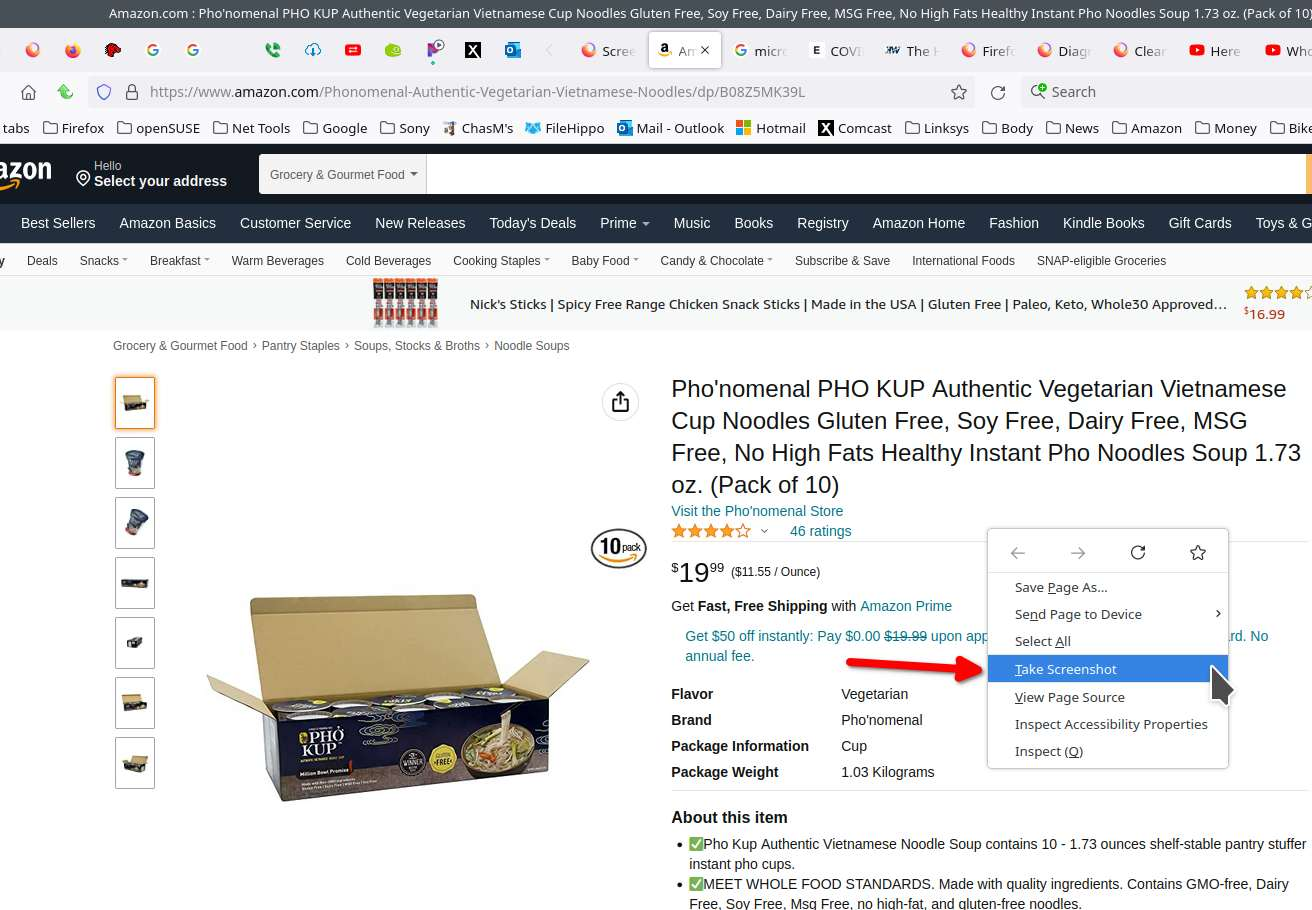
Are you referring to the Firefox screenshot or Windows Snip-it? Firefox screenshot works for me. sees screenshot
ჩასწორების თარიღი: , ავტორი: jonzn4SUSE
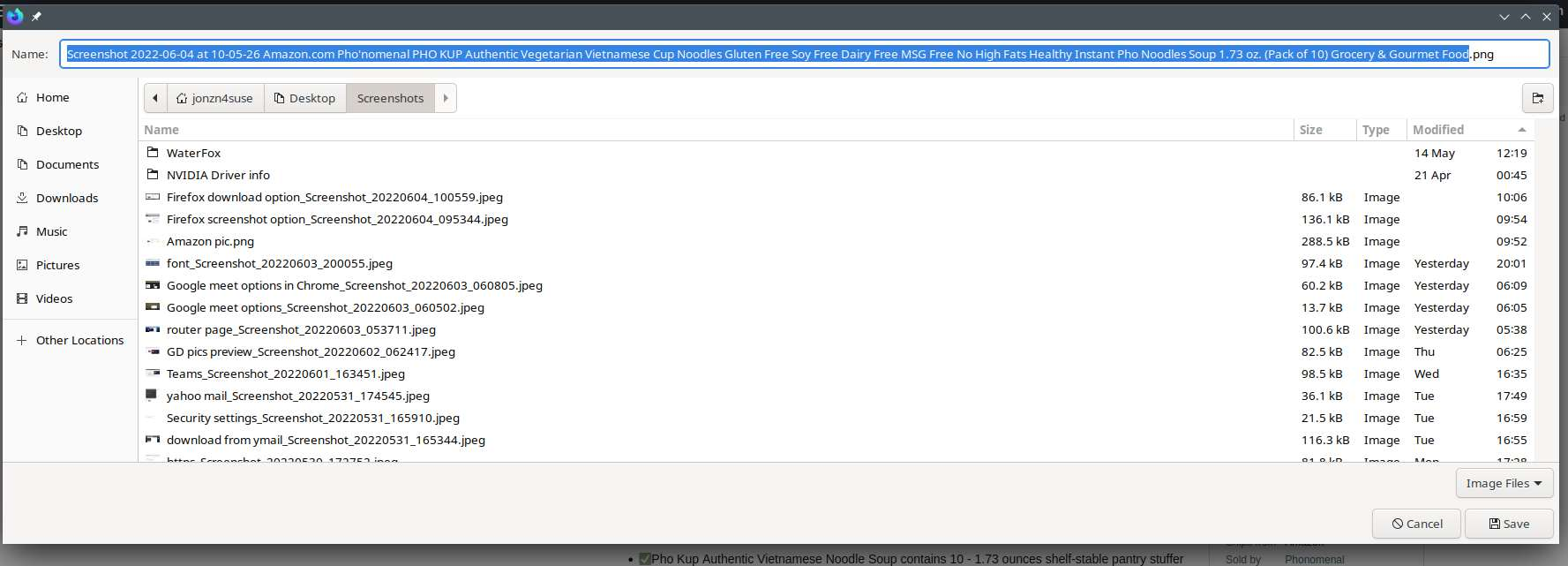
I don't use it because you have to change the name to use it. Look at that long name it gives the screenshot. I get an error message trying to upload it. ;-) This is the name in Linux and Windows Snip-it Screenshot_20220604_101336.jpeg
ჩასწორების თარიღი: , ავტორი: jonzn4SUSE
As stated I am using FF Screenshot, not snip-it.
Anything about this issue in the Web Console or Browser Console ?
- https://developer.mozilla.org/en-US/docs/Tools/Web_Console
- https://developer.mozilla.org/en-US/docs/Tools/Browser_Console
Start Firefox in Troubleshoot Mode to check if one of the extensions ("3-bar" menu button or Tools -> Add-ons -> Extensions) or if hardware acceleration or userChrome.css is causing the problem.
- switch to the DEFAULT theme: "3-bar" menu button or Tools -> Add-ons -> Themes
- do NOT click the "Refresh Firefox" button on the Troubleshoot Mode start window