


Problem with Java 7 update 51

I can't verify my Java 7 update 51 version, but i need it so i can watch movies online on www.vojvodinanet.com . Firstly, i can't verify Java on my computer after installing, i tried to restart firefox and computer and it's the same. In add-ons it says Java Deployment Toolkit 7.0.510.13 10.51.2.13 (disabled) and there is no option for activating, so please can you tell me what should i do?
すべての返信 (4)
Are you sure that this is not a problem with JavaScript?
To avoid confusion:
You can try these steps in case of issues with web pages:
Reload web page(s) and bypass the cache to refresh possibly outdated or corrupted files.
- Hold down the Shift key and left-click the Reload button
- Press "Ctrl + F5" or press "Ctrl + Shift + R" (Windows,Linux)
- Press "Command + Shift + R" (Mac)
Clear the cache and cookies only from websites that cause problems.
"Clear the Cache":
- Firefox/Tools > Options > Advanced > Network > Cached Web Content: "Clear Now"
"Remove Cookies" from sites causing problems:
- Firefox/Tools > Options > Privacy > Cookies: "Show Cookies"
Start Firefox in Safe Mode to check if one of the extensions (Firefox/Tools > Add-ons > Extensions) or if hardware acceleration is causing the problem (switch to the DEFAULT theme: Firefox/Tools > Add-ons > Appearance).
- Do NOT click the Reset button on the Safe Mode start window.
選ばれた解決策
This pops out when I reload that page...
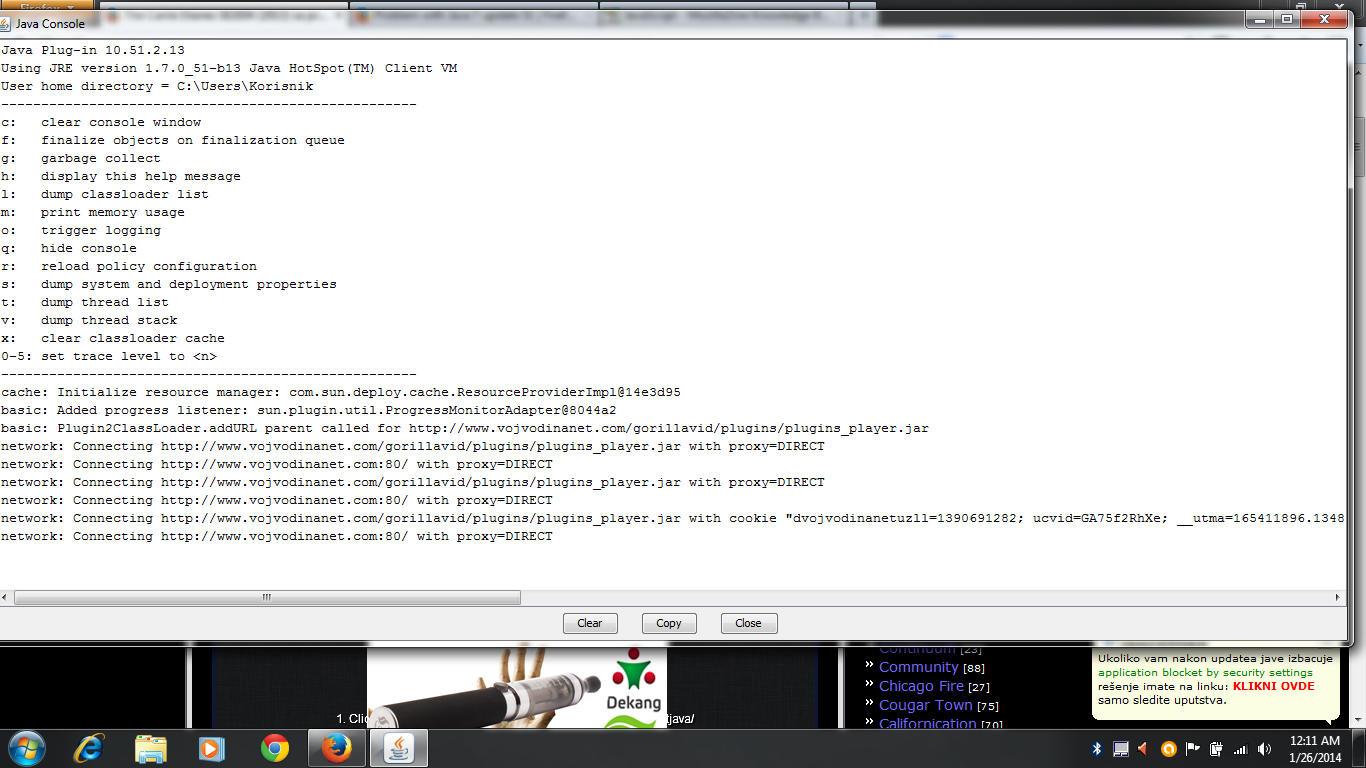
Yew that is the Java Console that opens.
There has been a change in the Java security settings, see:
- "What should I do when I see a security prompt from Java?":
http://www.java.com/en/download/help/appsecuritydialogs.xml
A possible workaround is to add the URL to the Java Exceptions Site List, see:
- "Why are Java applications blocked by your security settings?":
http://www.java.com/en/download/help/java_blocked.xml - "How can I configure the Exception Site List?":
http://www.java.com/en/download/faq/exception_sitelist.xml
Thank you!