


I could not find any option to export bookmarks. I am using firefox 5.o on ubuntu 11.04

when I go to "Bookmarks" -> "Show All Bookmarks" the only word that happens in the header is "Library", there is no way to do nothing more for management. tank you
すべての返信 (4)

この投稿は Svetlana により に変更されました
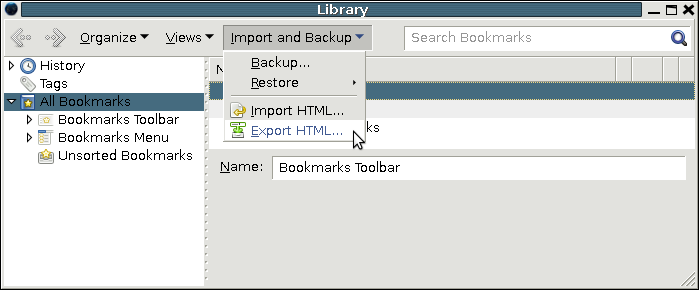
Sorry if I was no clear. I don´t have the options like that of your image. What I have is shown in the attached image:
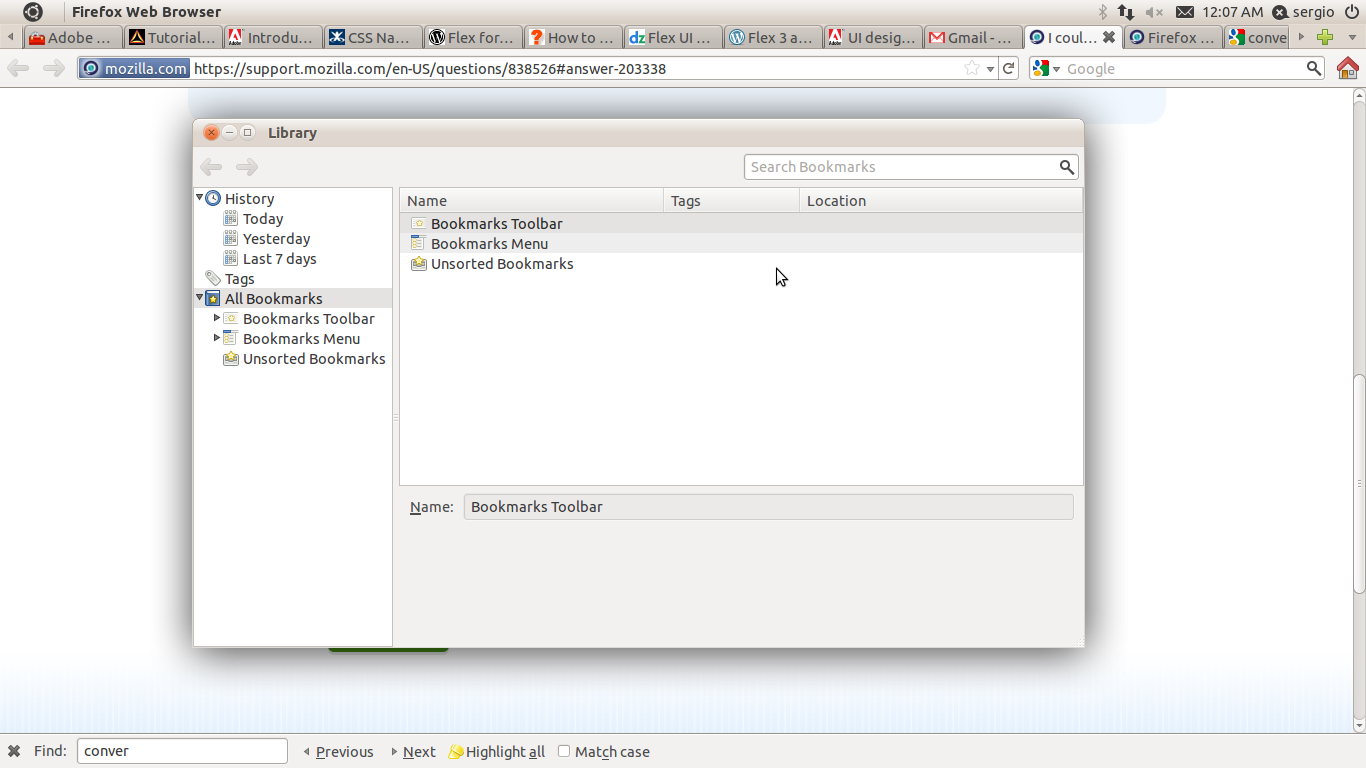
Ubuntu 11.04 displays window menus in the control bar at the top of the screen.
Click on Bookmarks/Show All Bookmarks then move your mouse to the left upper corner toward Firefox Web Browser.
You'll get pop up menu (Organize, Views and Import and Backup).
See also:
Absolutely brilliant answer!
Been trying to import my favourites from Ubuntu 10.04 LTS version for a while now, and just couldn't find the Import Backup link. Thanks very much.