


When playing a video, the screen often fades to black while playing.
Okay so this never happened with Chrome, so I'm assuming it's a firefox only issue. Whilst I'm watching a video, if said video is playing in fullscreen, it'll often fade to black during different parts, such as whenever a flash happens or quick cuts (e.g. a film with lightning strikes, causes it to fade to black and it stays like that). It is SUPER annoying and it causes me to have to rewind if I miss something because of it! I don't watch YouTube in fullscreen because of it, but it even does it in streaming services! I honestly have had enough but do not want to switch back to Chrome.
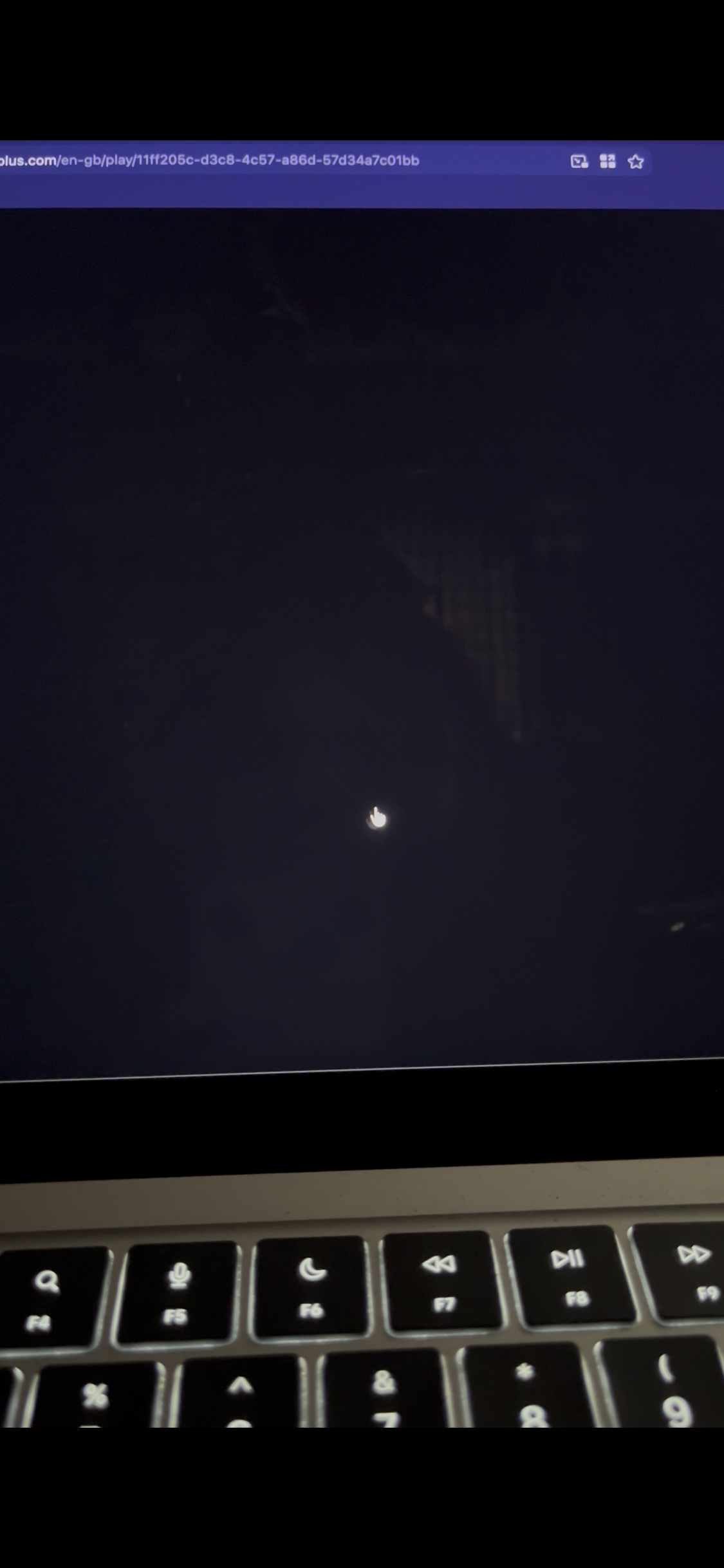
Took this photo of the movie Cruella because I knew there was loads of flashing lights at one scene. You can see that the video is faded but the rest isn't. The second image is when I click multiple times to try and stop it! But it happens again directly after.
And yes, I've tried the 'full-screen-api.transition-duration.enter' and 'leave' in Advanced Preferences.

すべての返信 (2)
Hi Deja,
That sounds like a video rendering issue rather than the fullscreen transition itself, especially since it happens with flashing scenes and quick cuts and affects multiple streaming services.
Could you let us know which iPhone model and iOS version you’re using, along with your Firefox version?
Also, does this happen when you play the same videos in Firefox with a Private Browsing tab? If it does, that would help rule out site data or content-blocking as the cause.
The fact that the video itself fades to black while the rest of the screen remains visible makes me particularly interested in the device/video rendering side of this. There have been previous Firefox video issues involving black or corrupted video rendering, although those cases don't necessarily have the same cause.
Shoot I accidentally put this in ios. I'm on MAC air 2022 M2, macOs 26.6.2. Do I need to post this question into another forum? Also haven't updated my Firefox to the most latest version because it signs me out of EVERYTHING, so it's a pain to resign in to my school things (multiple authentication stuff, you'd surely know how painful that junk is). So I think it's Version 155.0.1 I'm on right now. But it never would get fixed whenever I previously updated it.
Also, does this happen when you play the same videos in Firefox with a Private Browsing tab? If it does, that would help rule out site data or content-blocking as the cause. So I put on a YouTube video I went to a flashy scene, and there was nothing, but one test doesn't prove all. So I wanted to see if it was any extensions - went back to my browser and turned them all off and found a scene and it still did it.
この投稿は Deja により に変更されました