


Android reported multiple crashes, folders are missing

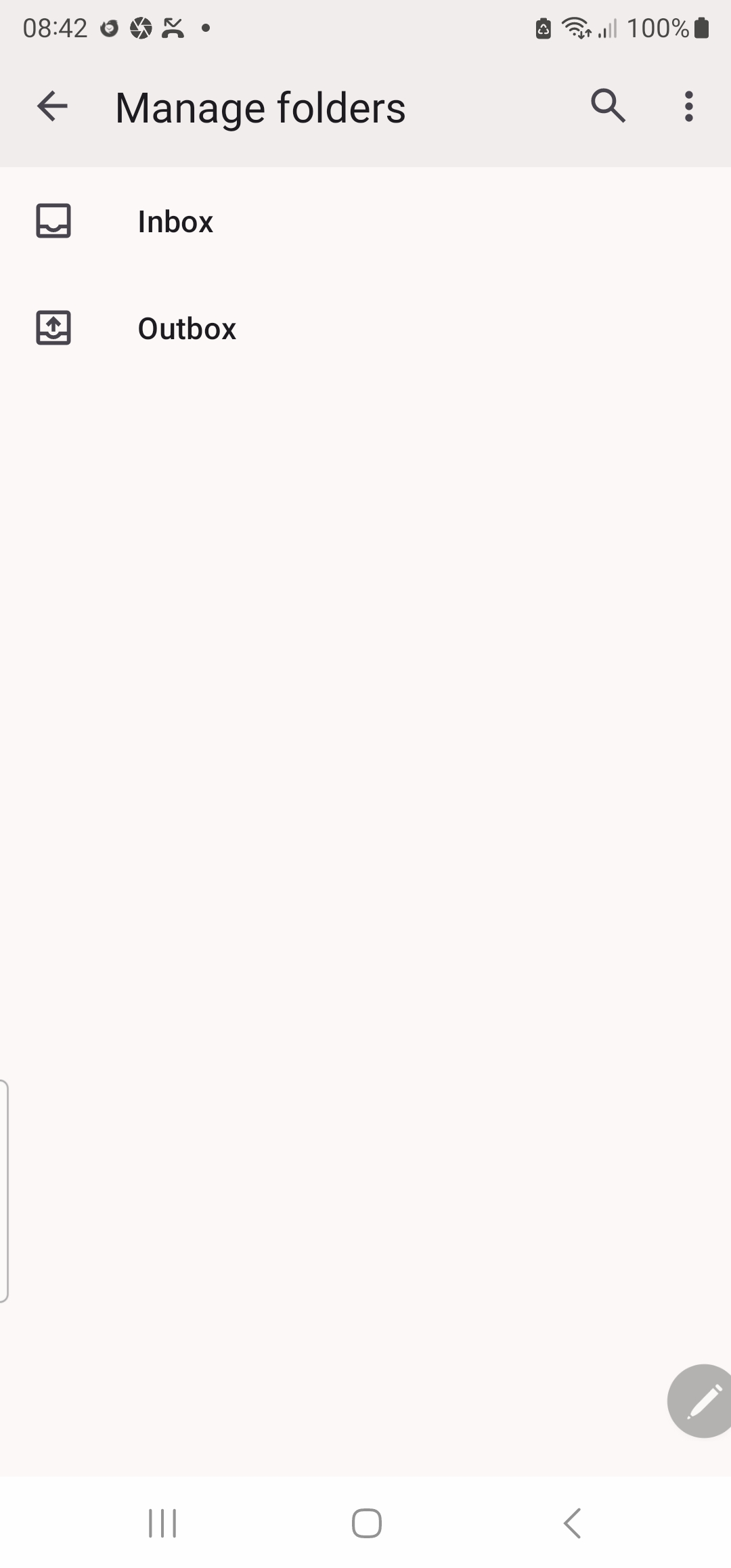
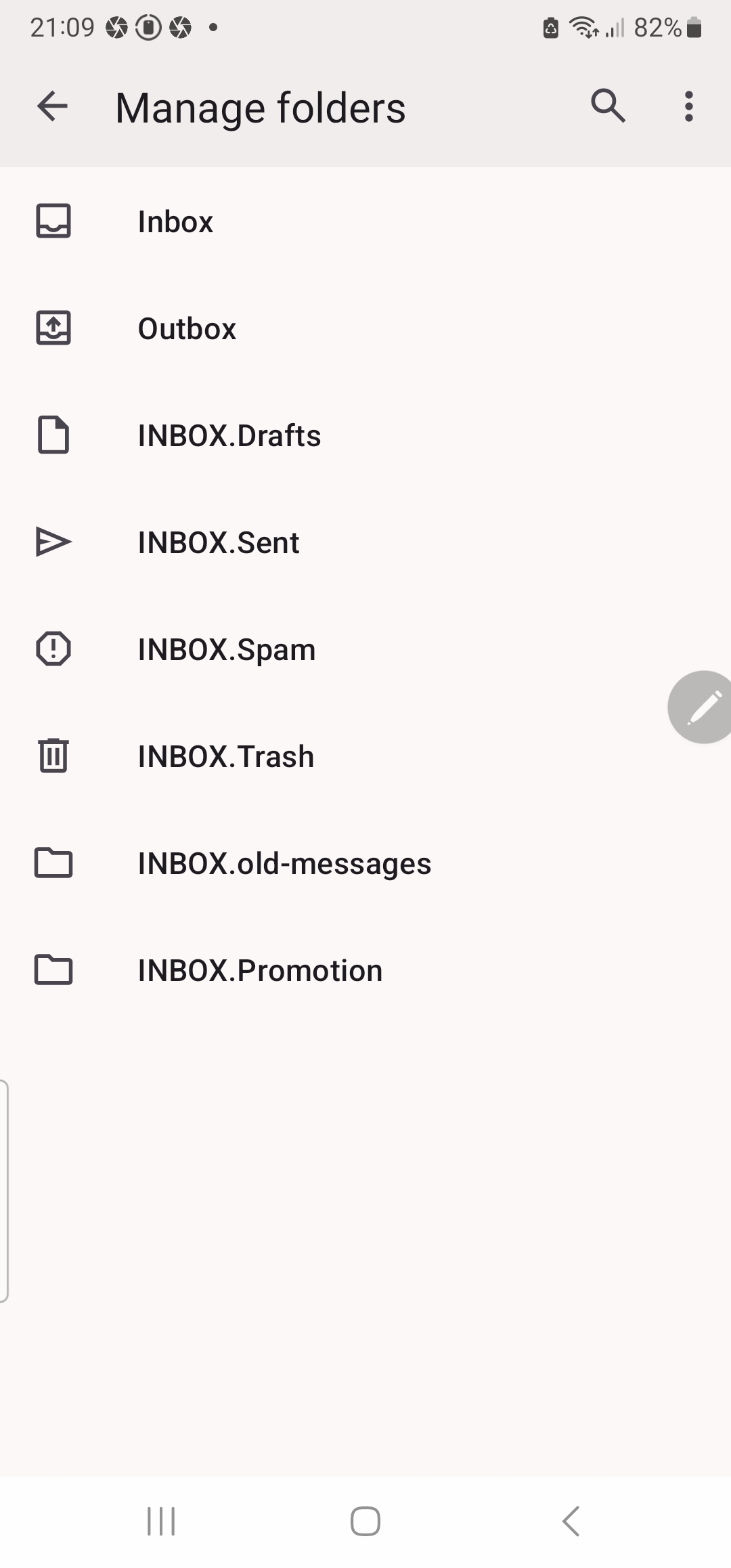
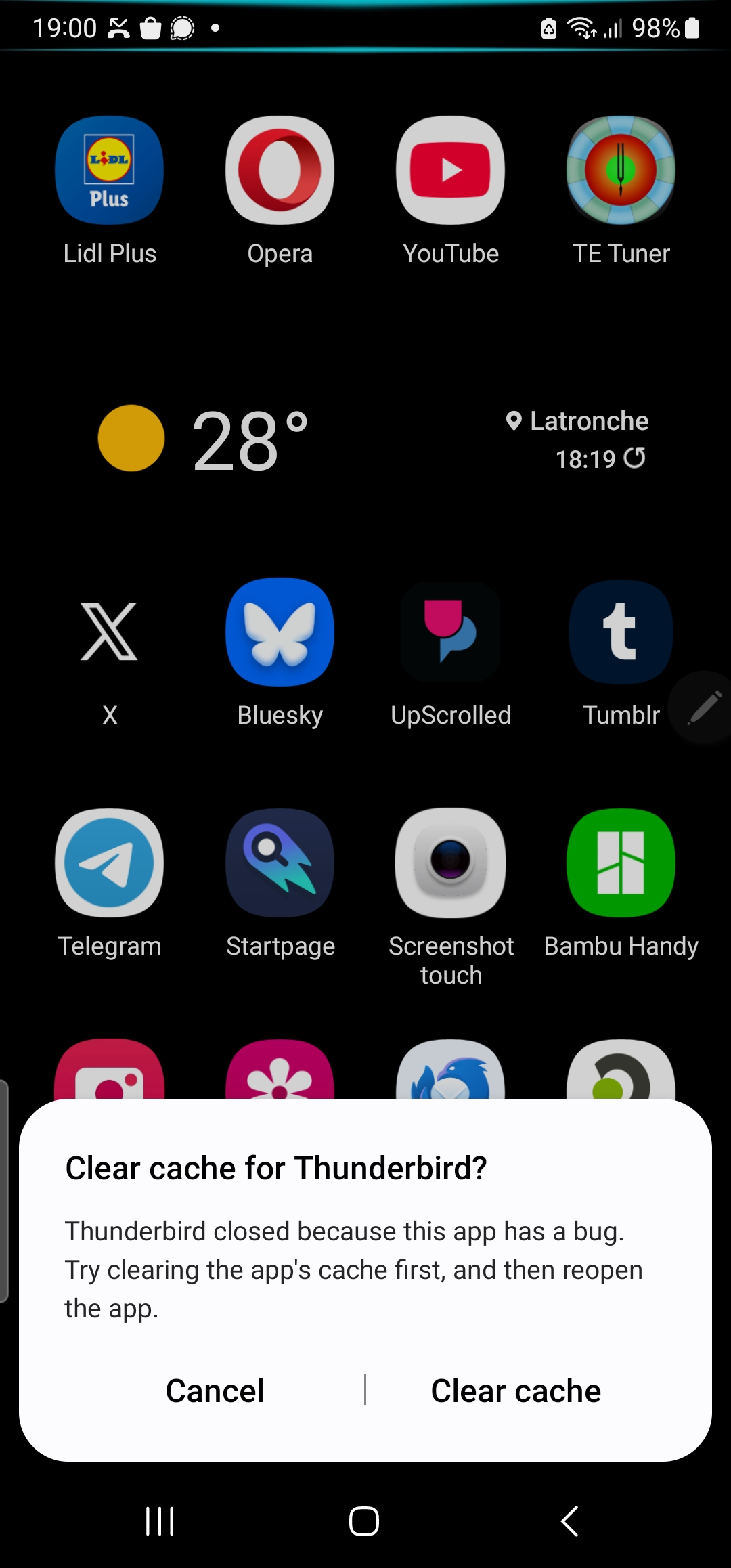
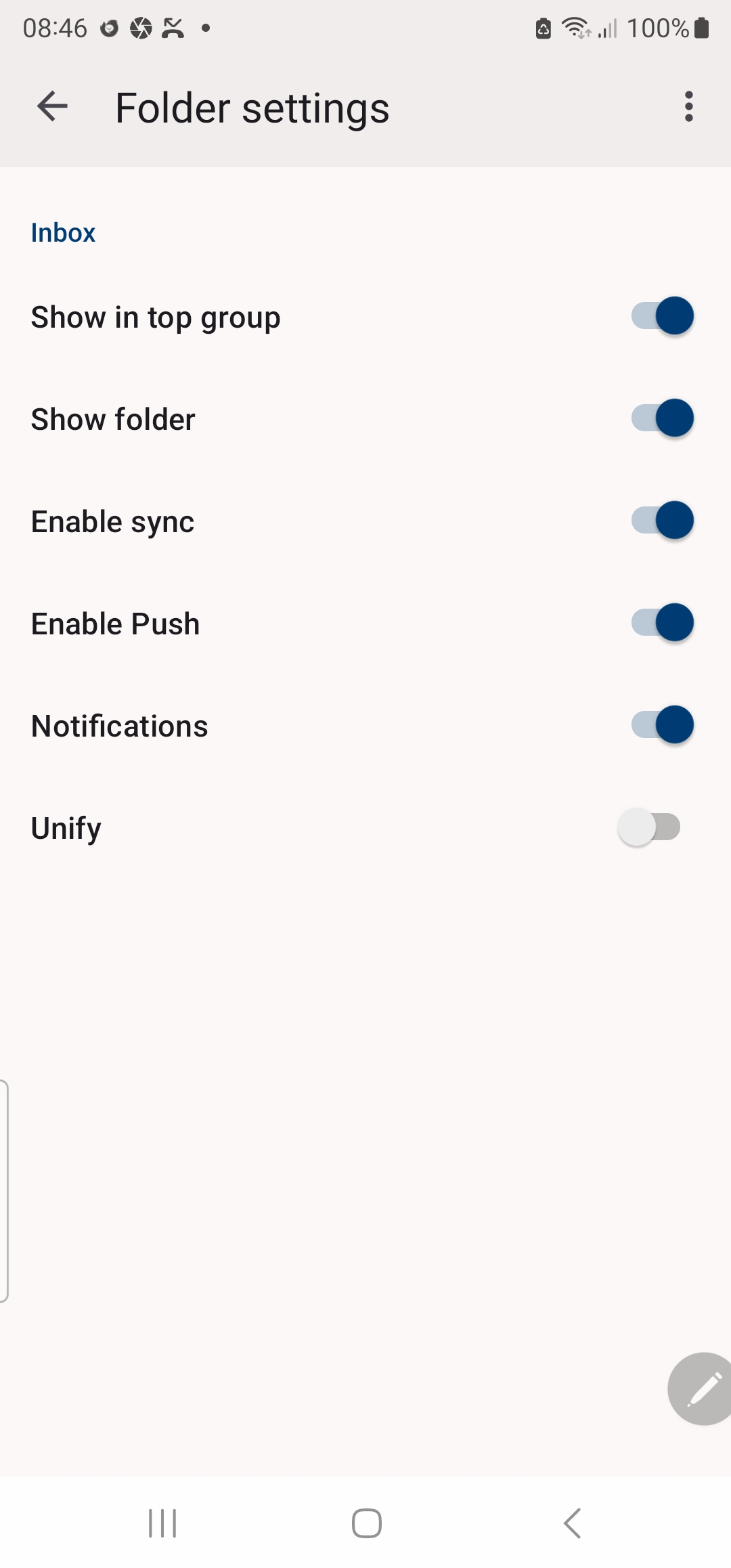
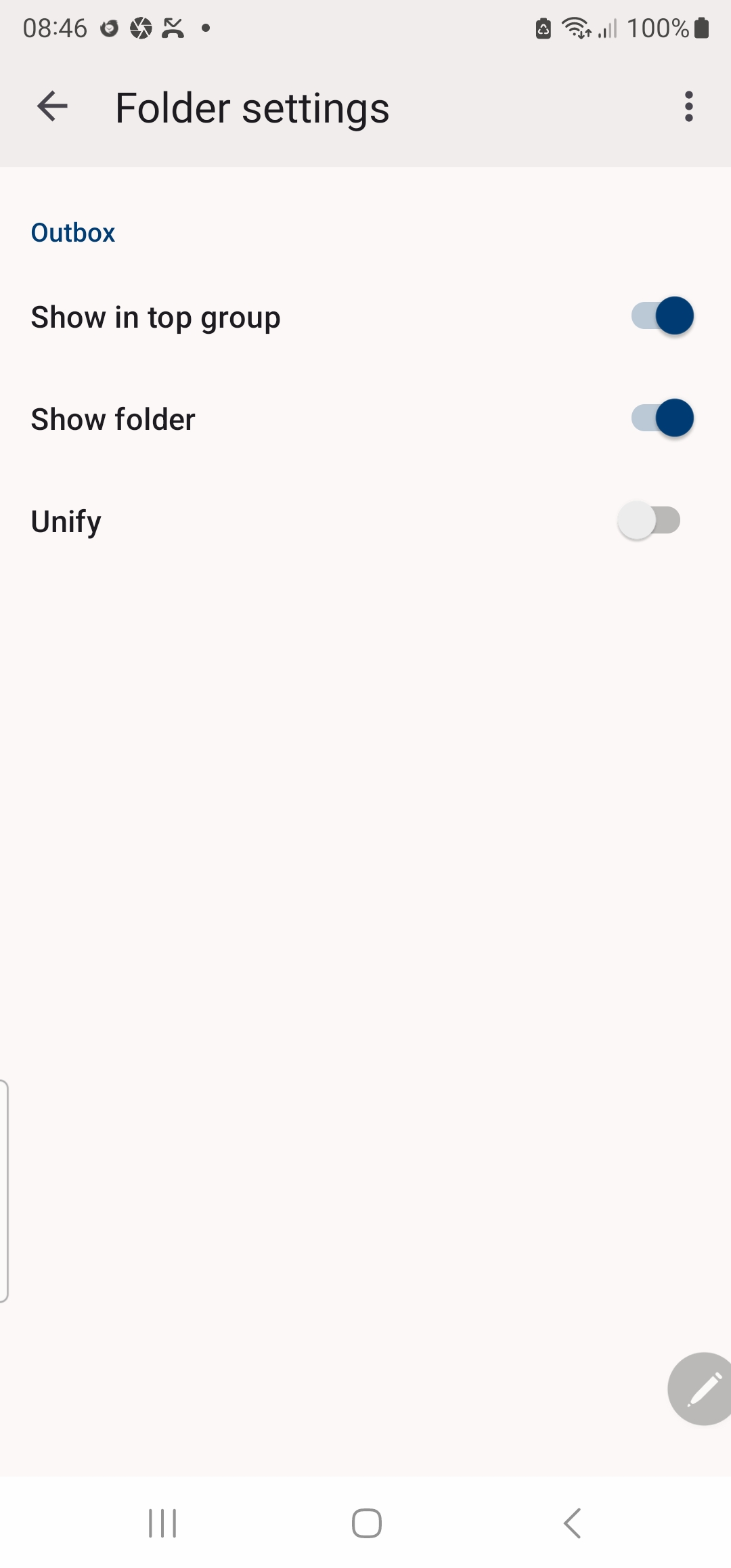
Hello Since I changed my TB Android incoming server setting from POP to IMAP, Android has repeatedly reported app crashes. It asked me to clear cache, which I tried. See img attached. Eventually it said it was putting the app into deep sleep. Yesterday, after I sent an email to a gmail acct I was unable to find a copy of the email in a sent folder, there wasn't any Sent folder. There were only 2 folders, Inbox & Outbox. I expected there to be Sent & Draft folders. Eventually I discovered via Manage folders an Inbox.sent & Inbox.drafts. So I tried to change folders so Sent & Drafts are at the same level as Inbox & Outbox. Yesterday there were approx 26 emails in the Inbox. This morning there are 3 new emails in the Inbox & the 26 emails have disappeared & Inbox.sent, Inbox.drafts have disappeared. The 3rd & 4th attachments show the current folder settings. My TB Desktop incoming server swrting is POP. Please tell me what I am doing wrong & what I must do to be able to see all my emails, received & sent. Thank you
すべての返信 (4)

選ばれた解決策
Moving this topic to the TBfA queue.

Hi Ron
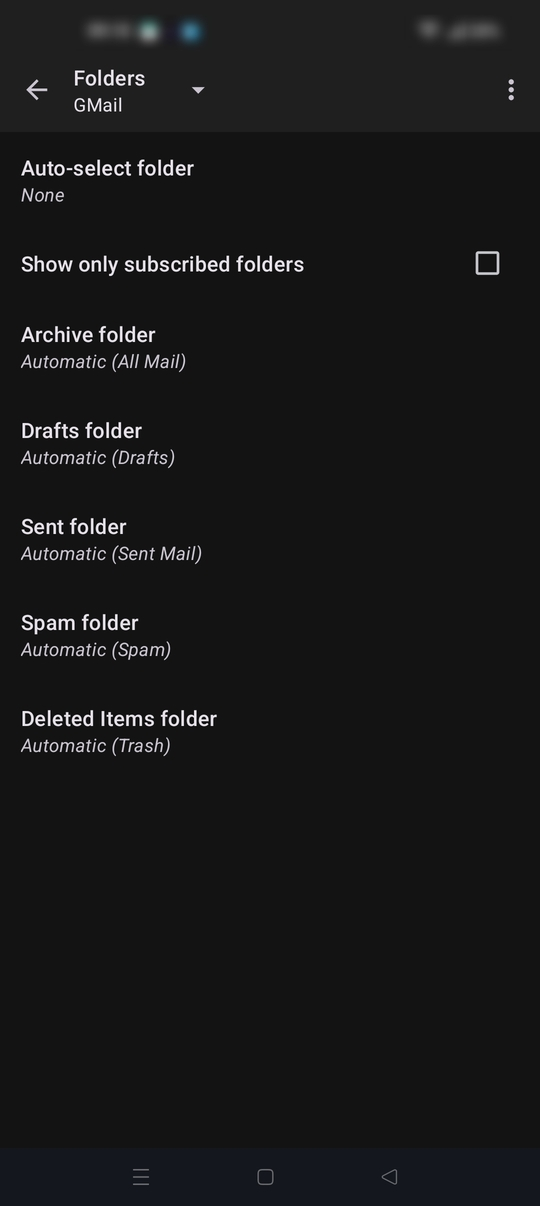
Can you navigate to settings > account name > folders From there you should see a list of special folder names such as sent and draft.
Check these are mapped to your imap folder names. They typical show as example Draft folder = Automatic (drafts)
If they are mapped to "none", tap and select the corresponding Imap folder name. See the screen shot below.
Then navigate back to manage folders Tap the three dot menu > refresh folder list. If missing folders appear, tap each and confirm "Show folder" is enabled.
Hopefully that helps.
Hello Thanks again for your helpful reply. I have an admission to make. I asked AI for help, too. Its reply was, Thunderbird for Android (based on K-9 Mail) does not support creating new IMAP folders from within the app. You cannot create a Sent folder directly in the app. What to do instead Create the Sent folder on the server (if it doesn’t already exist) Log in to your email provider’s webmail (e.g., Gmail, Outlook.com, your domain’s webmail, etc.). Create a folder named Sent, Sent Items, or whatever your provider uses. Most providers already have one by default. Refresh the folder list in Thunderbird for Android Open the side menu (☰ top left). Select your account. Tap Manage folders (near the bottom). Tap the three-dot menu (⋮) → Refresh folders (or “Refresh folder list”). Assign the special “Sent” role Go to Settings → tap your account → Folders (or look under Manage folders / special folders). Find Sent folder. Change it from Automatic (None) to the actual Sent folder on the server (e.g., “Sent” or “Sent Items”). Use the back button to save (there is often no explicit OK button). Enable uploading of sent messages Settings → your account → Sending mail. Turn on Upload sent messages (or “Upload sent messages to Sent folder after sending”). Make the folder visible and sync In Manage folders, tap the Sent folder. Enable Sync (and optionally Push/Notifications if you want). Make sure “Show only subscribed folders” is not hiding it. After these steps, the Sent folder should appear in the folder list alongside Inbox and Outbox, and copies of messages you send from the app will be saved there. Notes Outbox is a local folder used for messages waiting to be sent. If you only see Inbox + Outbox, it usually means special folders have not been mapped yet or the server folders haven’t been refreshed/subscribed. Folder creation, renaming, and deletion are currently only possible via webmail or another email client. There is an open feature request for this on Mozilla Connect if you’d like to vote for it.
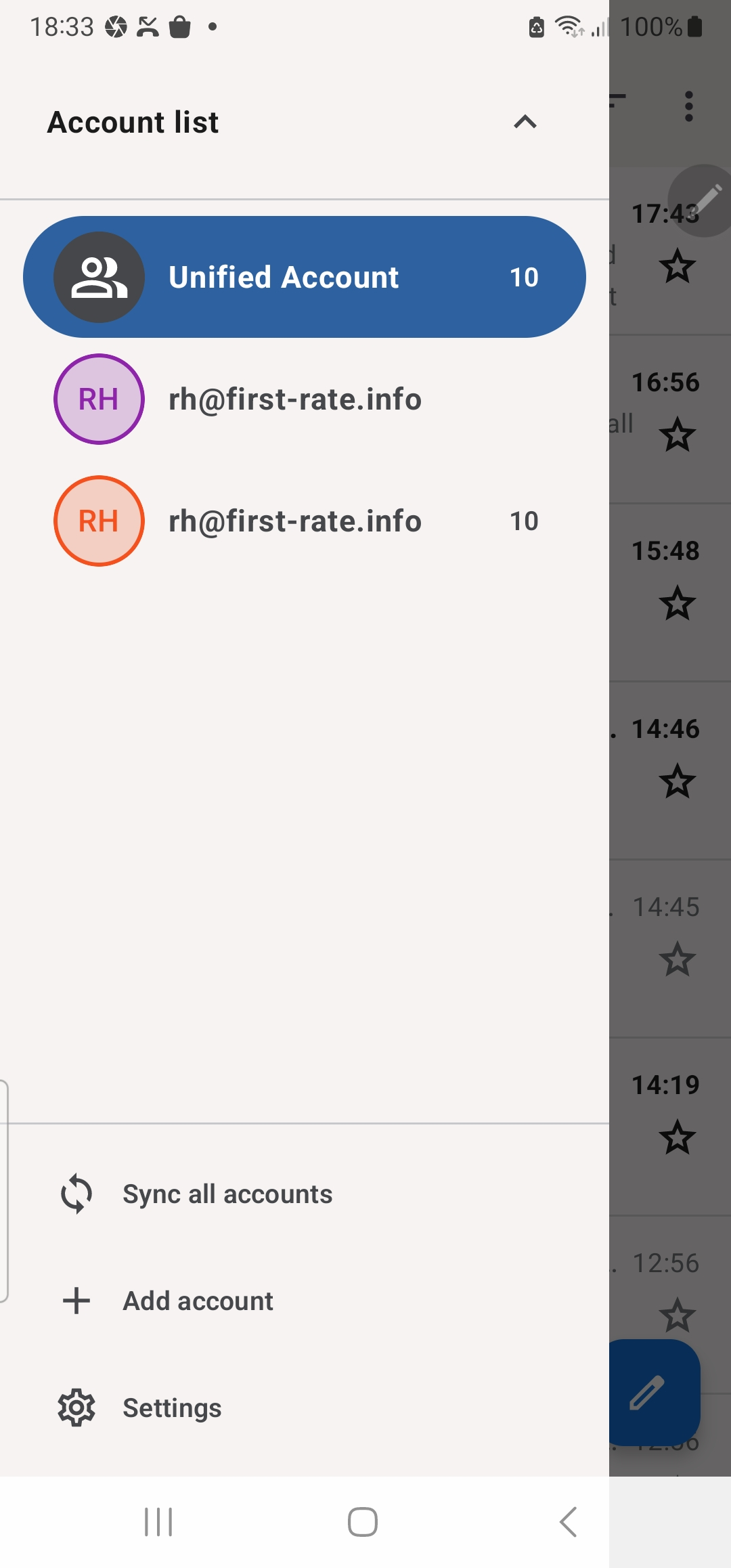
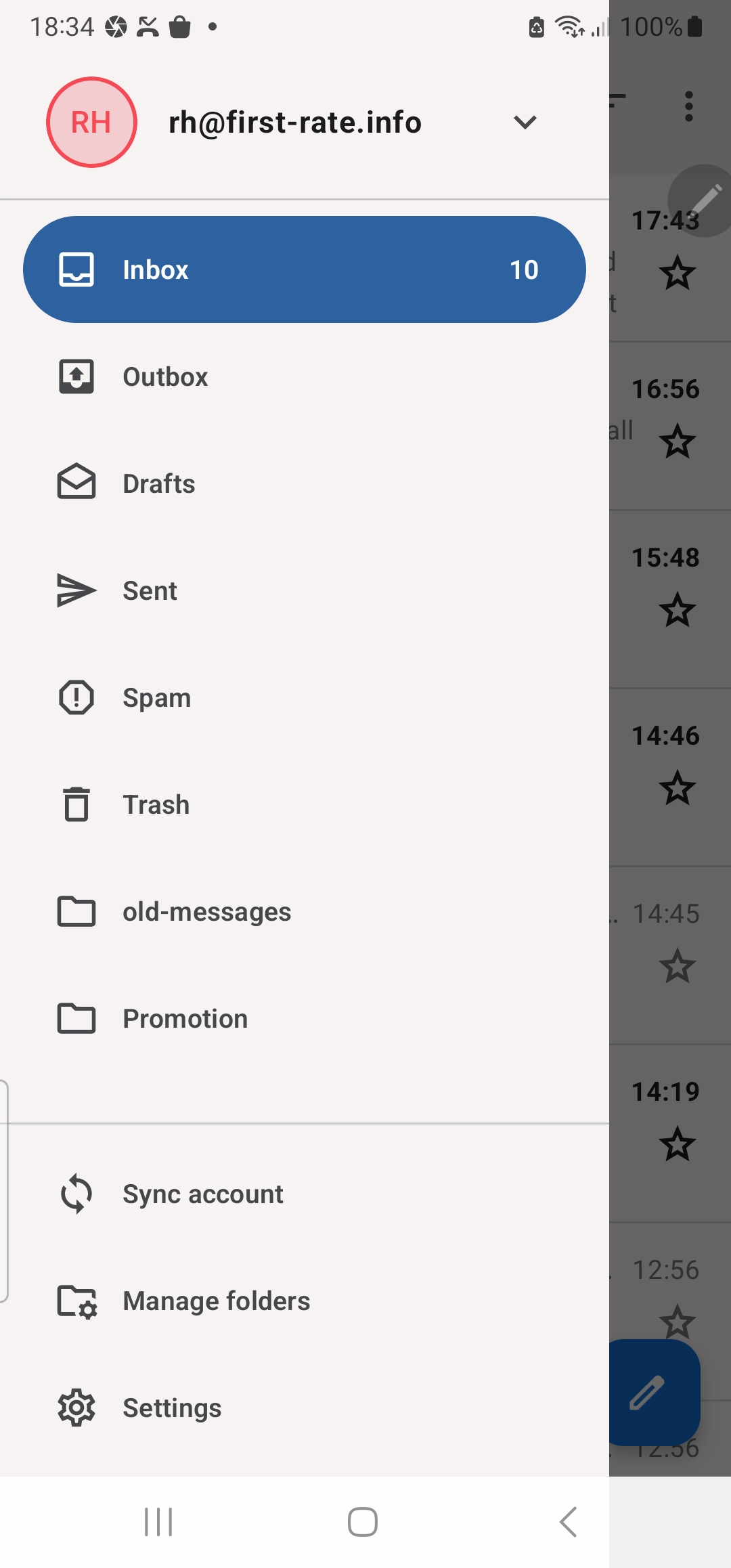
It didn't work perfectly, or I did something wrong again. What I have now is a 'Unified Account' but at least one ID has the missing folders which function as expected. So TB Android is almost working as expected. Is there any safe way of deleting the ID that is missing folders?
Yes, backup. Thanks for the reminder. Delta Exploit Android? That's new to me. Thanks, I'll check it out. We adopted two rescue kittens. Hence I need an alternative to TB Desktop. Something that paws can't reach so easily :~)