


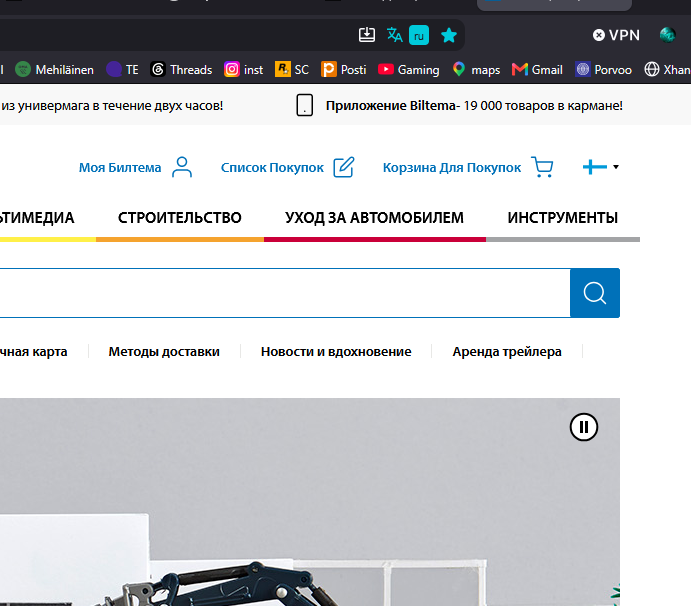
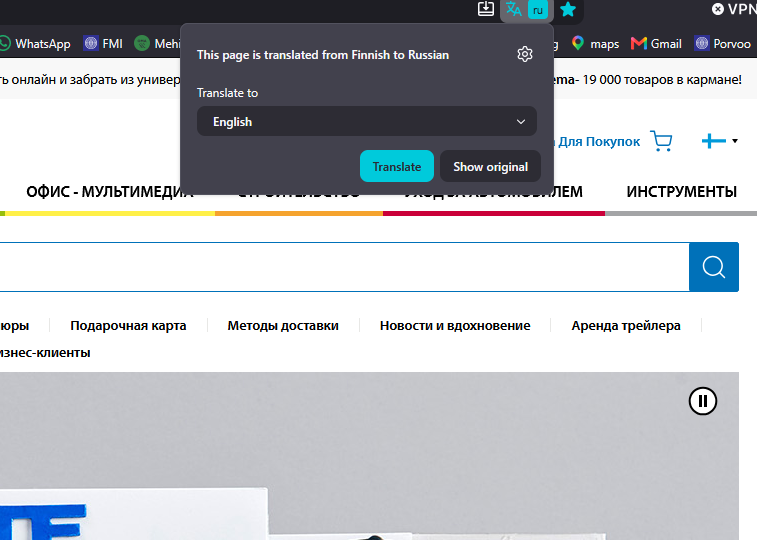
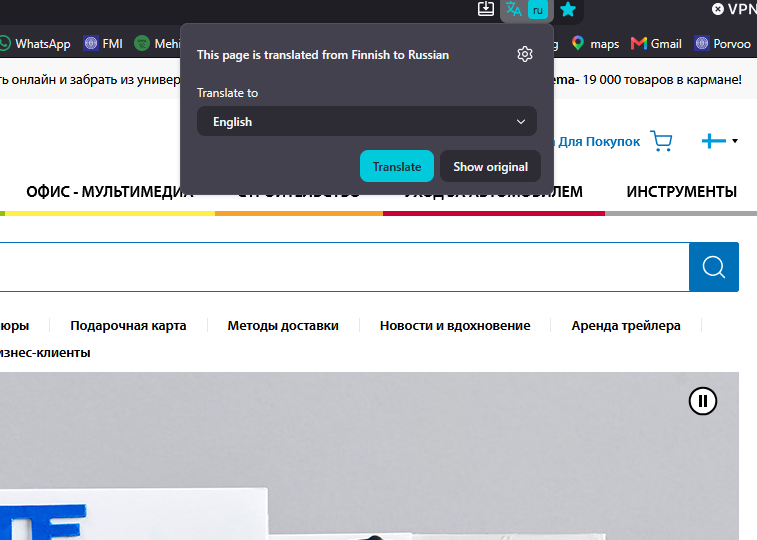
Autotranslates pages to russian even tho in settings choosen English
Like why the hell it translate into russian if in settings set up English? how to fix this annoying thing, i need automatic translations into English not russian
この投稿は Max により に変更されました
すべての返信 (3)
upd**

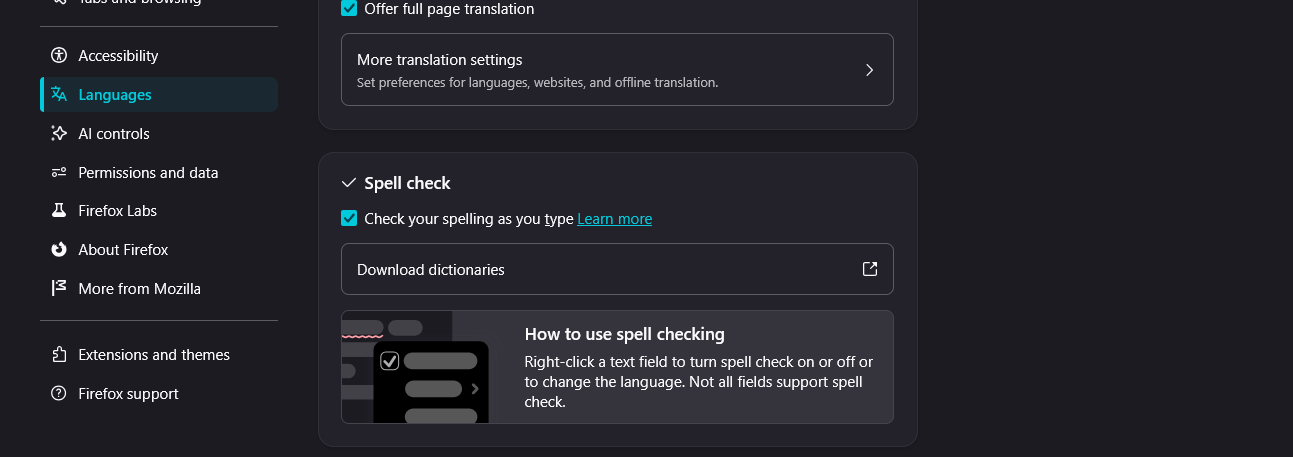
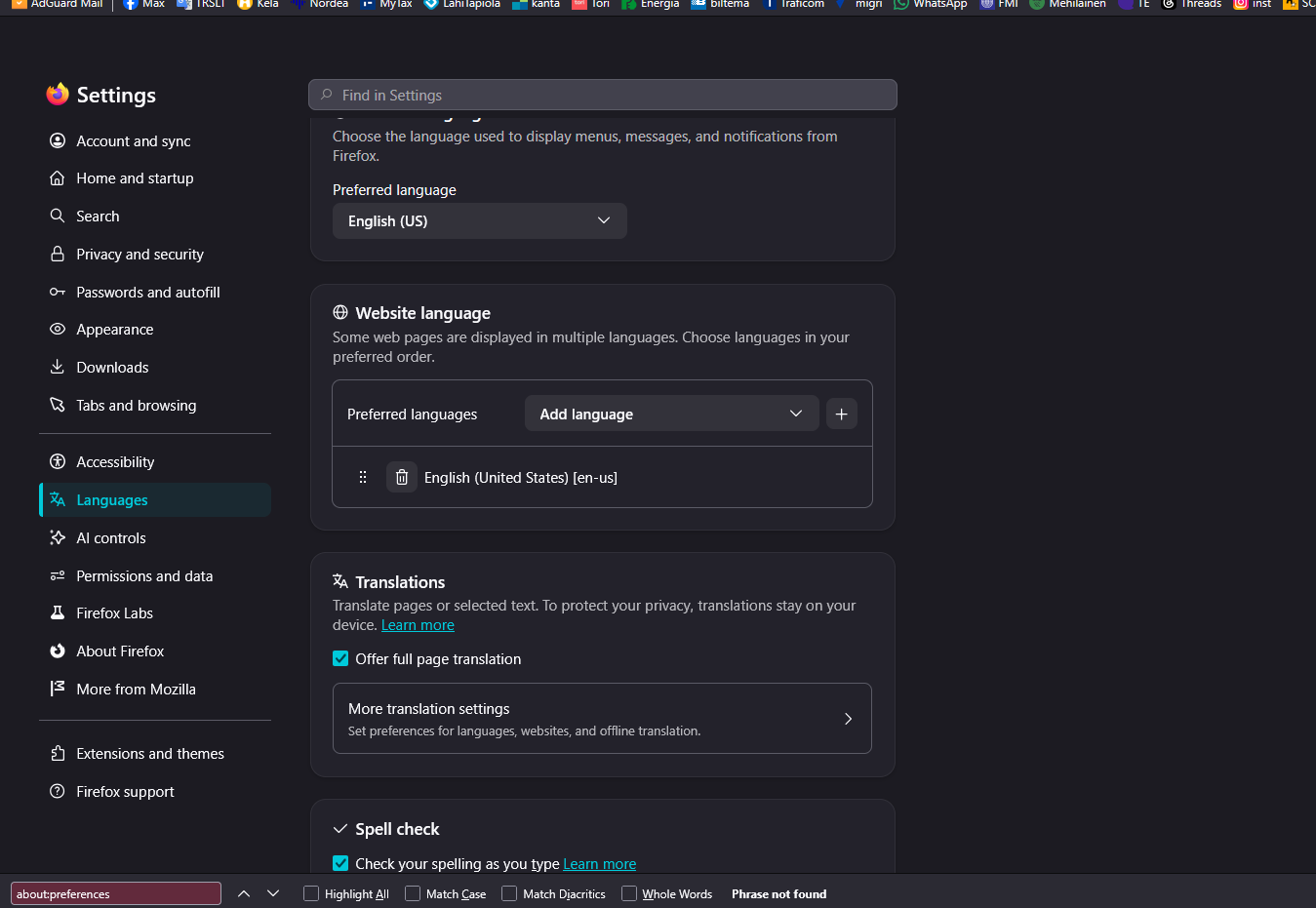
That’s probably because Firefox has separate settings for the browser language and the preferred language for websites.
Go to Settings → General → Language → Website language and make sure English is at the top, then remove Russian if it’s listed. Mozilla says websites can use this preference independently of Firefox’s interface language.
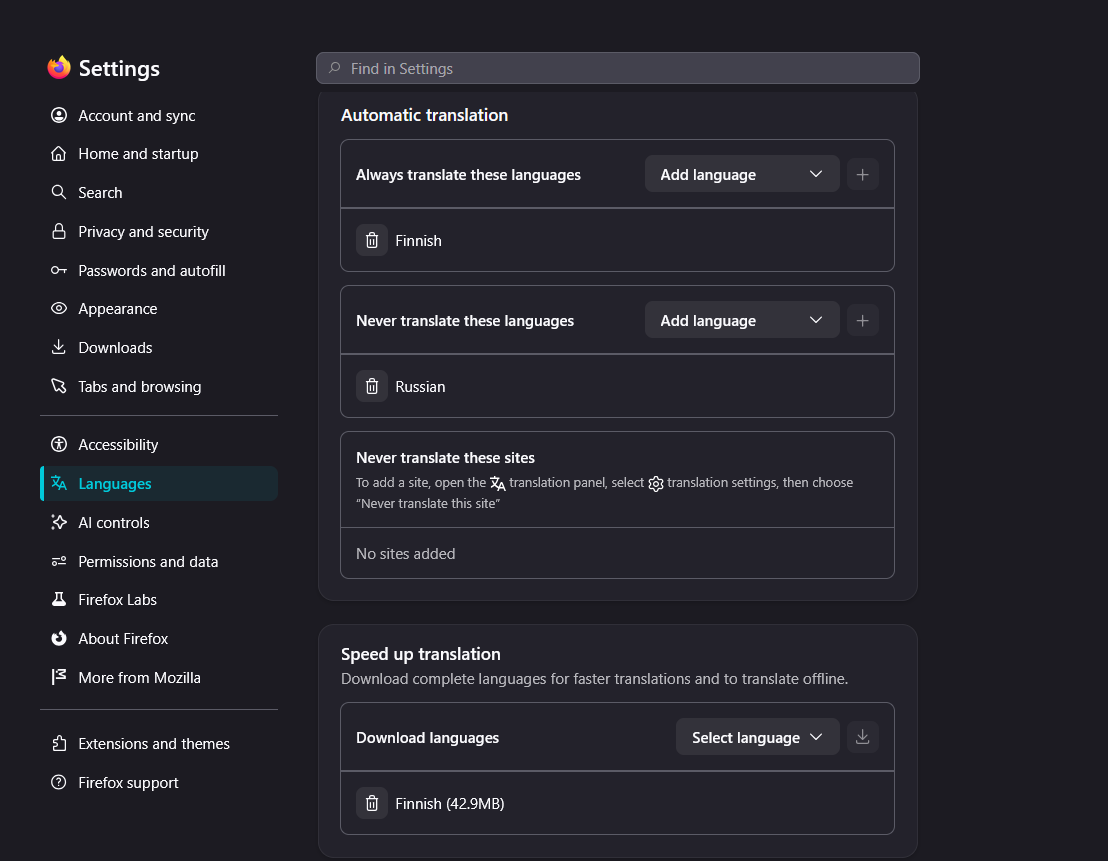
Also check the translation menu on the page and make sure you haven’t selected “Translate this tab automatically” for Russian. If it keeps happening on just that site, clear that site’s cookies and data.
That should stop Firefox from deciding Russian is what you want.
"Never translate…" list is for "from"; not "to". Can you share how the values of "Internationalization & Localization" section in your about:support look like?
Also if you can verify what's the value of your browser.translations.mostRecentTargetLanguages preference in about:config?