


Unable to create an outbound smtp server.

Installed Thunderbird in August 26. Successfully added Outlook and Gmail accounts (send and receive)
On a roll I then tried to migrate from Plusnet to Greenby. Can successfully receive emails via IMAP.plus.net server. But could not send mails from Greenby (other accounts still OK)
Traced problem via forum query 31???? to inability to create a new SMTP server for outbound mail. After entering all data in the outbound server there is no response whatsoever to clicking add button (ie no error messages or servers added to SMTP list)
Then tried to delete the partially active Greenby account via clicking delete button in account setting window. No response. Account still present.
Does anyone have any suggestions to solve this before I try the doomsday action of deleting and reinstalling Thunderbird.
TIA Phil
選ばれた解決策
You might be seeing https://bugzilla.mozilla.org/show_bug.cgi?id=2069949
すべての返信 (8)
Your doomsday approach will likely achieve exactly nothing. It does have an effect with Microsoft products that rewrite their registry entries when you reinstall and they store everything in the Registry. It does nothing for Thunderbird because it largely does not use the registry at all.
Now, I do not have version 155, but I do have a daily build of 158. When I click the add button for an SMTP server I get this dialog.
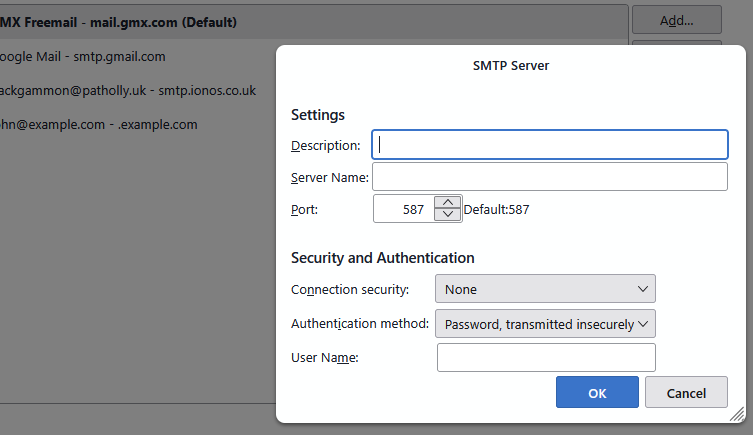
Do you get to that point?
I have no idea why there would not have been an outgoing server added when the account was initially added. That is generally what normally happens. So make sure there is nothing in the list of SMTP servers that I have included in the background.
Thanks for the reply Matt
I get to the add server screen but, after adding Greenby data, cannot get past that point. The only servers I can select are Outlook and Gmail.
See image
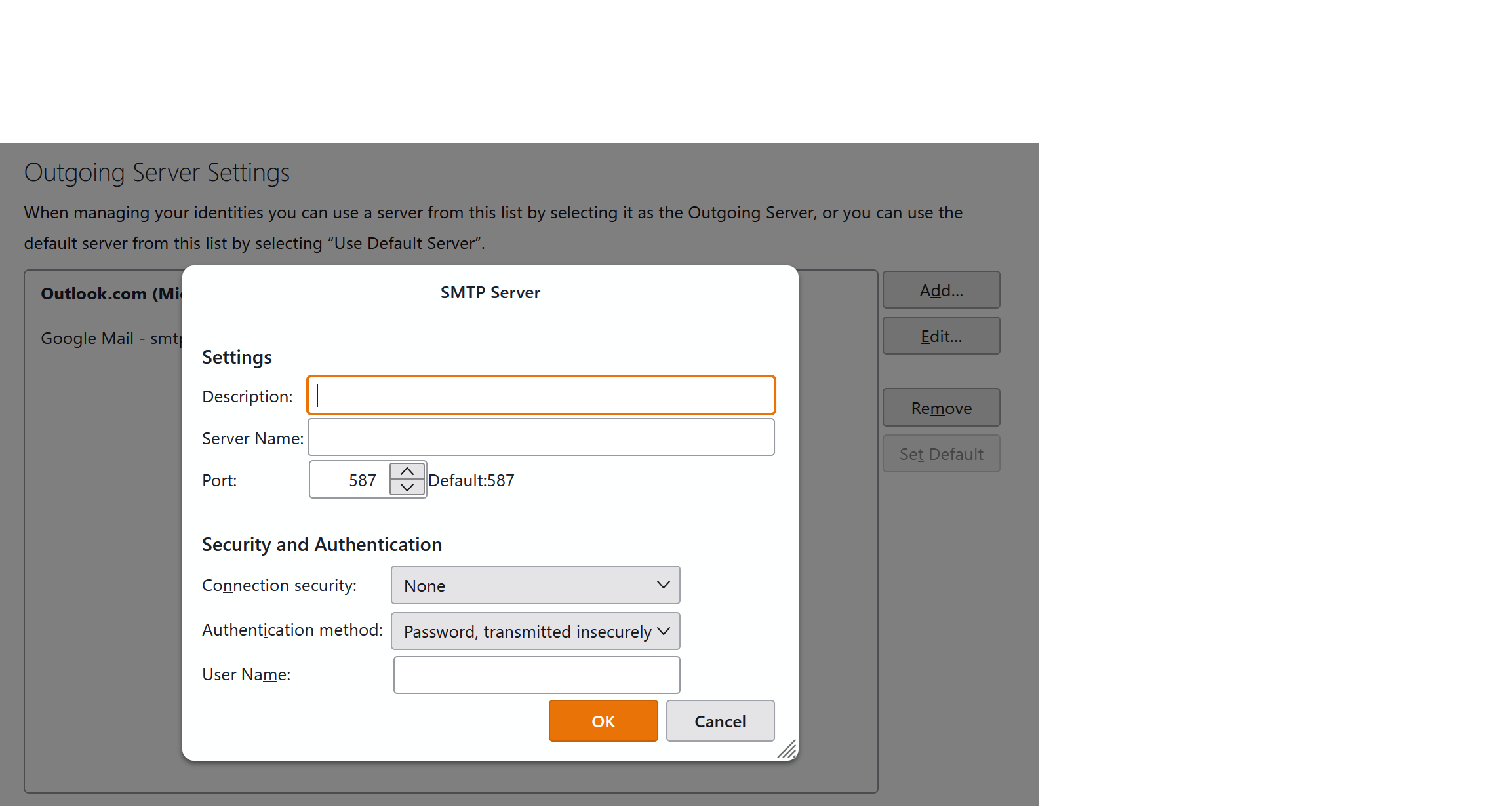
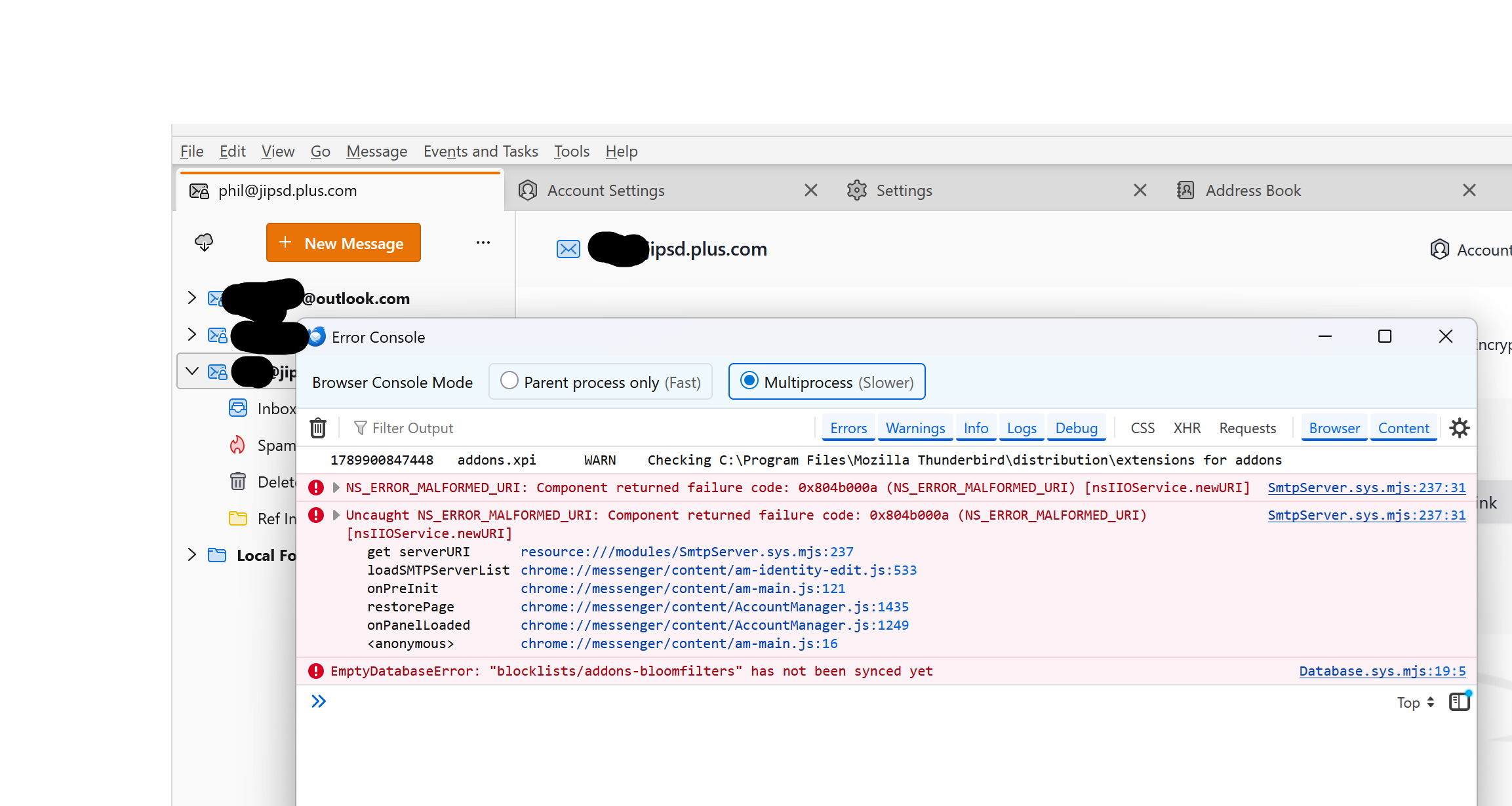
So what happens when you click save? Open the error console (ctrl+Shift+J) clear it and press save on the completed details.
What shows then in the error console? I would assume some sort of error if it does not add!
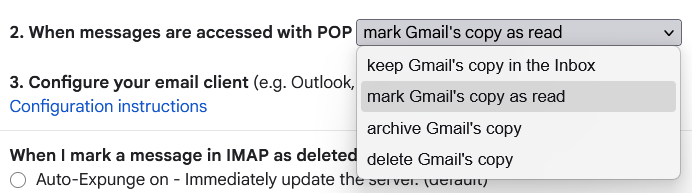
Matt,
Error log shown in attachment. At last an indication of a problem
BTW . Google/AI suggested deleting The Thunderbird profile.ini file to remove all user data and set Thunderbird back to as just downloaded. Could this help?
Google/IA often isn't correct.
選ばれた解決策
You might be seeing https://bugzilla.mozilla.org/show_bug.cgi?id=2069949
This solution worked. BUT I had to remove user data directory, uninstall Thunderbird, then reinstall Thunderbird.
Thanks Wayne
Phil988 said
This solution worked. BUT I had to remove user data directory, uninstall Thunderbird, then reinstall Thunderbird. Thanks Wayne
Thanks for posting your results.
FWIW reinstall rarely helps solve anything. I suspect in your case it was unnecessary, and redoing the profile was all that was needed.
https://bugzilla.mozilla.org/show_bug.cgi?id=2069949 should be in next week's version 157.