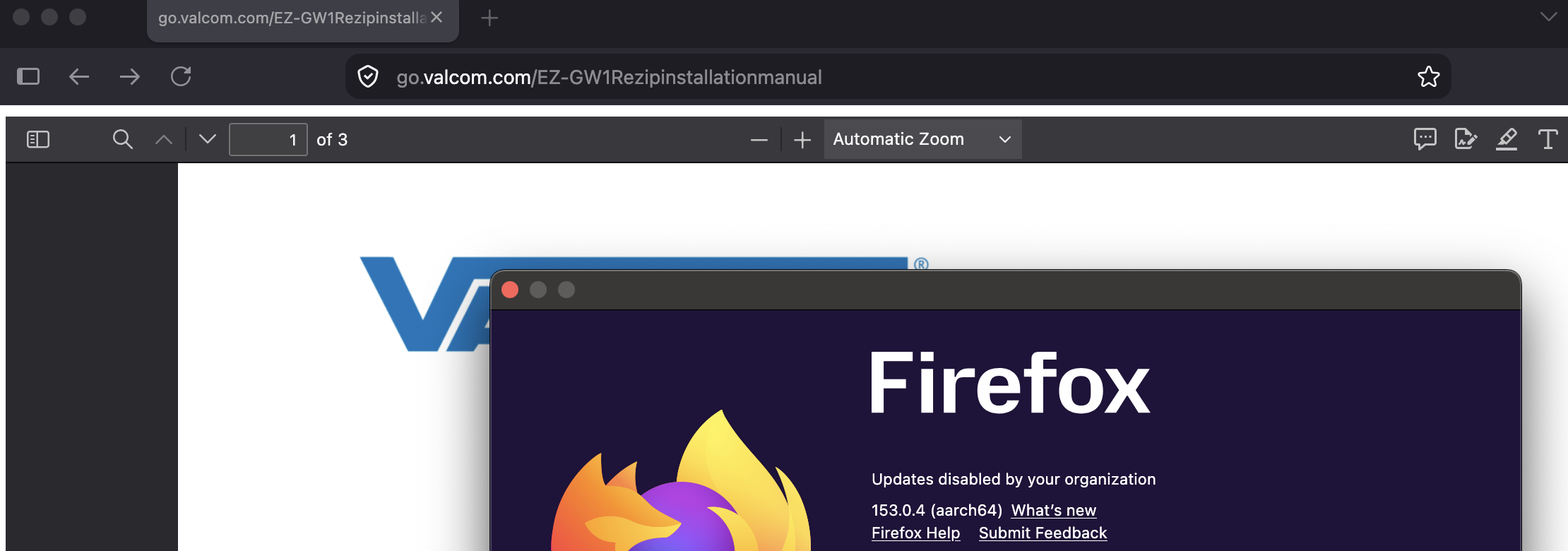
With the latest update, PDF's will not open. Works fine in Edge or Chrome

I go to various websites, in this case https://go.valcom.com/EZ-GW1Rezipinstallationmanual (as well as other pages on this same site) and when I try to look at a manual or specs in pdf format, I get a blank screen and the URL looks like the go. and everything after the .com are grayed out. These work fine in Edge and Chrome. This also happens in Troubleshoot mode. No hardware or software changes on my desktop.

すべての返信 (7)
Hello,
You could try 1, reset PDF Application settings : First, click menu, then go to settings. On the general panel, scroll to the applications section, then look for PDF in the list to Change the action dropdown to Preview in Firefox instead of Save File or an external app.
Next, you could try disabling hardware acceleration : Go to Firefox Settings and type hardware into the search box, and uncheck : 'Use recommended performance settings. and Use hardware acceleration when available.
Lastly, you can try clearing browser cache or try opening the PDF in troubleshoot/safe mode to see if an extension is causing the problem.
I have tried all of these options and I still cannot open these files in Firefox.
The site above is not a PDF. It is a JS app that does some user agent sniffing and then tries to embed the PDF, not sure why. You'd need to get in touch with them. If you go to menu "More Tools" › "View Source" there would be the blue link to the actual PDF file that you need to copy and paste as the address.
Do you have any other site you're having issues on?
Yes there is however it is on an internal network site to an NVR. I can access the web interface from Edge and Chrome but not from Firefox any more. I did try what you said but I had to copy and paste the link in order for it to work. That is a work around but I did not have this problem until yesterday's update. I will check other sites that I use and advise if I have further issues.
This seems like a site change — the link above does not do anything in v151, v152 or future v155 alike, unless switched to "responsive design mode" and selected to fake iPad — only then it redirects to the actual file.
EDIT: I however see it redirect on a fresh profile on older v140esr … so there's something weird going on. I'll investigate. Thanks!
この投稿は jbr により に変更されました
Thank you for your help. There is a work around and I will let the vendor know that there appears to be some issues accessing their information via Firefox. It has been around a year since the last time I visited their site so who knows what changes have been made. The issue that I had on the internal network was associated with a specific Dahua camera but since it is not very often I need to access one of those, I can use Edge or Chrome if needed.
It seems intermittent, I was not able to pinpoint any stable range — I ended up on a few days of Nightly in June, however many versions back of stable releases already exhibited the same — and then I ended up on today's update and it loaded just fine (see image), so this looks like affected more from the server side, than the client as far as I can tell: