


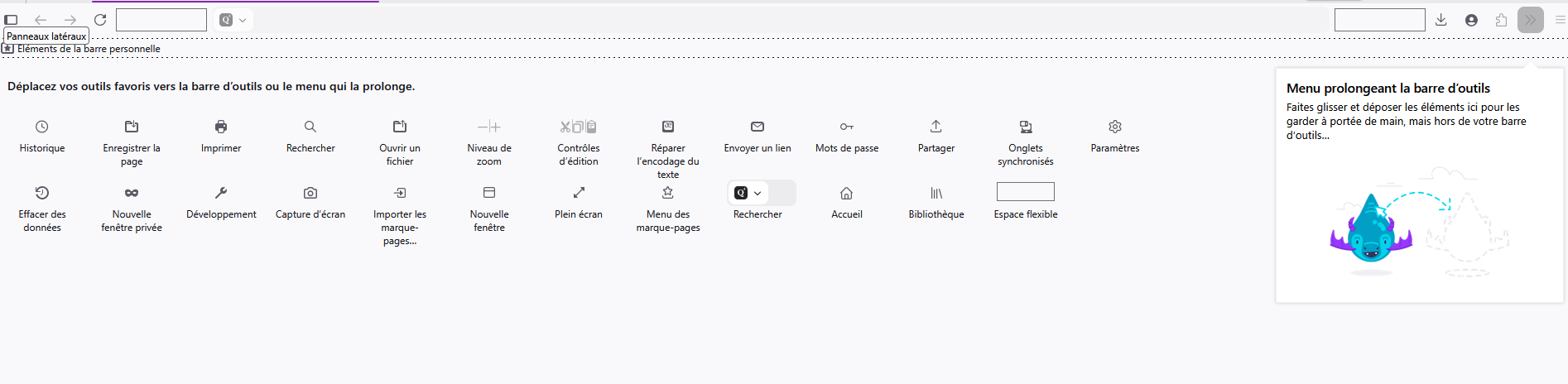
How to add the VPN icon to the toolbar.

Hello,
I'm using version 151.0.1 (64-bit) in France. I don't see the VPN configuration prompt in the top-right corner of my Firefox toolbar, nor do I see the VPN icon in the toolbar… What should I do, please?
Thank you in advance for your help
選ばれた解決策
This answer I've found is ok :
Avez-vous vérifié, browser.ipProtection.enabled
1 - Dirigez-vous vers éditeur de configuration https://support.mozilla.org/fr/kb/editeur-configuration-firefox 2 - Entrez un terme de recherche browser.ipProtection.enabled Vous pouvez double-cliquer sur la préférence pour définir la valeur à true
この回答をすべて読む 👍 0すべての返信 (2)
選ばれた解決策
This answer I've found is ok :
Avez-vous vérifié, browser.ipProtection.enabled
1 - Dirigez-vous vers éditeur de configuration https://support.mozilla.org/fr/kb/editeur-configuration-firefox 2 - Entrez un terme de recherche browser.ipProtection.enabled Vous pouvez double-cliquer sur la préférence pour définir la valeur à true