problem saving images

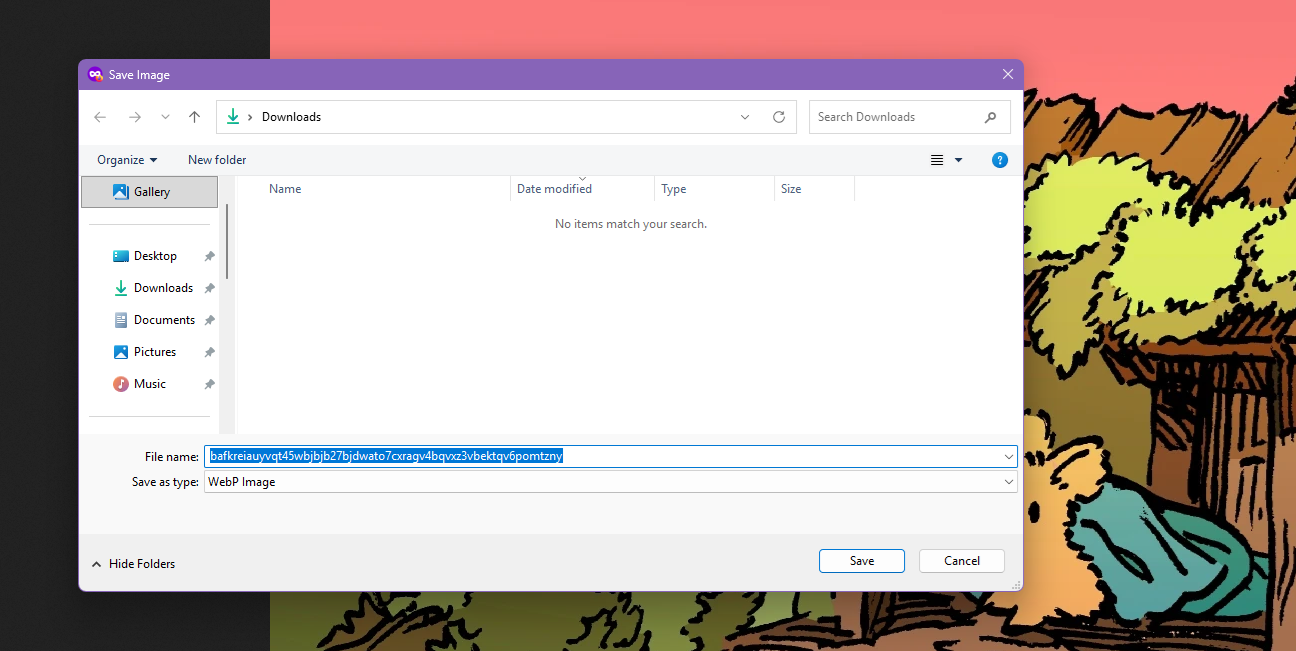
I'm suddenly having a problem where images don't save as .jpg unless I add that myself. At first, it wanted to save images as WebP, but I was able to fix that in the about:config. Now when I go to save an image, it wants to save as Chrome HTML document and I have to click all files and then add .jpg.
すべての返信 (3)
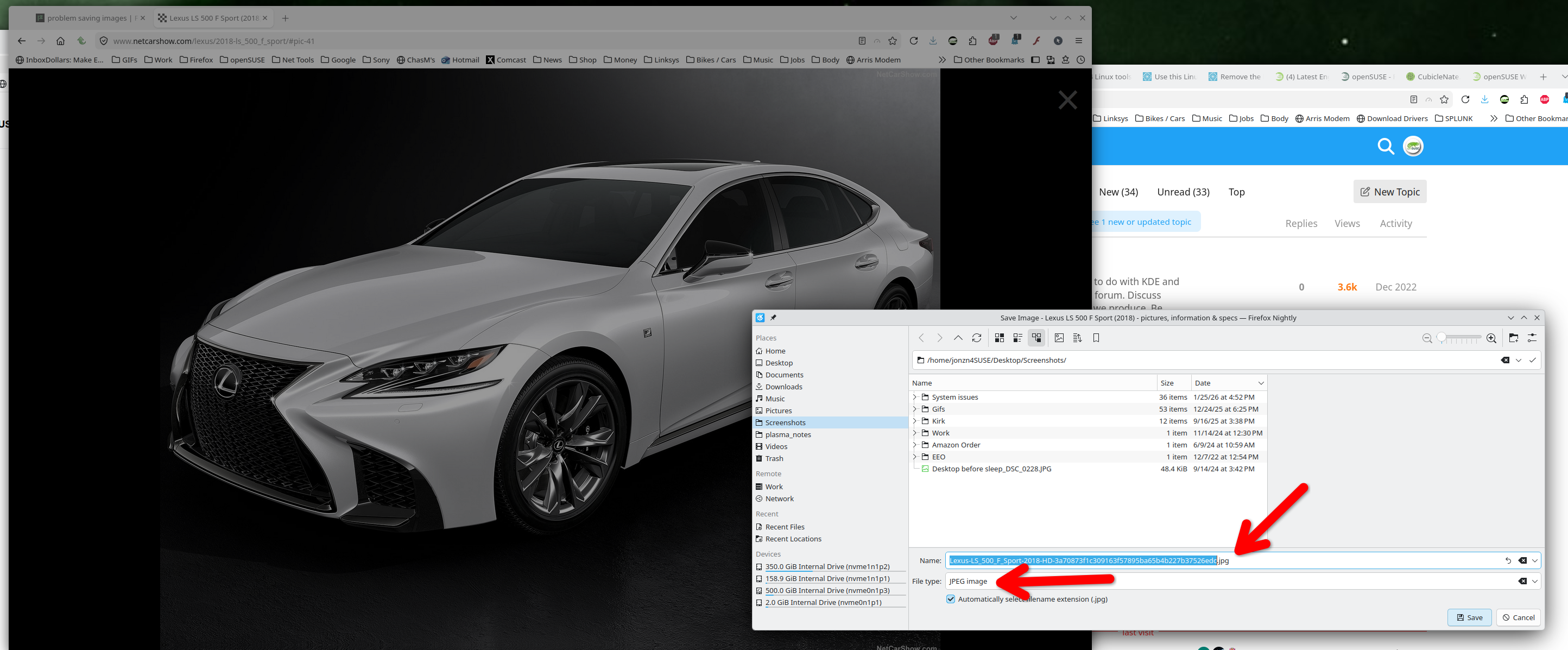
Steps to replicate would be helpful. I'm not seeing an issue on this site. see screenshot https://www.netcarshow.com/lexus/2018-ls_500_f_sport/#pic-41
Are you running any security software besides MS Defender? Did you try with Firefox in Troubleshoot Mode? https://support.mozilla.org/en-US/kb/diagnose-firefox-issues-using-troubleshoot-mode#w_how-to-start-firefox-in-4troubleshoot-modesf5safe-modesf
この投稿は jonzn4SUSE により に変更されました
I don't have other security software and starting in troubleshooting mode didn't do anything.
I just open the image in a new tab and this happens.
Checking other files I have saved, it looks like March 11 was the last time I saved an image before this problem started happening. Photos from bluesky were always automatically saved as jpeg before that. Nothing on my computer has changed since then.