


No longer working

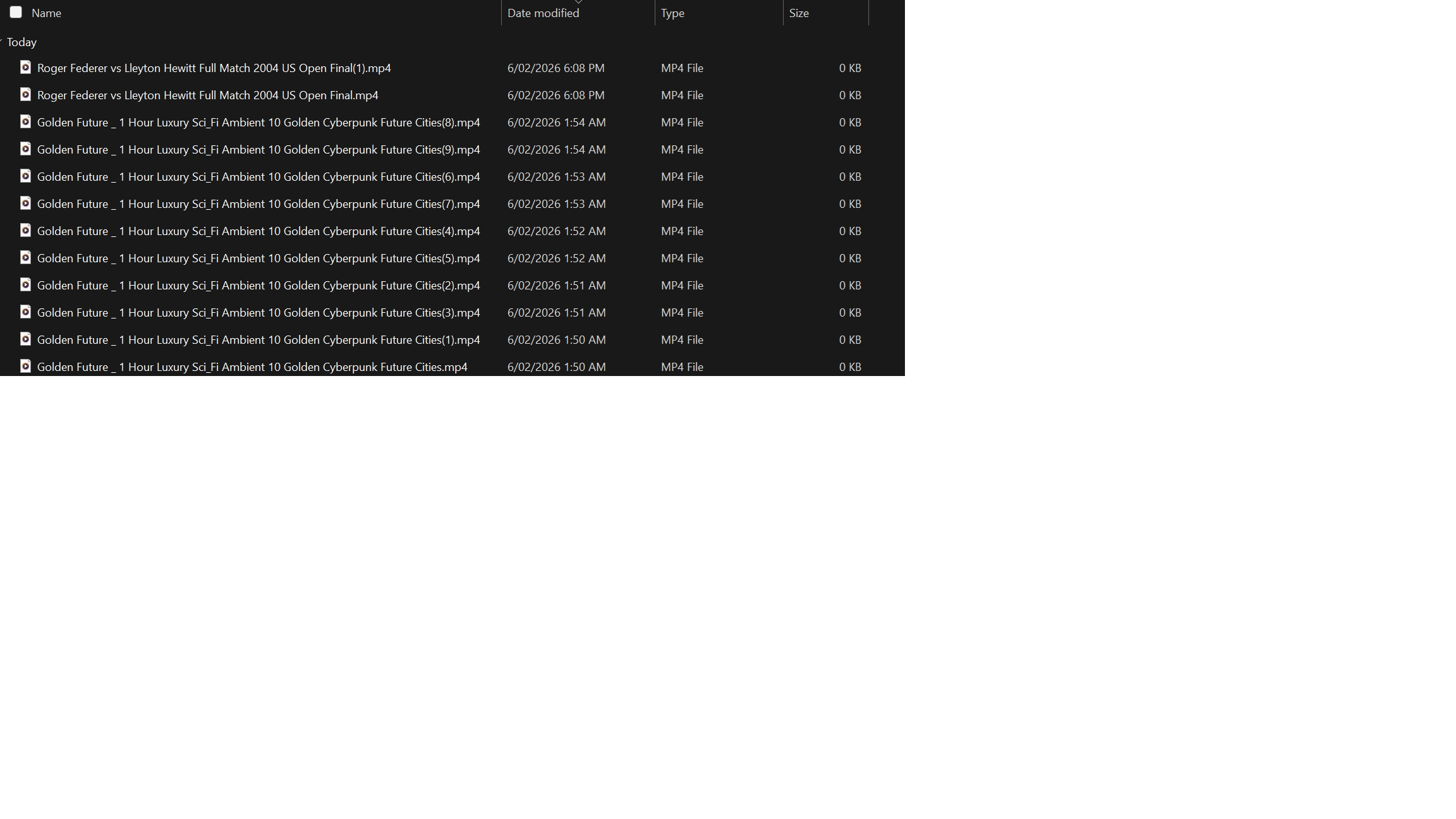
This extension used to work fine for me on youtube but no longer does , it goes through the motions saying its downloading but the resulting file is a 0 bytes , rather than megabytes , ive tried downloading each files size 1080p 720p etc but the result is the same , at first i thought you done this so people would by the pro version but of course thats clearly not the case as no one would buy something is not working , so im not sure what the problem is i may reinstall it just to see if that works , im hoping youtube have caught on and blocking it somehow anyway thanks in advance
William
すべての返信 (1)

You didn't mention the name of the extension that no longer works, in case others have reported the same issue here. However, Mozilla Support may not be able to help you with problem extensions. Your best bet is to contact the extension author or visit the extension's help page, if available.
You can find that information in the Add-ons Manager Extensions page: In Firefox, click the menu  button in the top right corner, click on "Extensions and Themes" and select "Extensions" on the left. Click the name of extension (which will have have a blue toggle
  switch next to it, when enabled). You will then see the extension author and homepage listed, if available.
It MAY help uninstalling (removing) the extension and reinstalling it, if you want to try that first:
Open the Add-ons Manager Extensions page as explained above, then click the ellipsis  (3-dot) icon for the extension you wish to remove and select {menu Remove}.
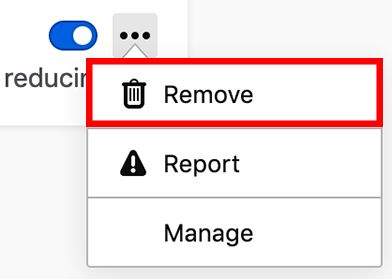
... and then go to the extension homepage or find it on the Firefox Add-ons page and install the latest version.
For more help installing or troubleshooting Firefox extensions and other add-ons, see Find and install add-ons to add features to Firefox