


Non-removable settings? "English (GB)" language and "Autoplay -> "About:Welcome" -> "Allow Audio and Video"

Hi,
Looking at my Firefox 147.0.1 settings for macOS 26.2 (Apple M1), I'm trying to adjust two settings:
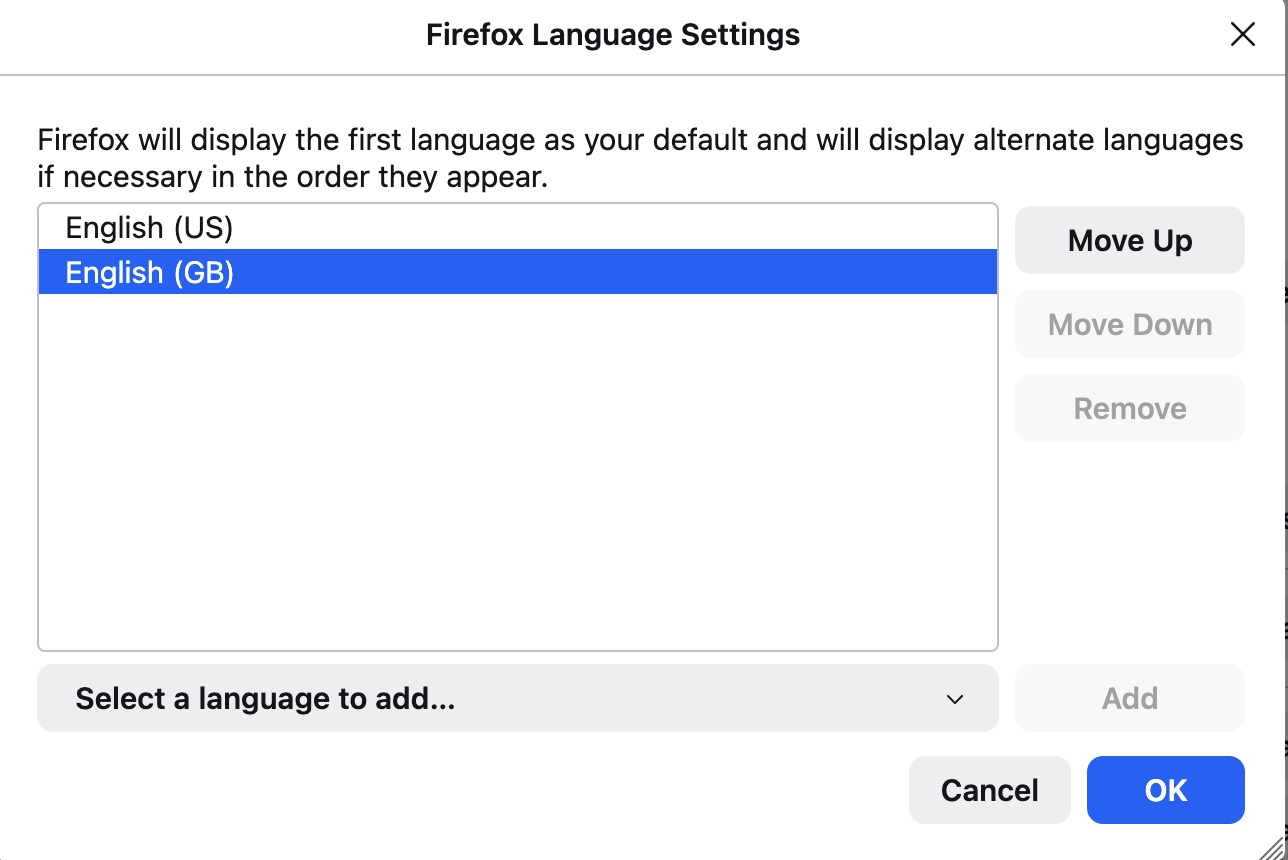
-- I'd like to remove Languages -> English (GB) (its existence has odd side effects, like triggering United Airlines to offer fares in Pounds Sterling, and I'd prefer to just have English (US))
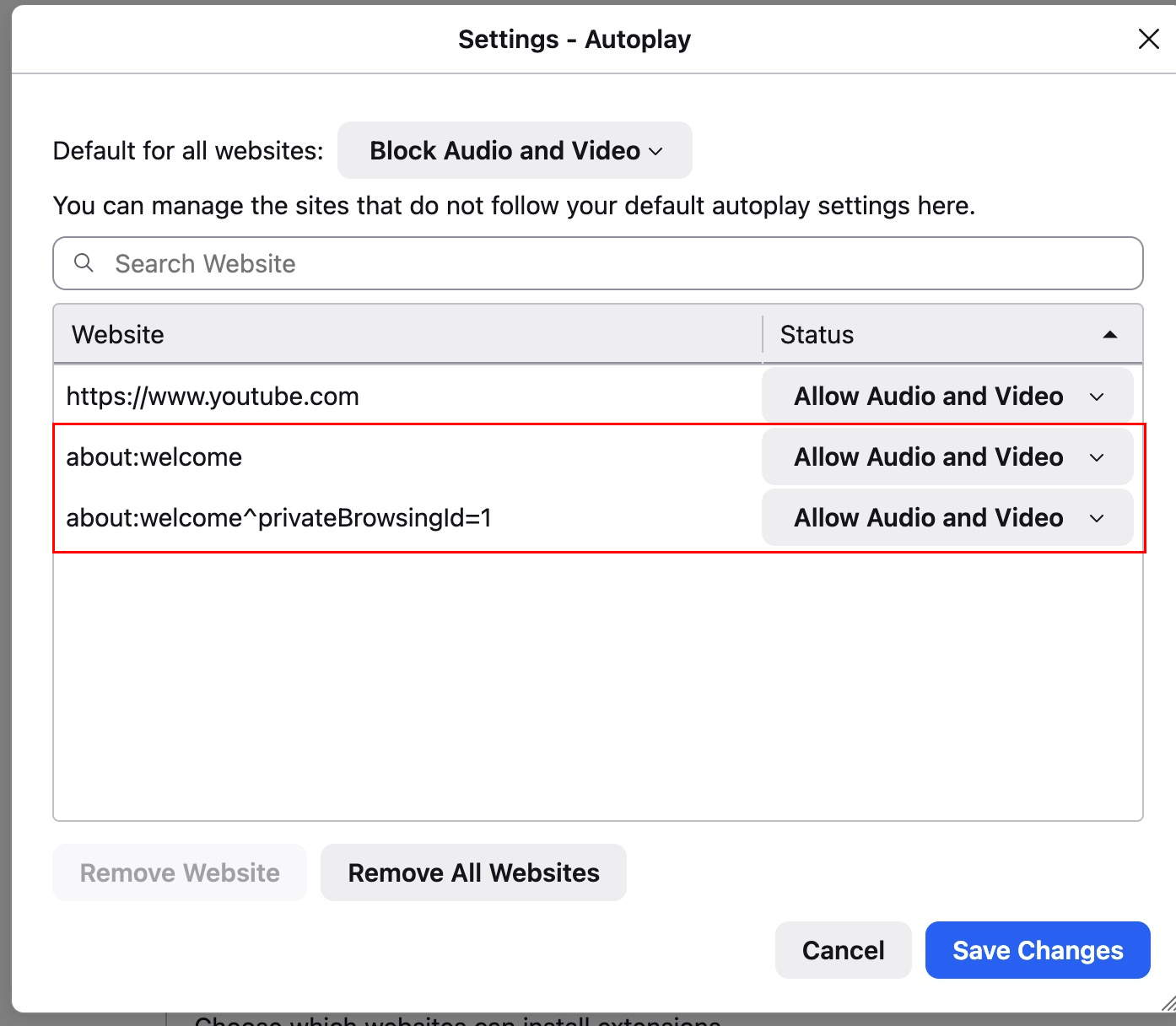
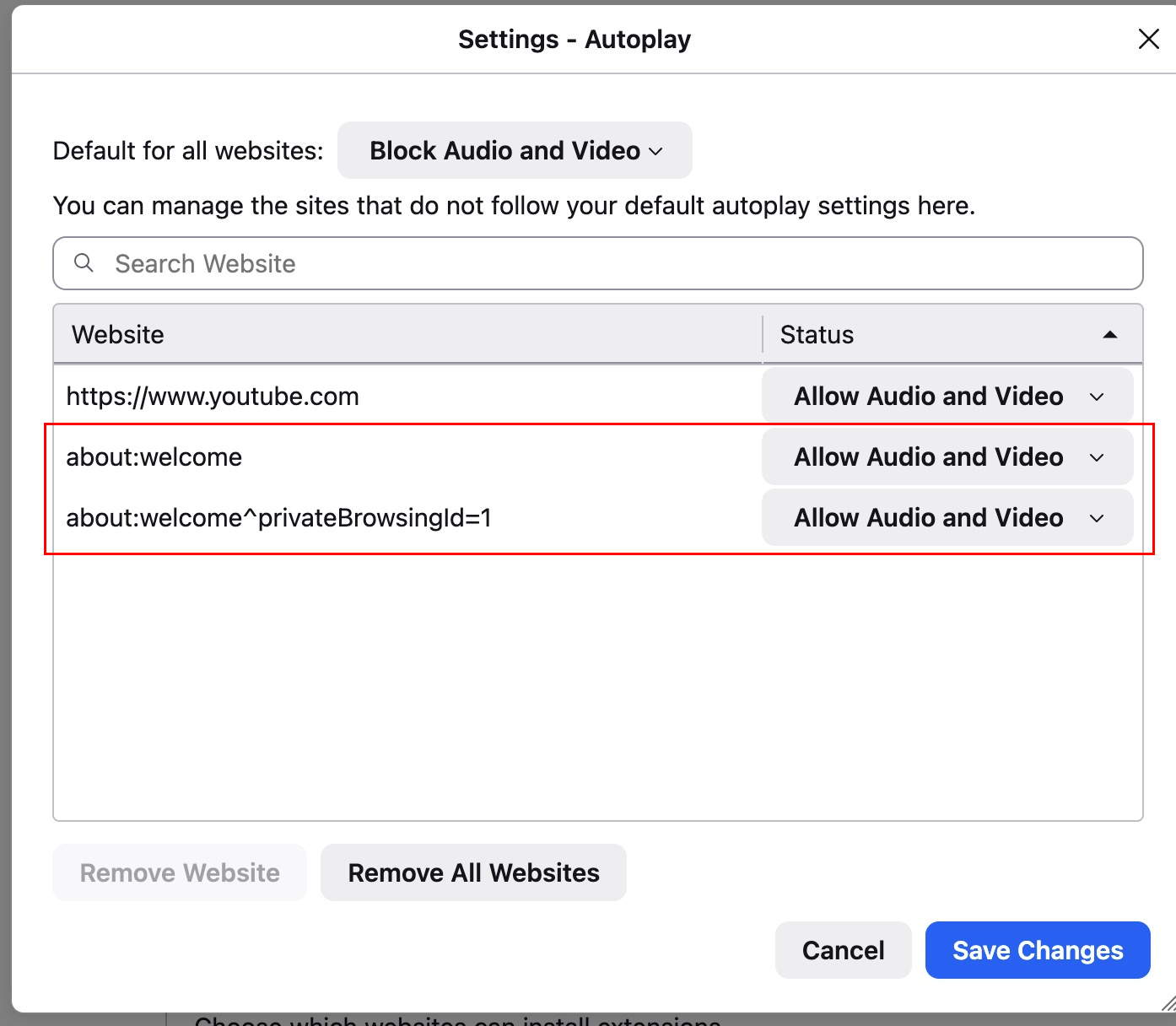
-- I'd like to disable Play Audio and Video for about:welcome (in regular and private windows)
I can see no way to accomplish this currently -- why?
Thanks.
すべての返信 (4)
Hi,
For website languages, please see Choose display languages for multilingual web pages.
Regarding about:welcome, you should have seen that page only once. When does it appear for you?
Hi,
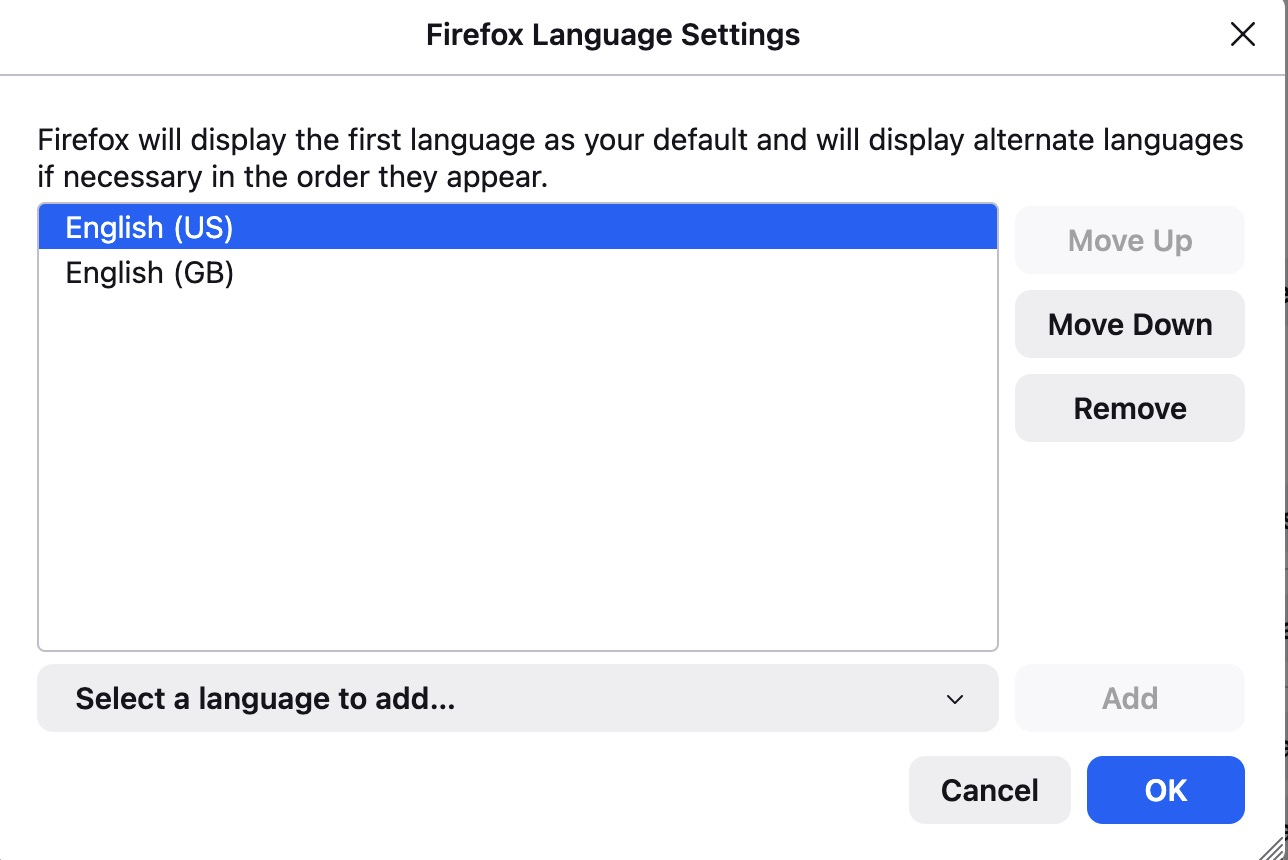
Thanks for replying, however the process that works to add or remove MOST languages does NOT appear to work for English (GB). See the attached screen shots. The first one shows that I CAN remove English (US) -- but that's not what I want to do, I want to keep English (US). The second screen shot shows that the REMOVE option is greyed out for English (GB), preventing me from removing it the way I'd like to.
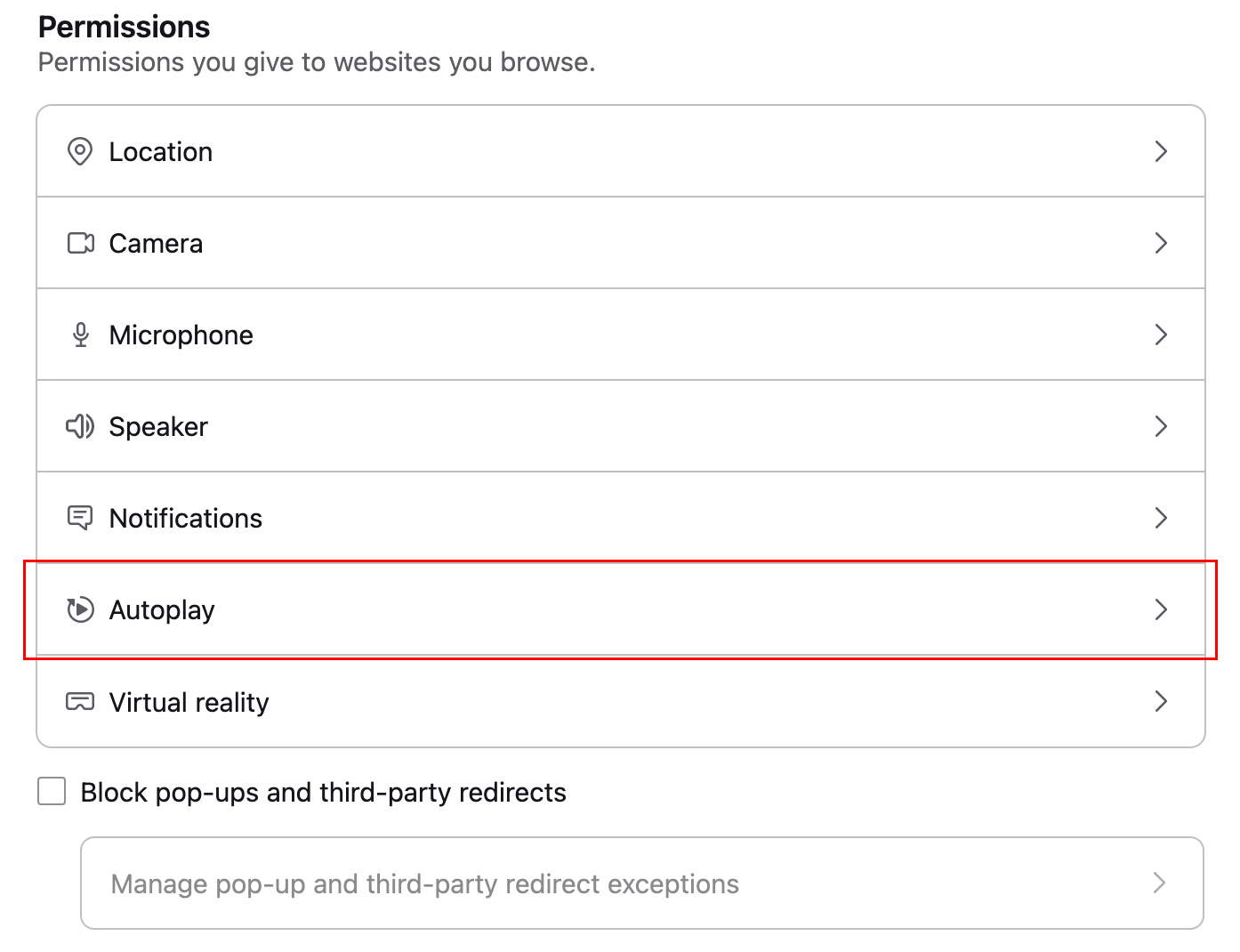
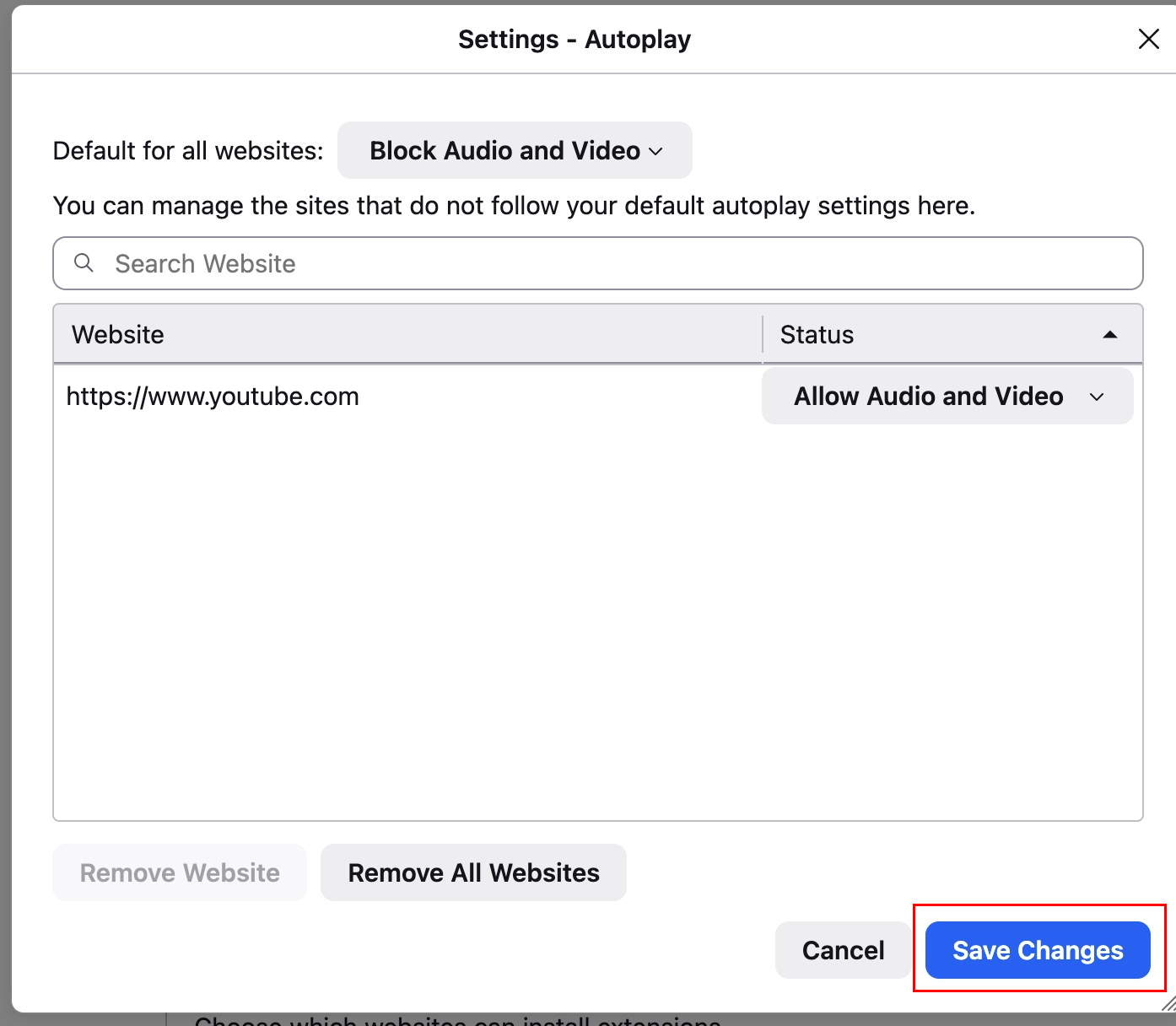
Regarding the about:welcome audio video setting, see the 2nd set of screen shots -- doesn't matter if I wholy remove the two about:welcome sites (and save the change) or toggle the two about:welcome sites to block audio and video (and save the change), the settings insist on reverting to ALLOW audio and video for the about:welcome site. I believe that I should be able to control the setting for about:welcome the same way as any other site (or why bother listing those entries if I've got no control, eh?)
Thank you for the clarifications!
Regarding the languages, for me that doesn't sound intended/common. If you run Firefox in Troubleshoot Mode, does the issue persist?
Regarding the about:welcome issue, apparently you will not be able to change the permissions due to the bug 1804855 (which is still not resolved). Sorry for that! (And kudos to Agent virtuel for pointing to the bug.)
A quick update on the second issue. My patch resolving it is already on Nightly, and, if everything goes well, we should expect it on release in a month or two.