


Amazon pages don't load on Firefox 146.0.1 (64 bit). I cleared the cache but still have the problem. Please advise.

Amazon pages don't load on Firefox 146.0.1 (64 bit). I'm using a Windows 11 Desktop PC. I cleared the cache but still have the problem. Please advise. I've used Firefox as my primary browser for decades but if this issue is not resolved, I may be forced to switch to a new primary browser. Anthony
すべての返信 (1)
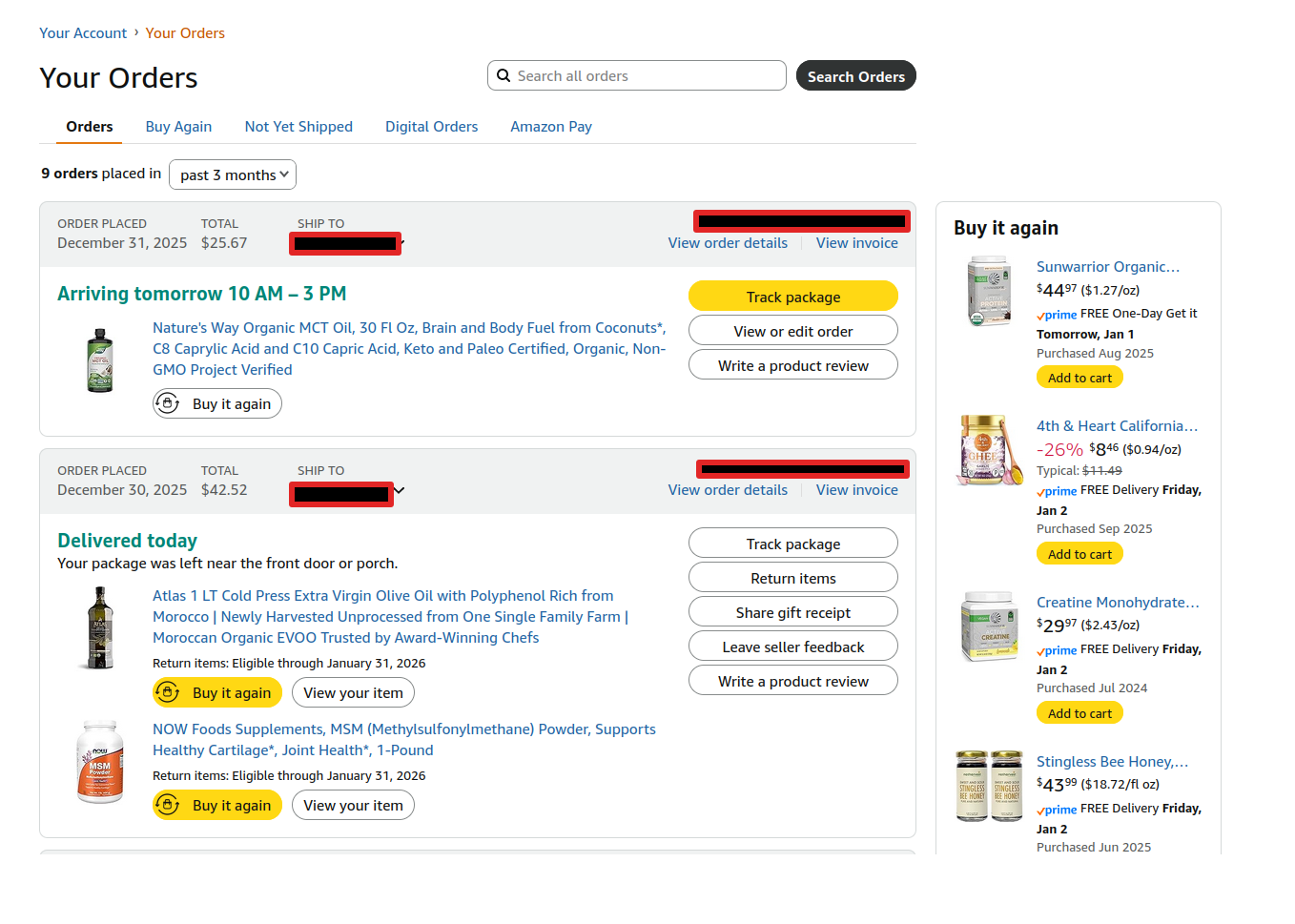
I just logged into my account to check on my order with no issue. see screenshot
Did you try with Firefox in Troubleshoot Mode? https://support.mozilla.org/en-US/kb/diagnose-firefox-issues-using-troubleshoot-mode#w_how-to-start-firefox-in-4troubleshoot-modesf5safe-modesf
Are you running any security software besides MS Defender?
Windows home or pro? If Windows Pro version, try testing in Windows Sandbox (VM) to see if you have the same issue. https://www.howtogeek.com/399290/how-to-use-windows-10s-new-sandbox-to-safely-test-apps/
この投稿は jonzn4SUSE により に変更されました