

このスレッドはアーカイブに保管されました。
必要であれば新たに質問してください。

アーカイブに保管済み
Firefox second window unresponsive
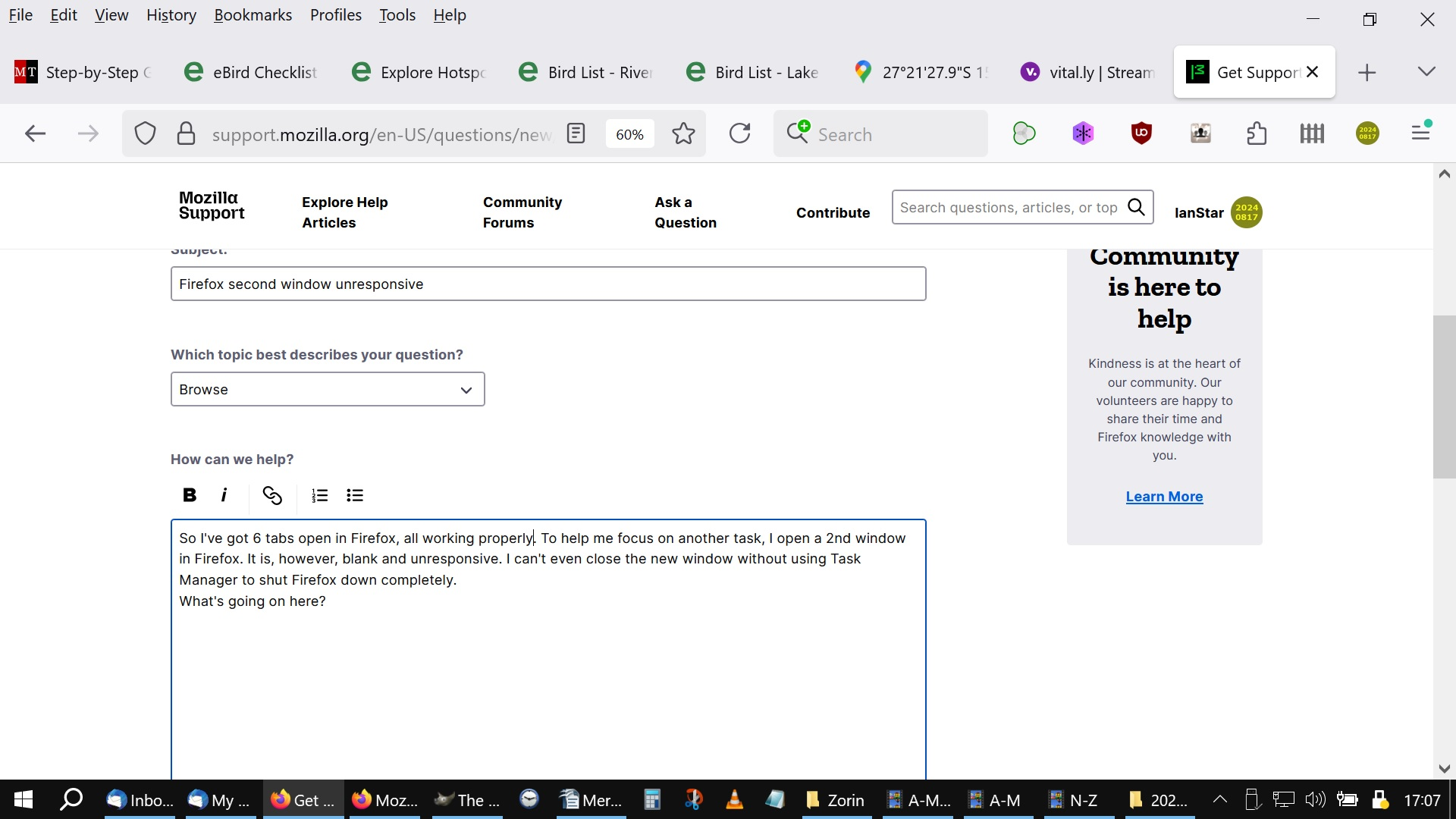
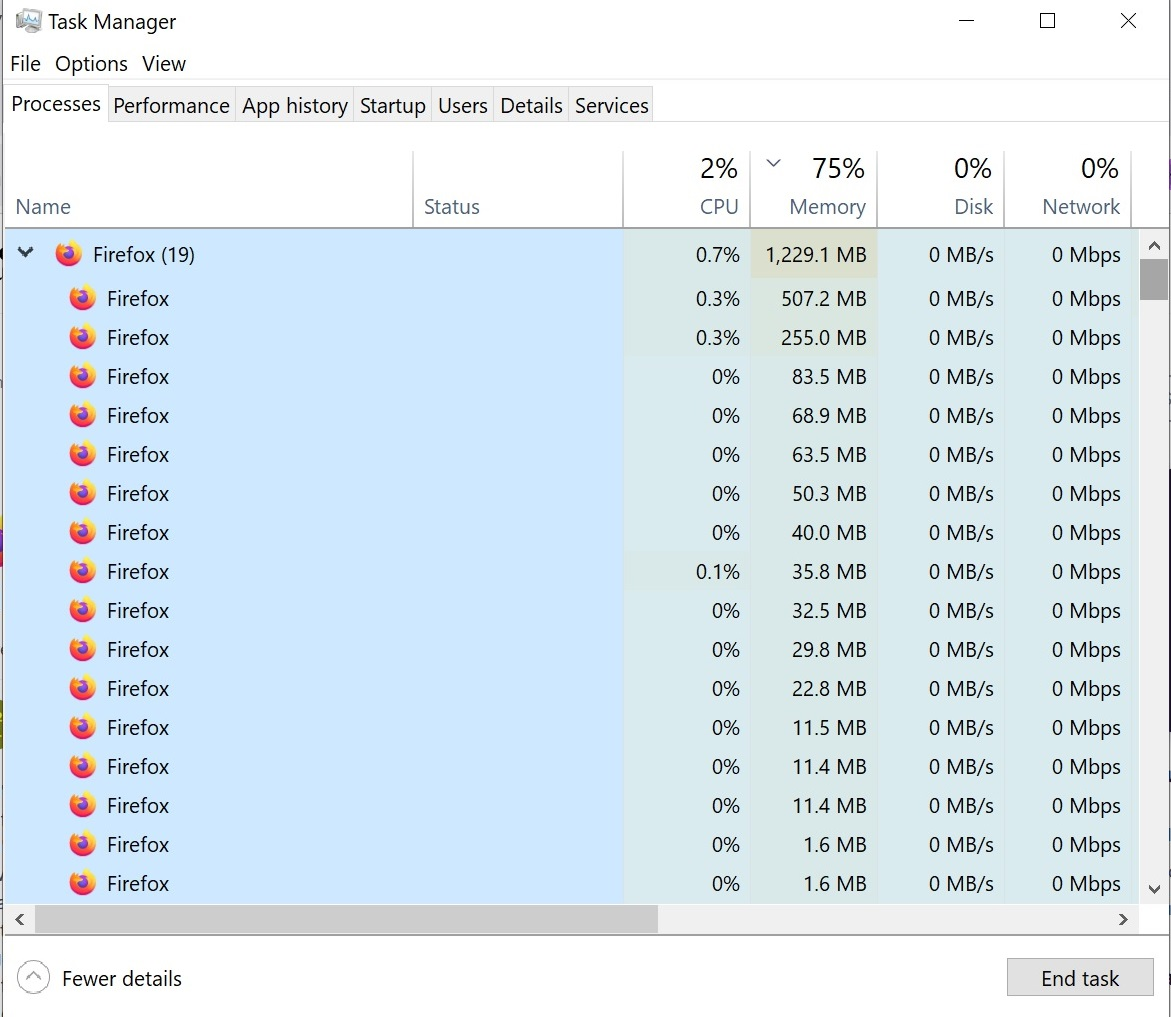
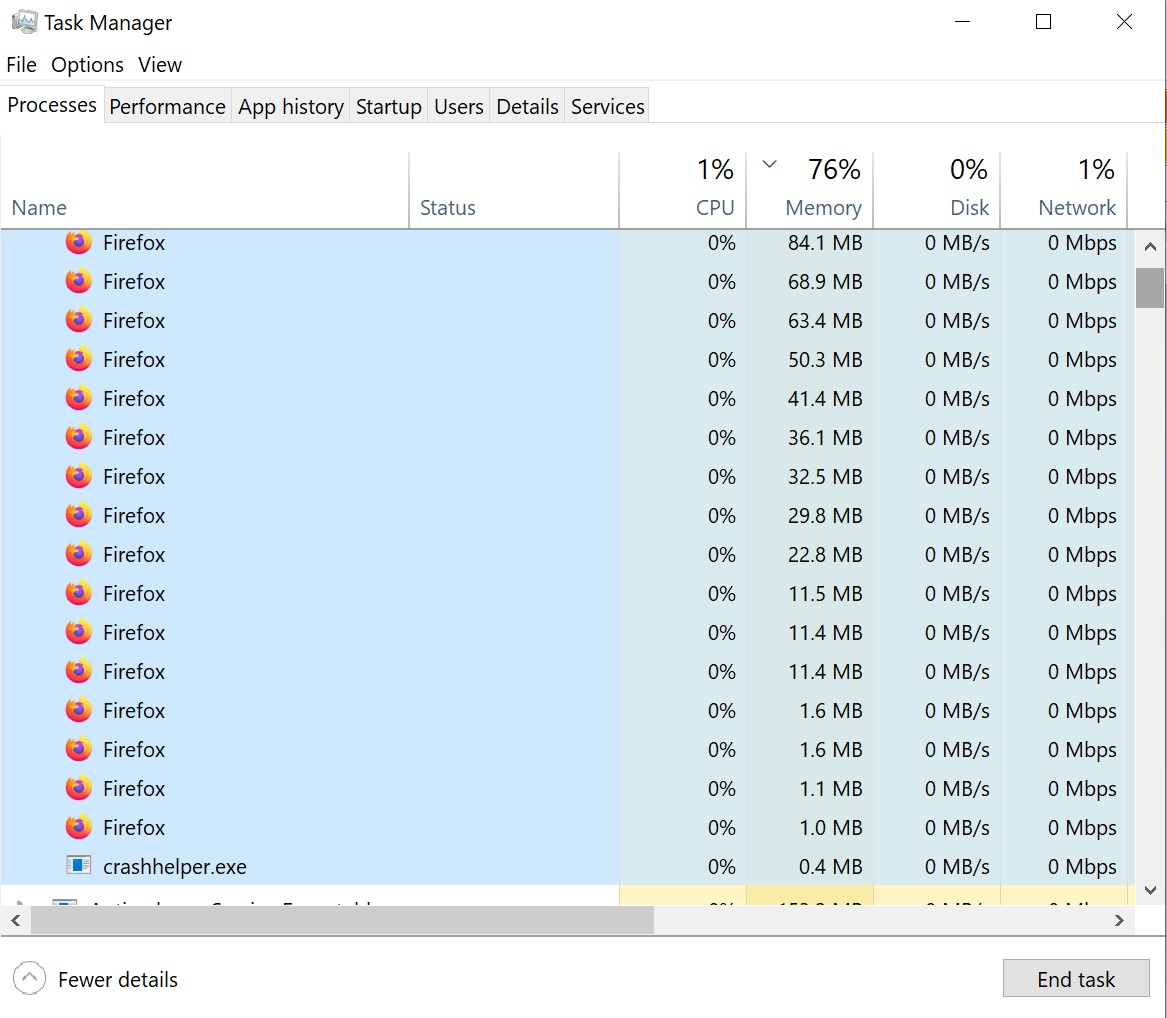
So I've got 6 tabs open in Firefox, all working properly. To help me focus on another task, I open a 2nd window in Firefox. It is, however, blank and unresponsive, doesn't show any extensions in the toolbar, but does show "Firefox View" which I don't normally have showing. I can only close the new window by using Task Manager to shut Firefox down completely or by right-clicking in the Taskbar on the dead window and selecting "close window". What's going on here? First image: working tabs, Second image: unresponsive new window. Regards, Ian Firefox 140.0b2 (64-bit) Windows 10 Pro
So I've got 6 tabs open in Firefox, all working properly. To help me focus on another task, I open a 2nd window in Firefox. It is, however, blank and unresponsive, doesn't show any extensions in the toolbar, but does show "Firefox View" which I don't normally have showing. I can only close the new window by using Task Manager to shut Firefox down completely or by right-clicking in the Taskbar on the dead window and selecting "close window".
What's going on here?
First image: working tabs, Second image: unresponsive new window.
Regards, Ian
Firefox 140.0b2 (64-bit)
Windows 10 Pro

この投稿は IanStar により に変更されました
すべての返信 (1)
Anyone?