


Youtube broken since 141 update
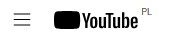
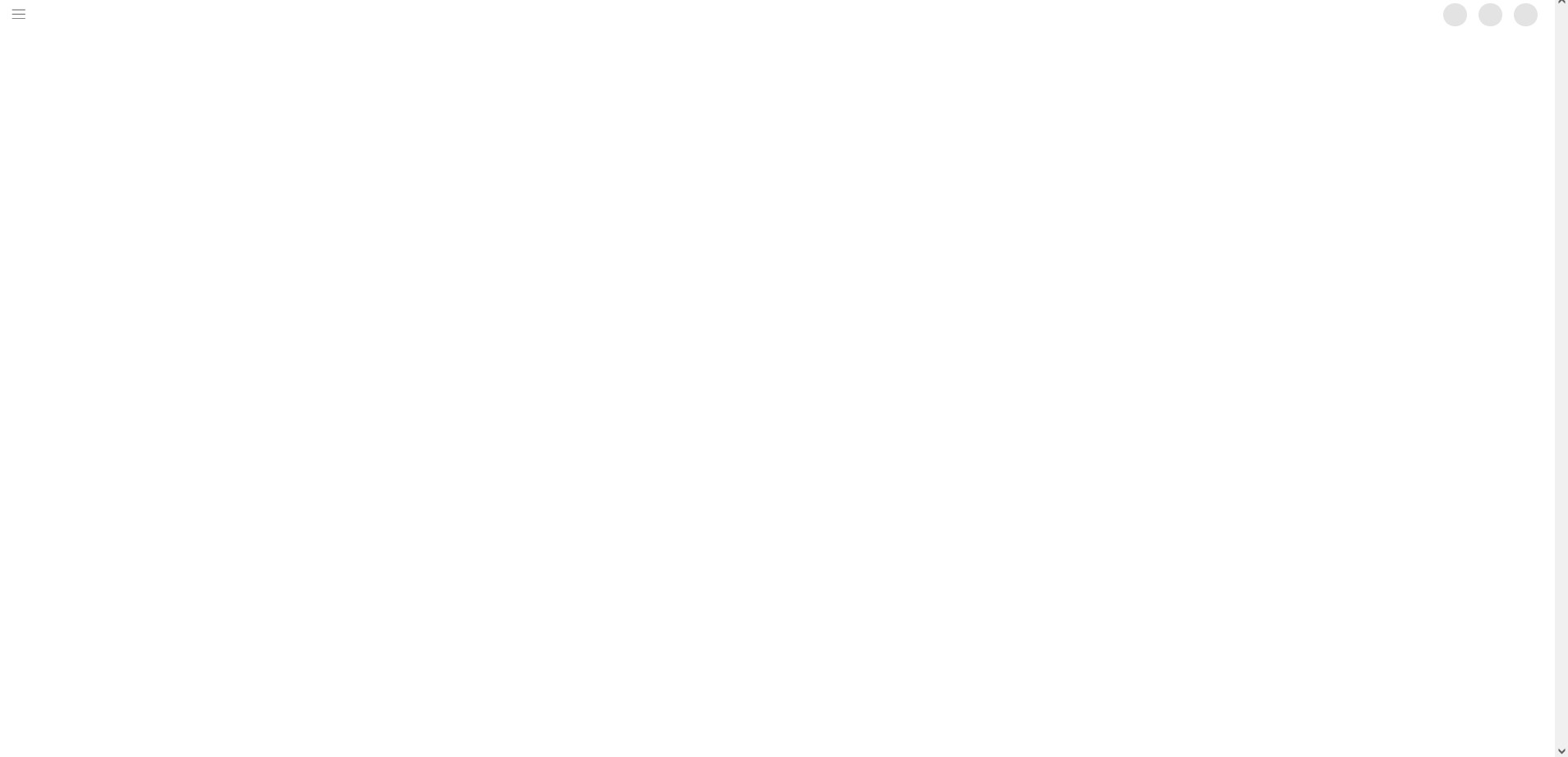
Since 141 update I have constant problems with youtube. Page does not load at all or loads only partially. Icons on sidebar are broken, youtube logo is black. I tried disabling ublock and greasemonkey but it did not help. Refreshing page multiple times and using ctrl+f5 sometimes helps but issue returns often, every few videos/visits. Clearing cookies helps but only for few hours and then issue returns.
Is it related to WebGPU support that was supposed to be added in 141? Can I disable it somehow?
選ばれた解決策
Issue seems to fixed itself after few days. No idea what caused it. On my 2nd PC I had same issue but I used black youtube there and it caused YT logo to become white - opposite to what I presented in this case.
この回答をすべて読む 👍 0すべての返信 (1)
選ばれた解決策
Issue seems to fixed itself after few days. No idea what caused it. On my 2nd PC I had same issue but I used black youtube there and it caused YT logo to become white - opposite to what I presented in this case.
この投稿は Piterk により に変更されました