Windows 10 reached EOS (end of support) on October 14, 2025. For more information, see this article.

Mozilla サポートの検索

サポート詐欺に注意してください。 私たちはあなたに通話やショートメッセージの送信、個人情報の共有を求めることはありません。疑わしい行為を見つけたら「迷惑行為を報告」からご報告ください。

詳しく学ぶ

このスレッドはアーカイブに保管されました。 必要であれば新たに質問してください。

Sync Firefox from old PC to new PC

  • 1 件の返信
  • 0 人がこの問題に困っています
  • 74 回表示
  • 最後の返信者: jonzn4SUSE

more options

I got my mother a new PC. I'm trying to sync Firefox data from the old PC to the new PC. My mother does not have a smart phone.

This isn't syncing PC to smart phone. It's syncing PC to PC. I thought just entering the username/email address and password on the new PC would do it, but it isn't.

[There are still a lot of people who don't have a smart phone and will never understand one.] [If I use my smart phone, it will sync from my data, not my mother's]

I got my mother a new PC. I'm trying to sync Firefox data from the old PC to the new PC. My mother does not have a smart phone. This isn't syncing PC to smart phone. It's syncing PC to PC. I thought just entering the username/email address and password on the new PC would do it, but it isn't. [There are still a lot of people who don't have a smart phone and will never understand one.] [If I use my smart phone, it will sync from my data, not my mother's]

すべての返信 (1)

more options

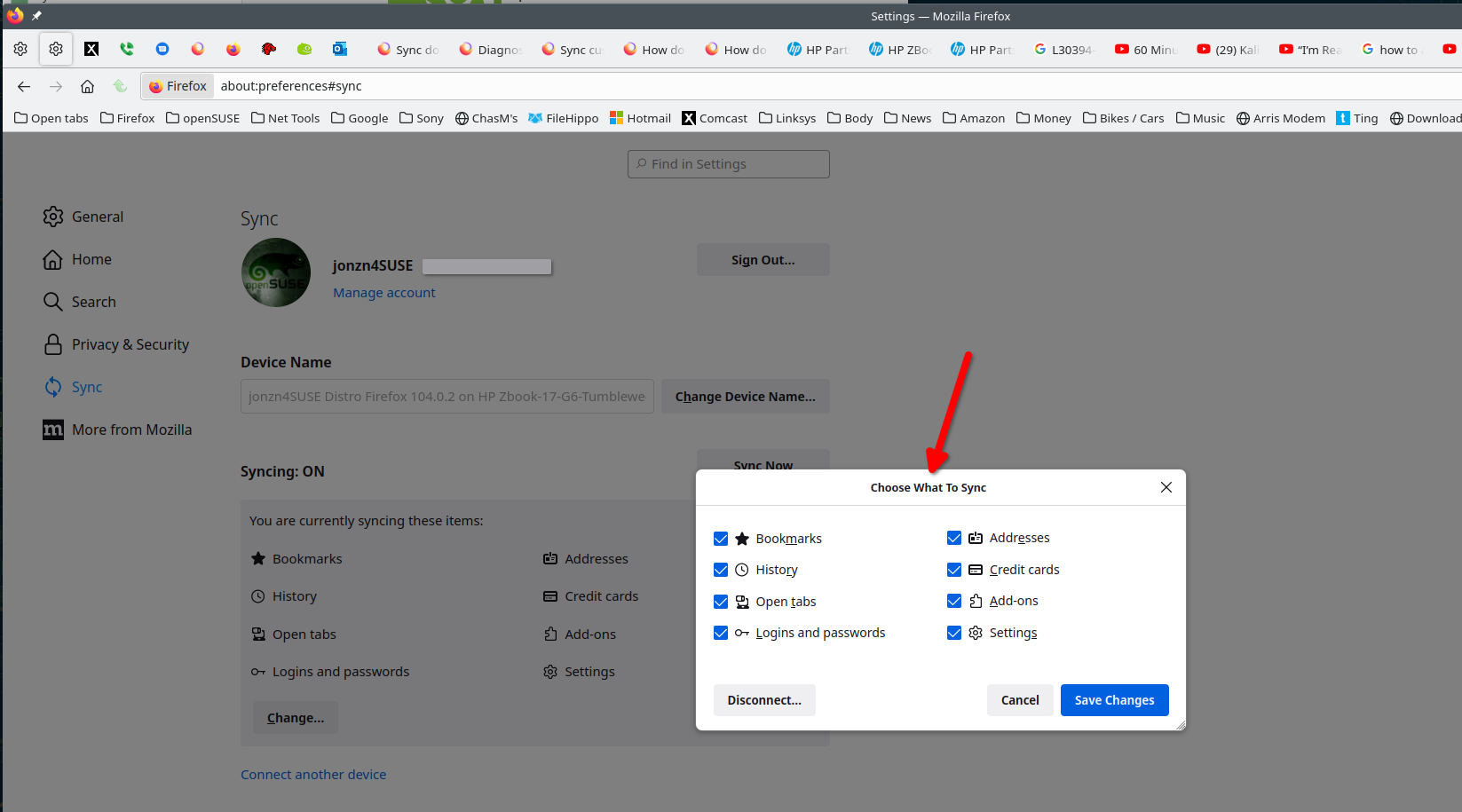
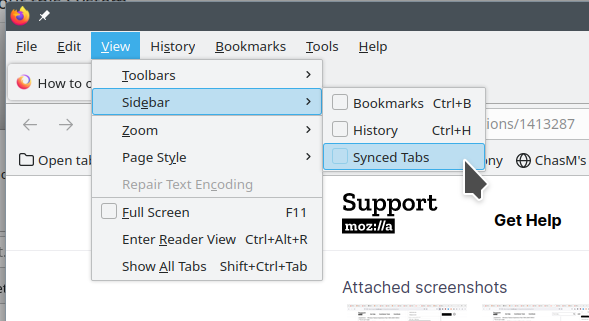
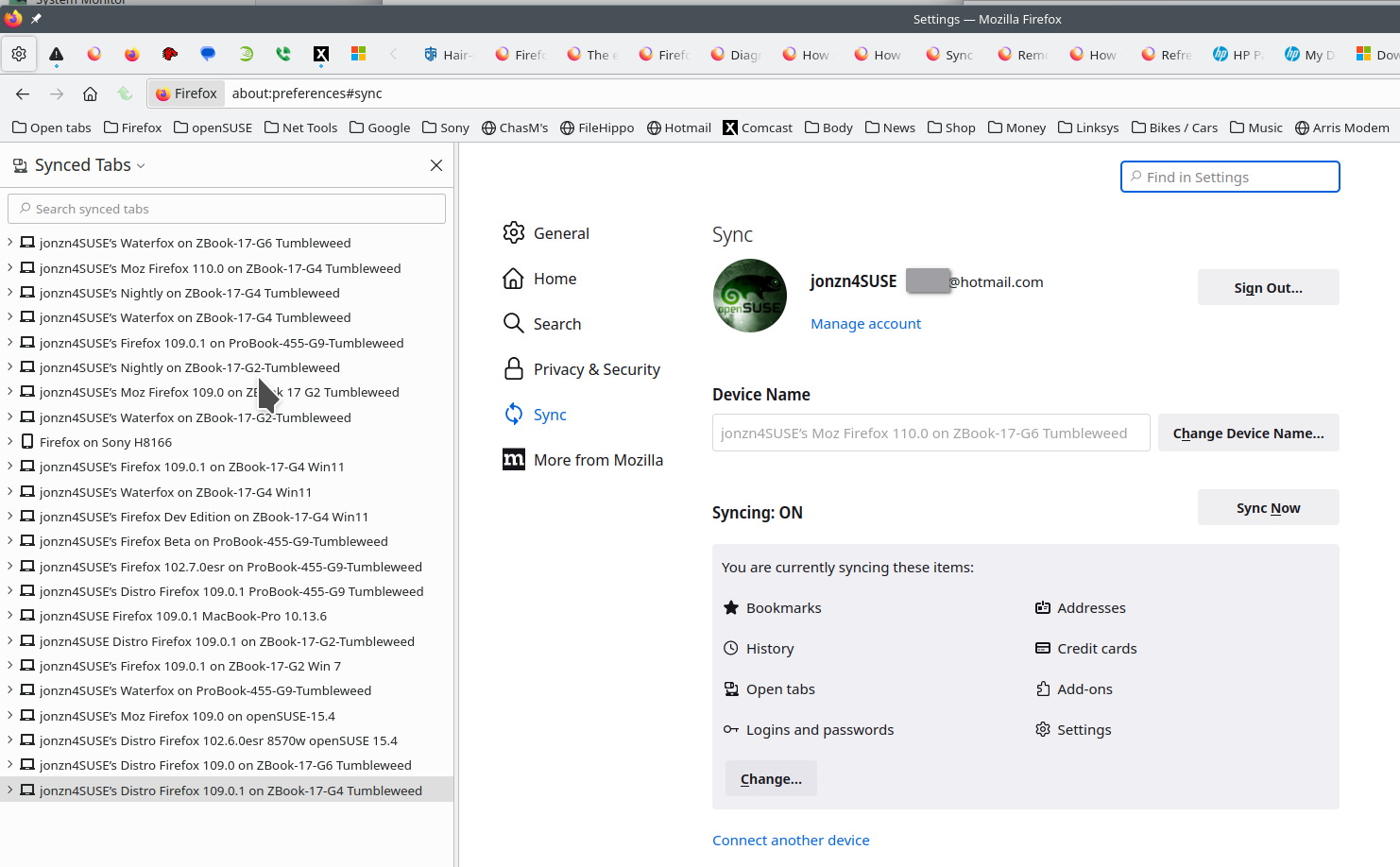
Phone is not needed. Check the sync settings on both computers. Just signing into the same account on both should do it. Check the sync settings Also see if the computers can see each other in Sync and under the account devices. see screenshots
この投稿は jonzn4SUSE により に変更されました