


Unknown website

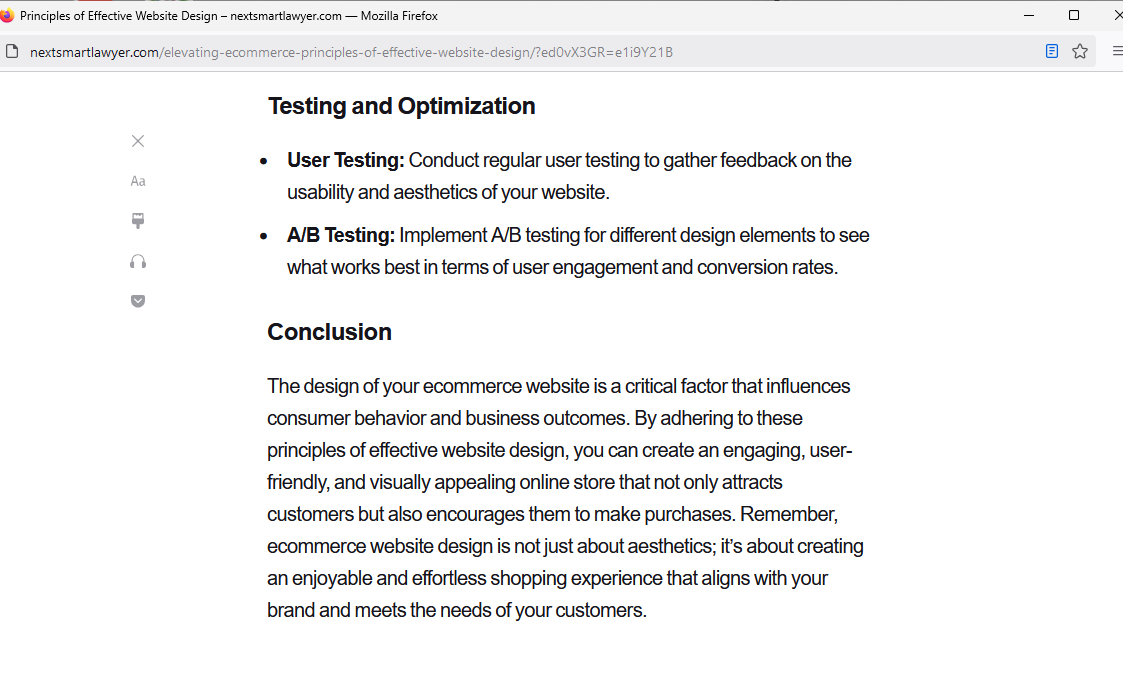
A few minutes ago, when I closed one web site the following poped-up (nextsmartlawyer.com) and I can't get rid of it. Every time I close a web site, this is on my desktop. I even restarted my computer, no help. Is there something I can do to eliminate this?
すべての返信 (3)

How is that a Firefox Browser issue?
Well, I assumed that since I was using Firefox to access the internet it would be a Firefox issue. Maybe Firefox is not as good as they claim?
How about providing steps to replicate. What version of Firefox? What OS? Did you try with Firefox in Troubleshoot Mode? https://support.mozilla.org/en-US/kb/diagnose-firefox-issues-using-troubleshoot-mode#w_how-to-start-firefox-in-4troubleshoot-modesf5safe-modesf
Did you clear your browser cache? https://support.mozilla.org/en-US/kb/clear-cookies-and-site-data-firefox