


Playstation Can't Connect to the server

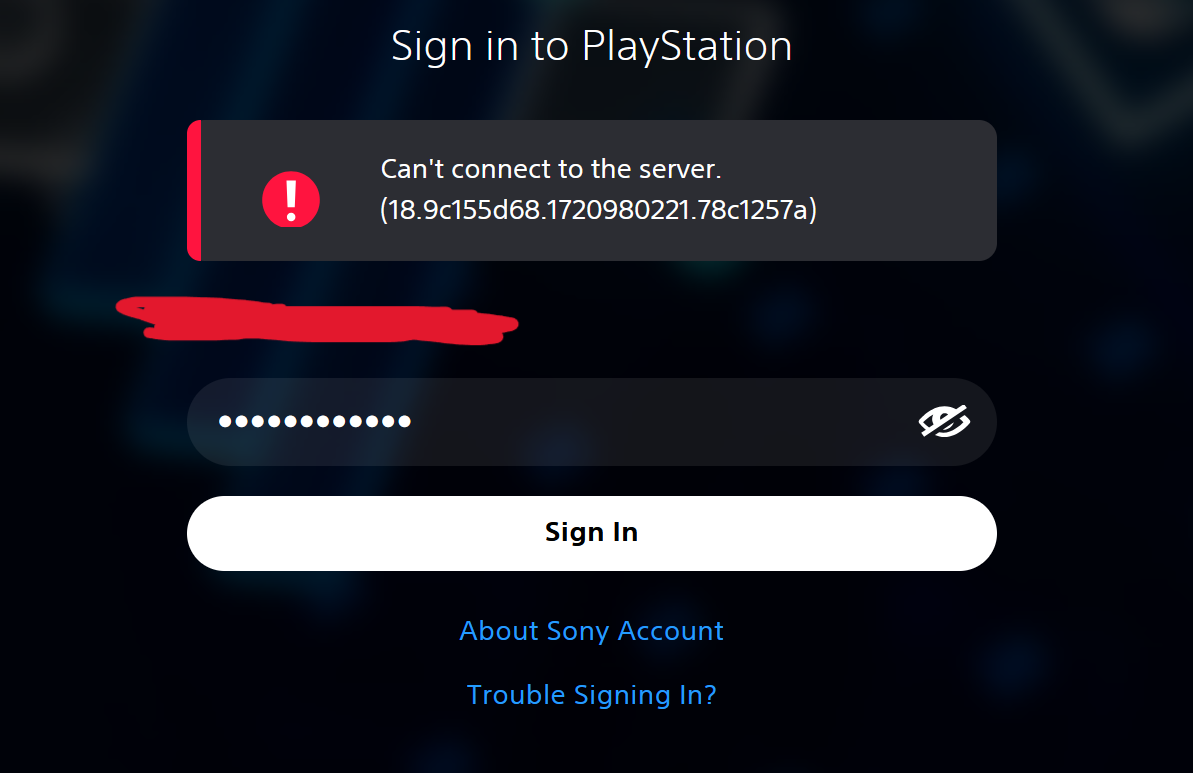
I am having issues signing in to the playstation store using firefox. It works on edge (although I have the same issue in ungoogled chromium). I have tried refreshing but that didn't work. I uninstalled it and deleted all mozilla folders in appdata, then tried again without signing in to my mozilla account on a fresh install but i'm still having the issue. It might be a windows configuration issue because I don't see why this would work on edge but not on firefox. I've tried disabling all cookie and tracking protection features but I still have the same issue.
すべての返信 (2)
選ばれた解決策
attached image
EDIT: Login worked after hours of troubleshooting, not sure what did it but i'll close the question
この投稿は hts739 により に変更されました

I had the same issue, turns out my adblocker was the culprit. After disabling I logged i straight away.