

このスレッドはアーカイブに保管されました。
必要であれば新たに質問してください。

アーカイブに保管済み
Shortcuts have changed to Chinese ones.
Today when I opened my browser, my shortcuts were replaced with Chinese ones. How did this happen and where did my old ones go?
My laptop was sleeping, and not restarted. I had reopened my firefox.
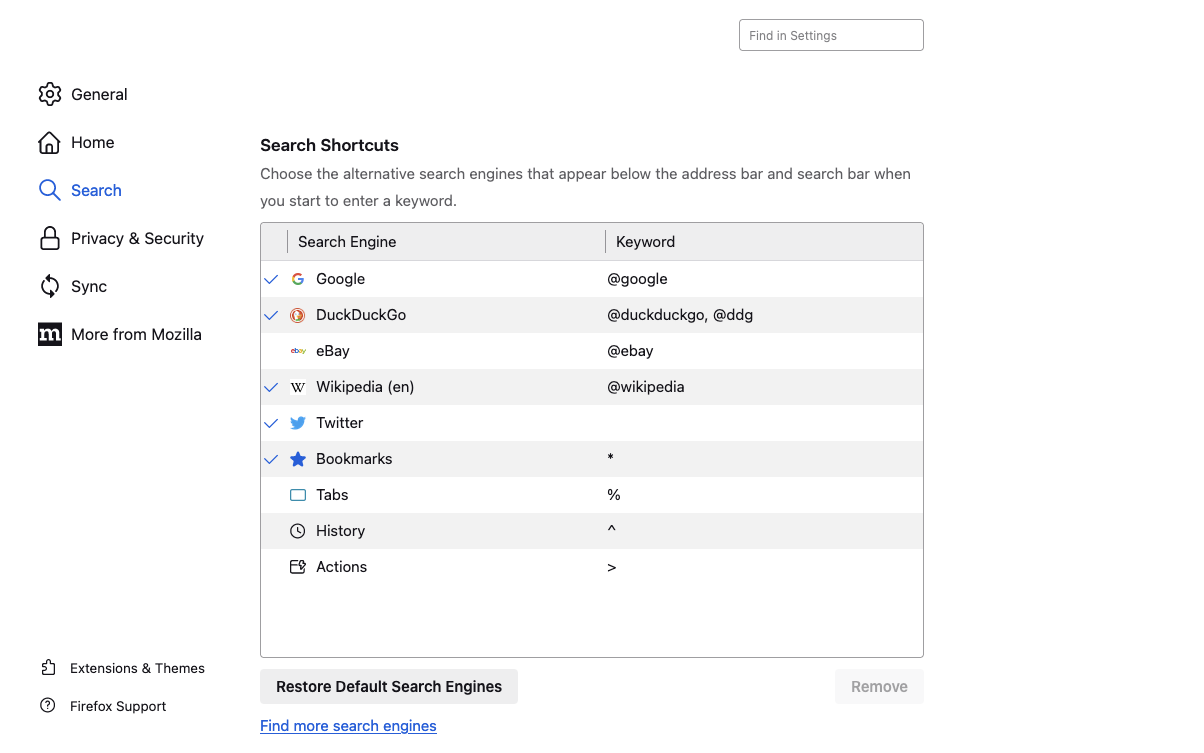
These Chinese ones do not show in my list of shortcuts. (pictures below)
I do not use Chinese language sites
Malware scan turning up nothing (yet)
What is the best way to restore my shortcuts and make sure random ones do not come back.
Cheers!
Today when I opened my browser, my shortcuts were replaced with Chinese ones. How did this happen and where did my old ones go?
My laptop was sleeping, and not restarted. I had reopened my firefox.
These Chinese ones do not show in my list of shortcuts. (pictures below)
I do not use Chinese language sites
Malware scan turning up nothing (yet)
What is the best way to restore my shortcuts and make sure random ones do not come back.
Cheers!

すべての返信 (1)
Change browser.search.region to US in about:config then restart the browser.