


Youtube not functioning in Firefox.

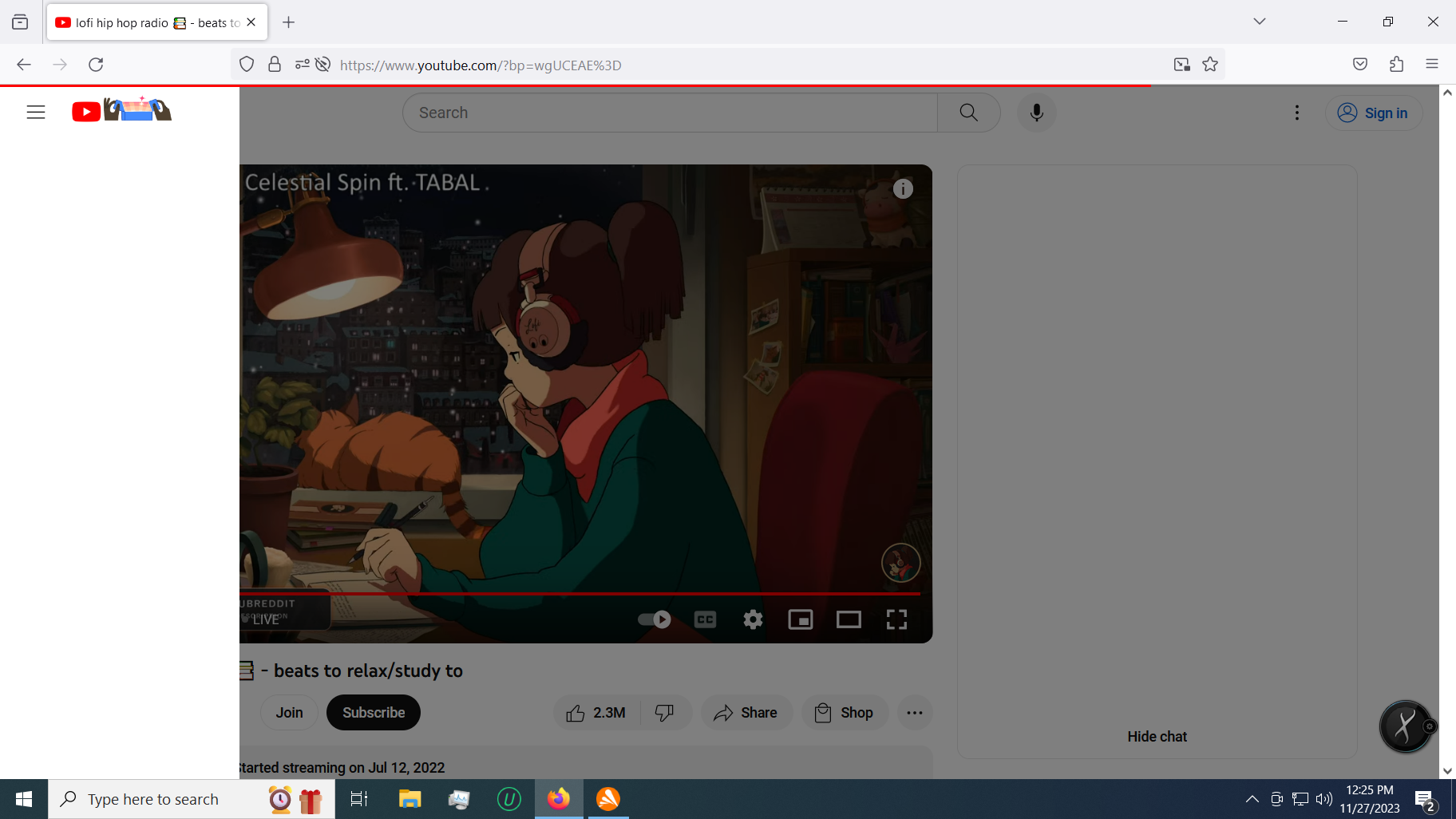
When I try to use youtube.com on Firefox I have problems with the page loading correctly. The sidebar menu doesn't populate leaving only a white space where all the options should be. When I click on a video a red progress bar will fill about 75% of the way and then just hang and the video will never load.
I have tried clearing my cache and cookies, deleting all data, refreshing my browser at least 5 times and ran under troubleshooting (safe) mode but the same issue persists.
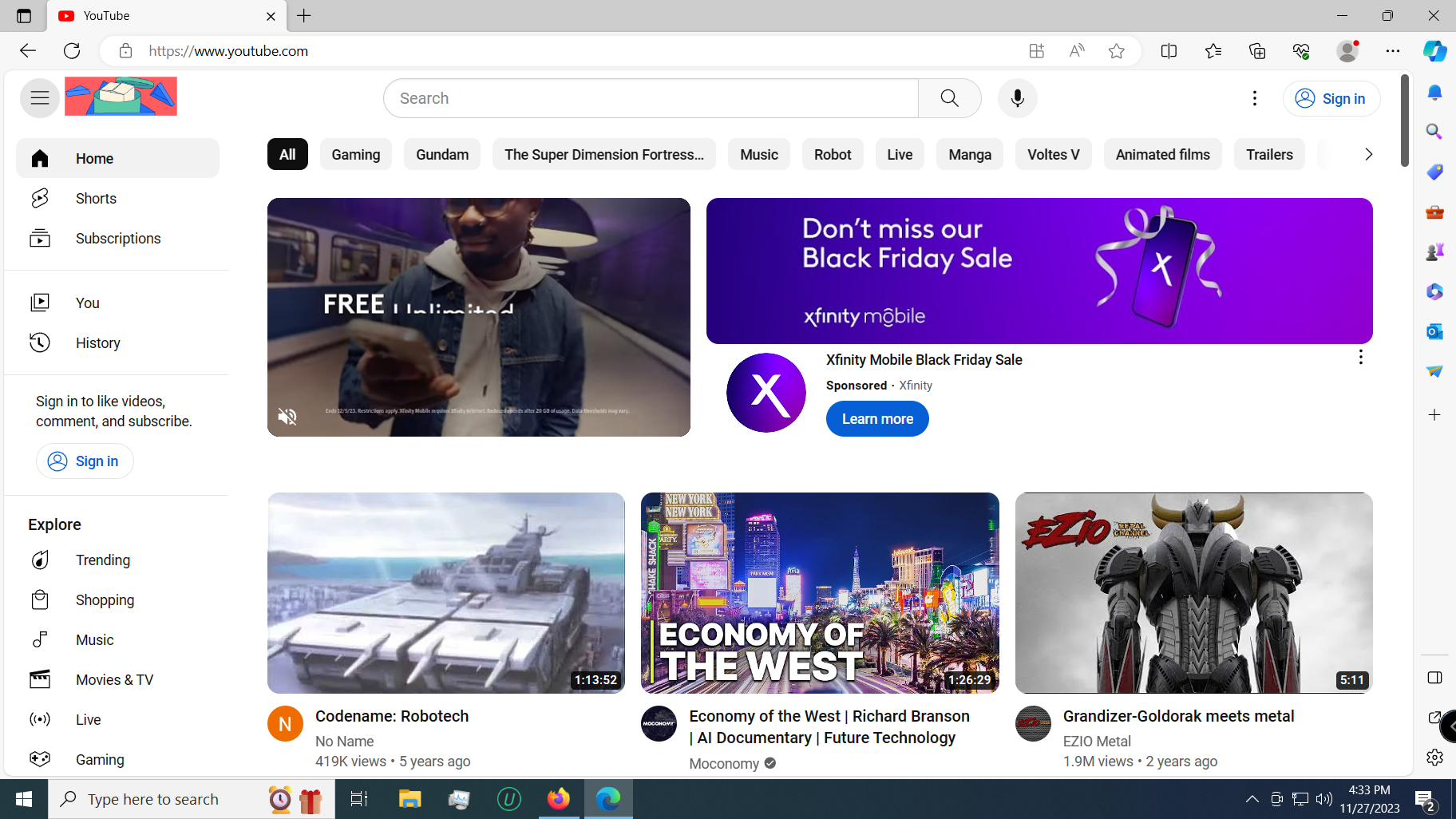
This does NOT happen under Edge at all, only with Firefox.
すべての返信 (3)
Could be a problem with your Avast anti-virus software.
Boot the computer in Windows Safe Mode with network support to see if that has effect.
@Cor-El Restarting in Safe mode did work. So I guess the question becomes what to do next? Do I scrap Avast or is there a way to change the settings?
If it works in Troubleshoot Mode and in regular mode with all extensions ("3-bar" menu button or Tools -> Add-ons -> Extensions) disabled, try to find which extension is causing the problem by enabling one extension at a time until the problem reappears.
Close and restart Firefox after each change via one of these:
- "3-bar" menu button -> Exit (Power button)
- Windows: File -> Exit
- Mac: Firefox -> Quit Firefox
- Linux: File -> Quit