


Some of the YouTube videos are not being played in Firefox (in chrome same video is working fine)

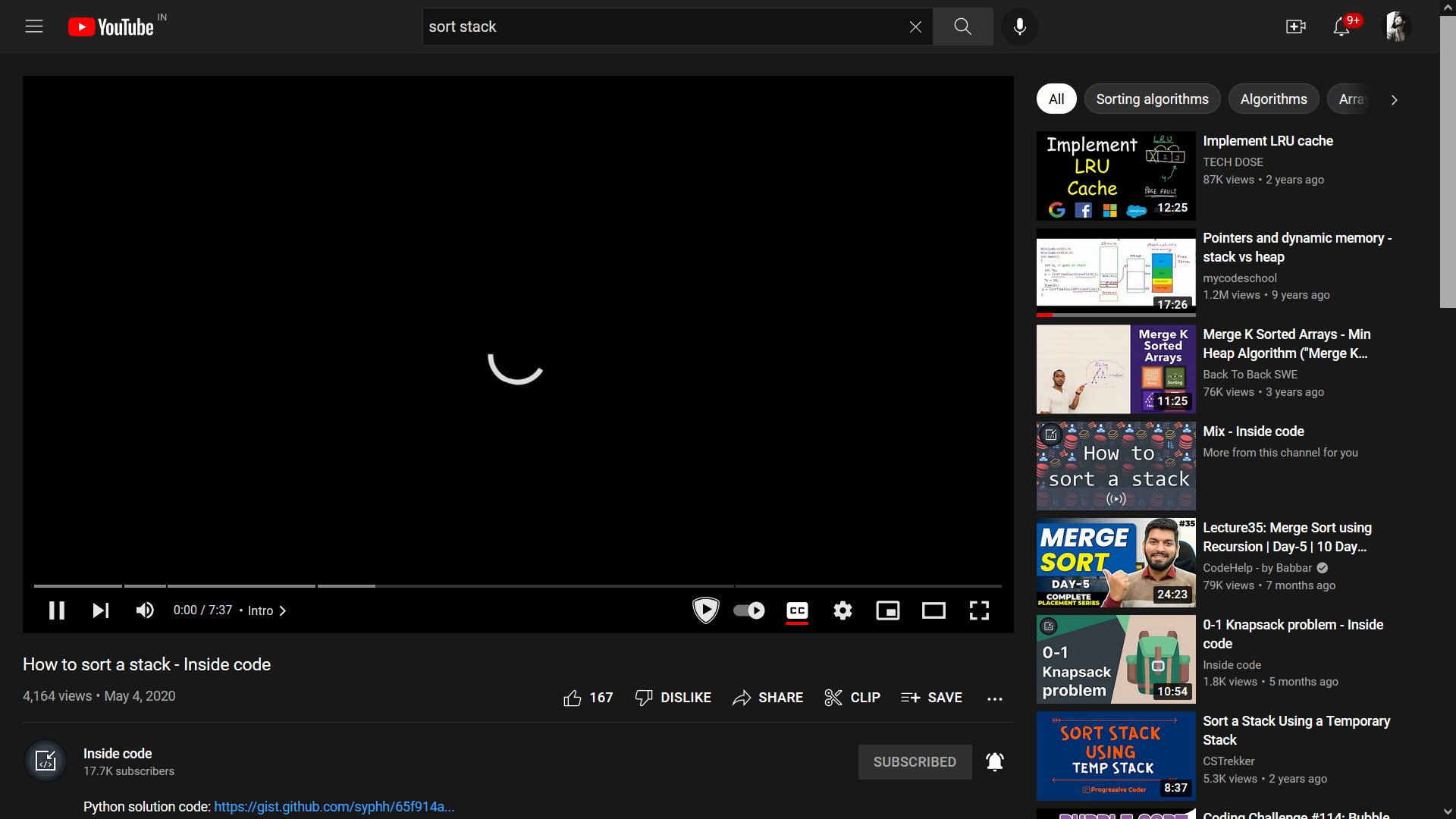
I have been observing an issue since a month that- a few YouTube videos are not being played when it is opened in Firefox, whereas the same videos are working fine in other browsers. The videos are getting loaded by the time, and the captions are also visible but no picture is visible and no sound. First I thought, may be it's an issue of the AdBlocker (uBlock Origin) that is enabled in my browser, so I disabled it and tried again, but still the same problem.
One of the videos I'm having issue with- https://www.youtube.com/watch?v=W_lzMUGgeYg
Please help, it's too irritating :(
すべての返信 (3)
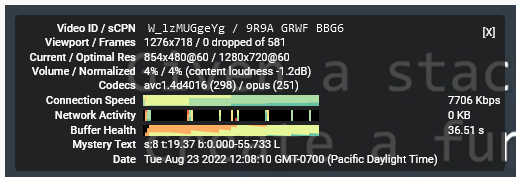
If you right-click the player and call up Stats for nerds, what do the resolution and codec lines show? For example, I see:

Some users have problems with 60fps video so if YouTube served you 60fps, you could try one of the other quality choices and see whether that is the key factor. The use of Opus encoding is unusual, but is supported by Firefox.
Hey, thanks for the reply. The quality was set to 'auto', when I changed it to another quality the problem is just resolved. But, will I have to do it every time manually to fix this issue?
I have attached what the 'stats for nerd' (when it was set to auto) is showing in my case.
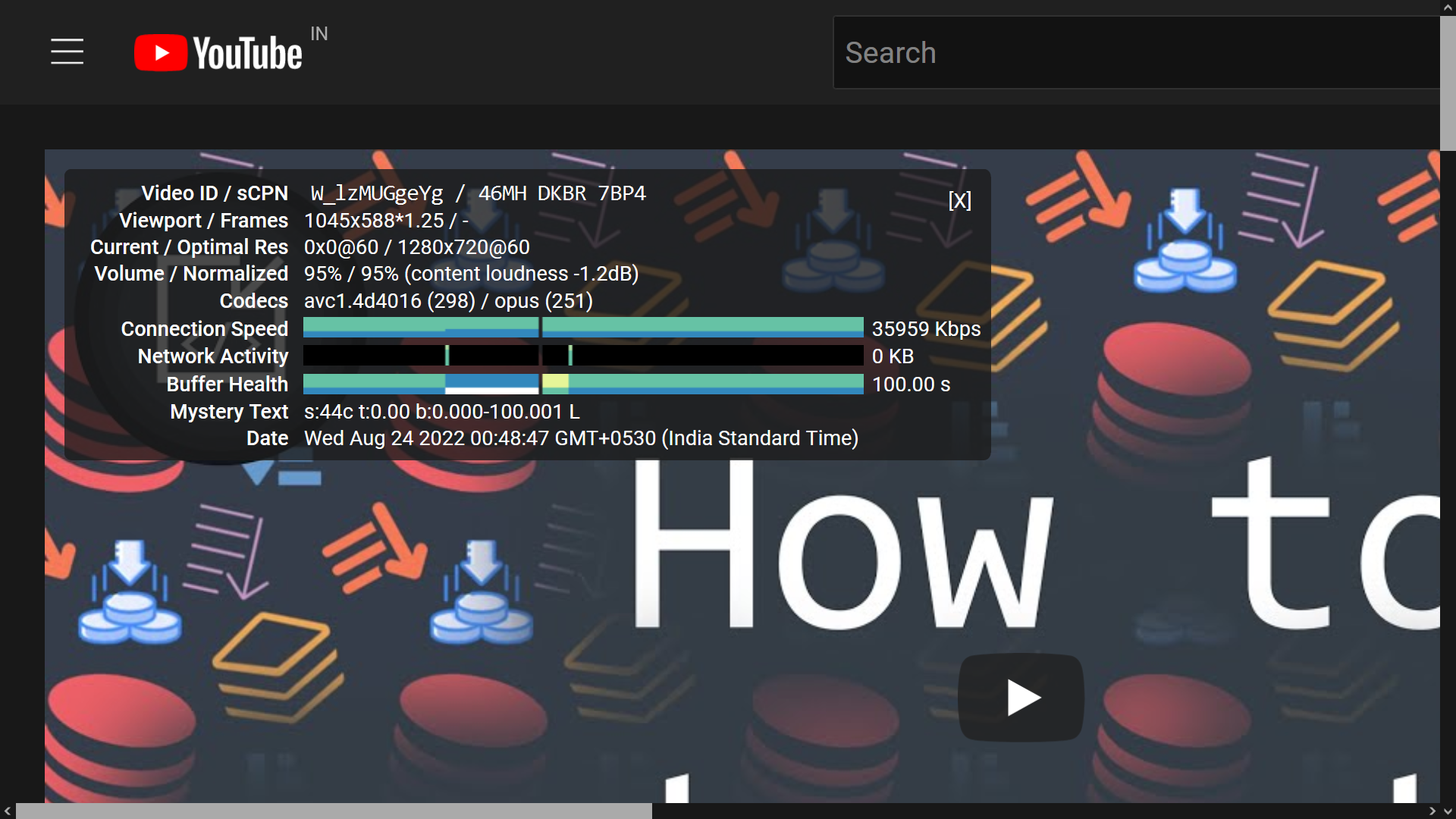
The "0x0@60" definitely should be non-zero width and height. I don't know why that happened.