


Passwords will not save in Firefox 99.0.1

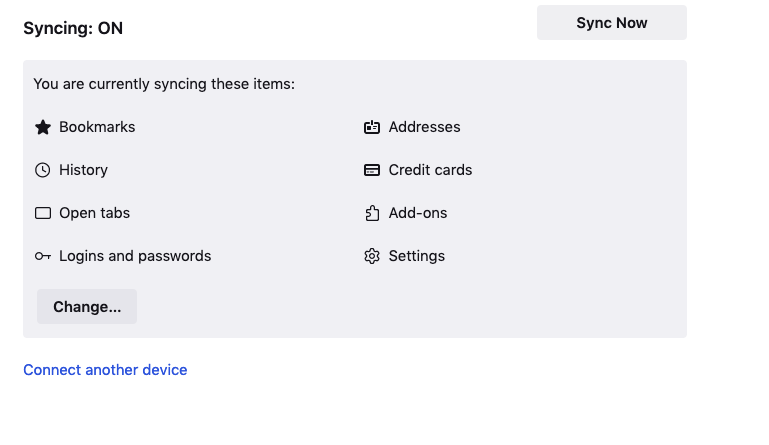
I just upgraded to Firefox 99.0.1 on my Macbook Pro. Since then, nothing but trouble. Nothing will sync, none of my passwords are saving. I turned on sync, it says it is turned on, yet I have to manually enter my passwords every time. It is incredibly frustrating.
/moved thread from Firefox for iOS (iPhone/iPad) to (desktop) Firefox section.
I just upgraded to Firefox 99.0.1 on my Macbook Pro. Since then, nothing but trouble. Nothing will sync, none of my passwords are saving. I turned on sync, it says it is turned on, yet I have to manually enter my passwords every time. It is incredibly frustrating.
/moved thread from Firefox for iOS (iPhone/iPad) to (desktop) Firefox section.
この投稿は James により に変更されました
すべての返信 (1)
You can open about:sync-log via the location bar to see if recent Sync logs are available. You can upload the file to a website like Pastebin if you can't post the content of the file in a reply.