


Teams invites in TB 91 do not show details

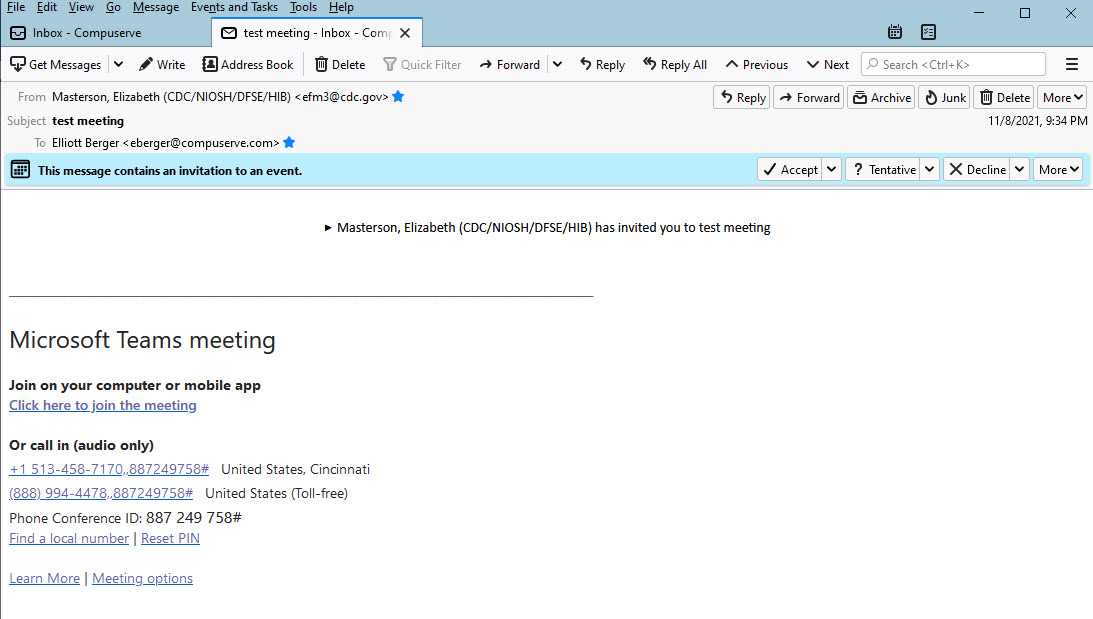
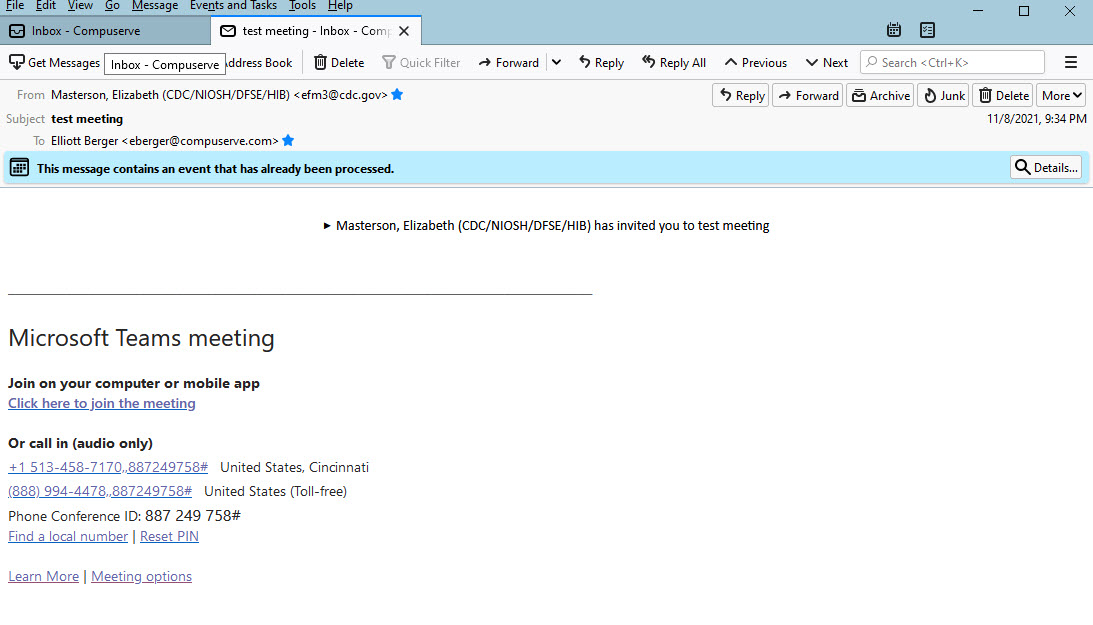
Maybe I am missing something, but when I get an invite to a Teams meeting I can see who invited me and the details of the meeting, but not the date or time of the meeting. When I accept it a button appears on the right that says Details. If I click that another box opens with the time/date info. How can I find the time/date info before I accept? In the past I recall getting meeting invites with an ICS attachment that I could open in Outlook.
I have attached screen shots to show what I am seeing.
Running Win10 21H1 and TBird 91.3.0
Thanx.
選ばれた解決策
Try to click the little triangle in front of the organizer's name. It should work like a drop-down menu revealing the meeting details.
この回答をすべて読む 👍 1すべての返信 (2)

選ばれた解決策
Try to click the little triangle in front of the organizer's name. It should work like a drop-down menu revealing the meeting details.
duh! Thanx much. Sorry to trouble you.