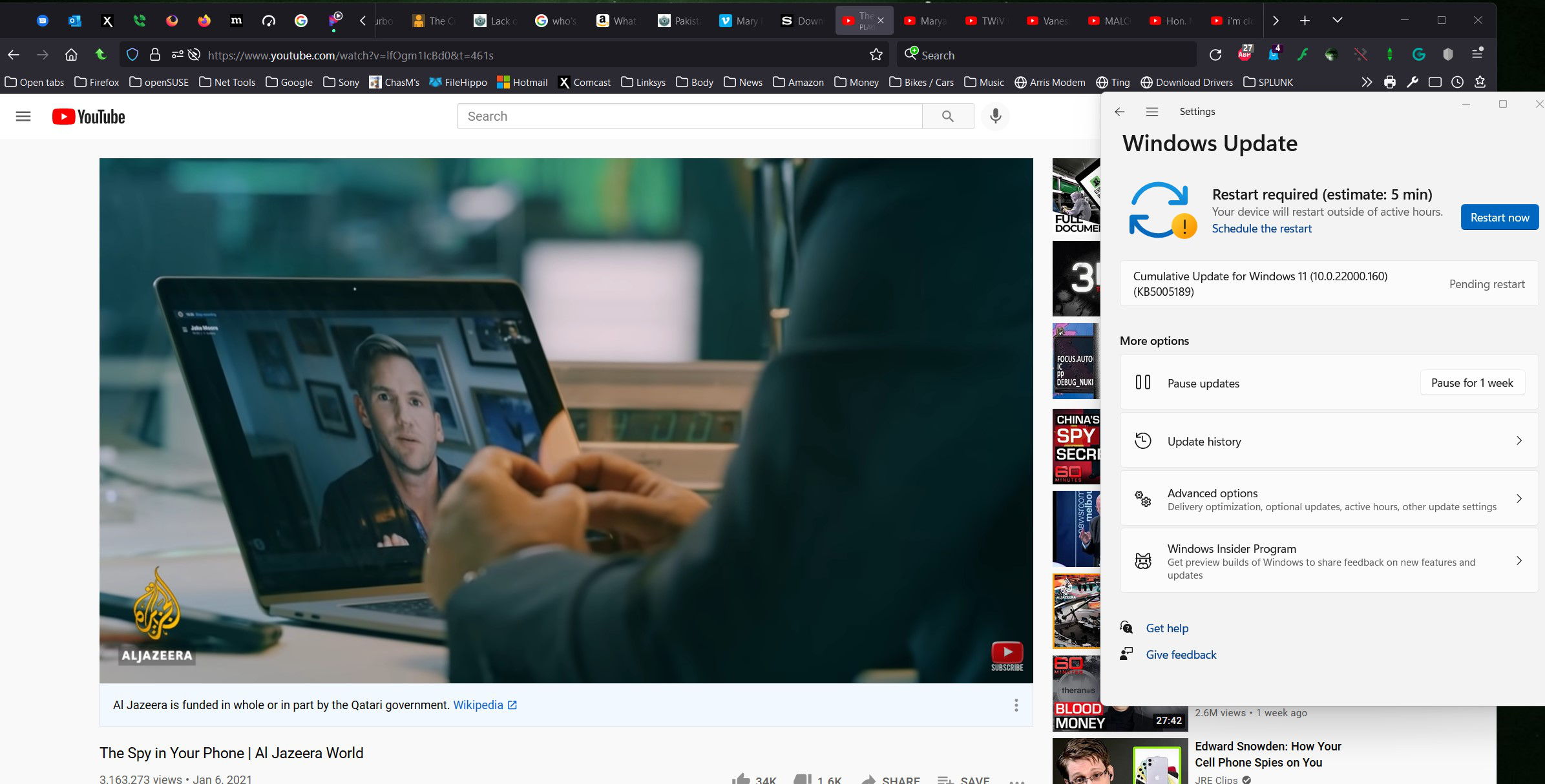
Video playback does nothing in Developer Edition 92.0b5
HTML5, YouTube, and Netflix video playback does nothing
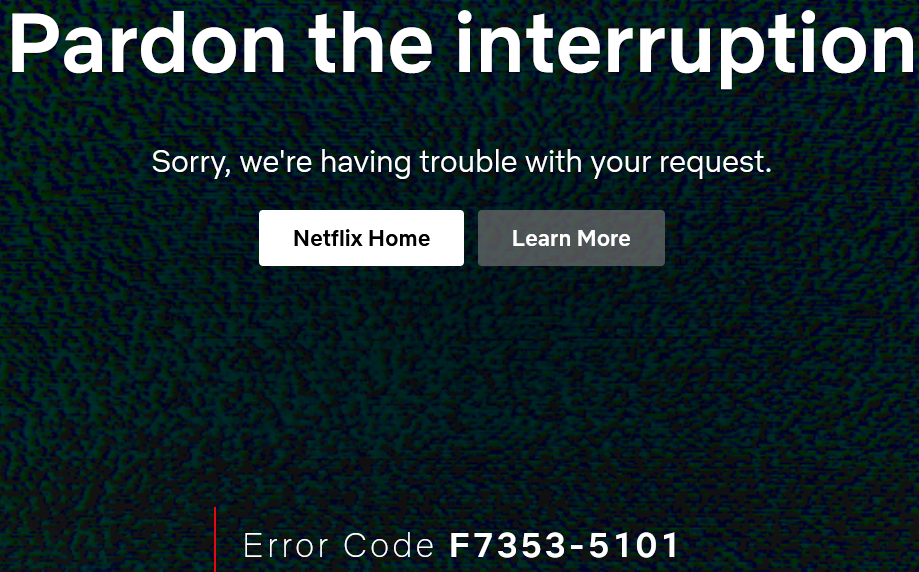
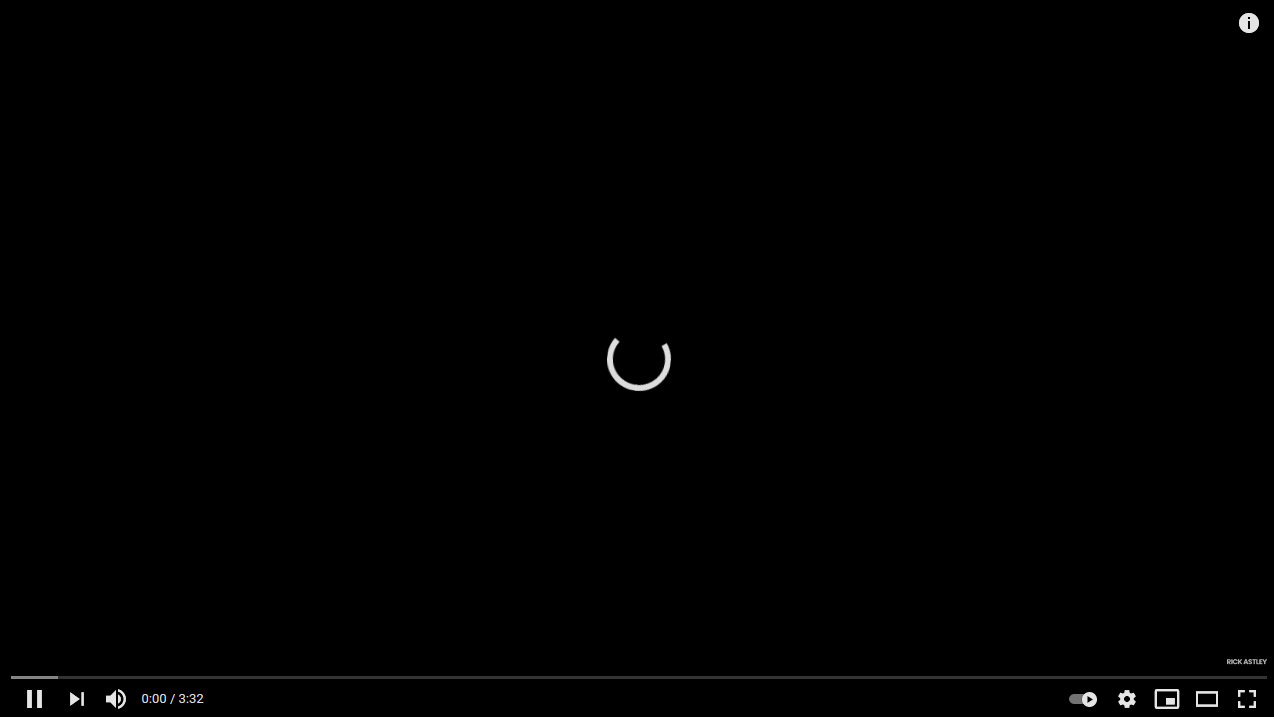
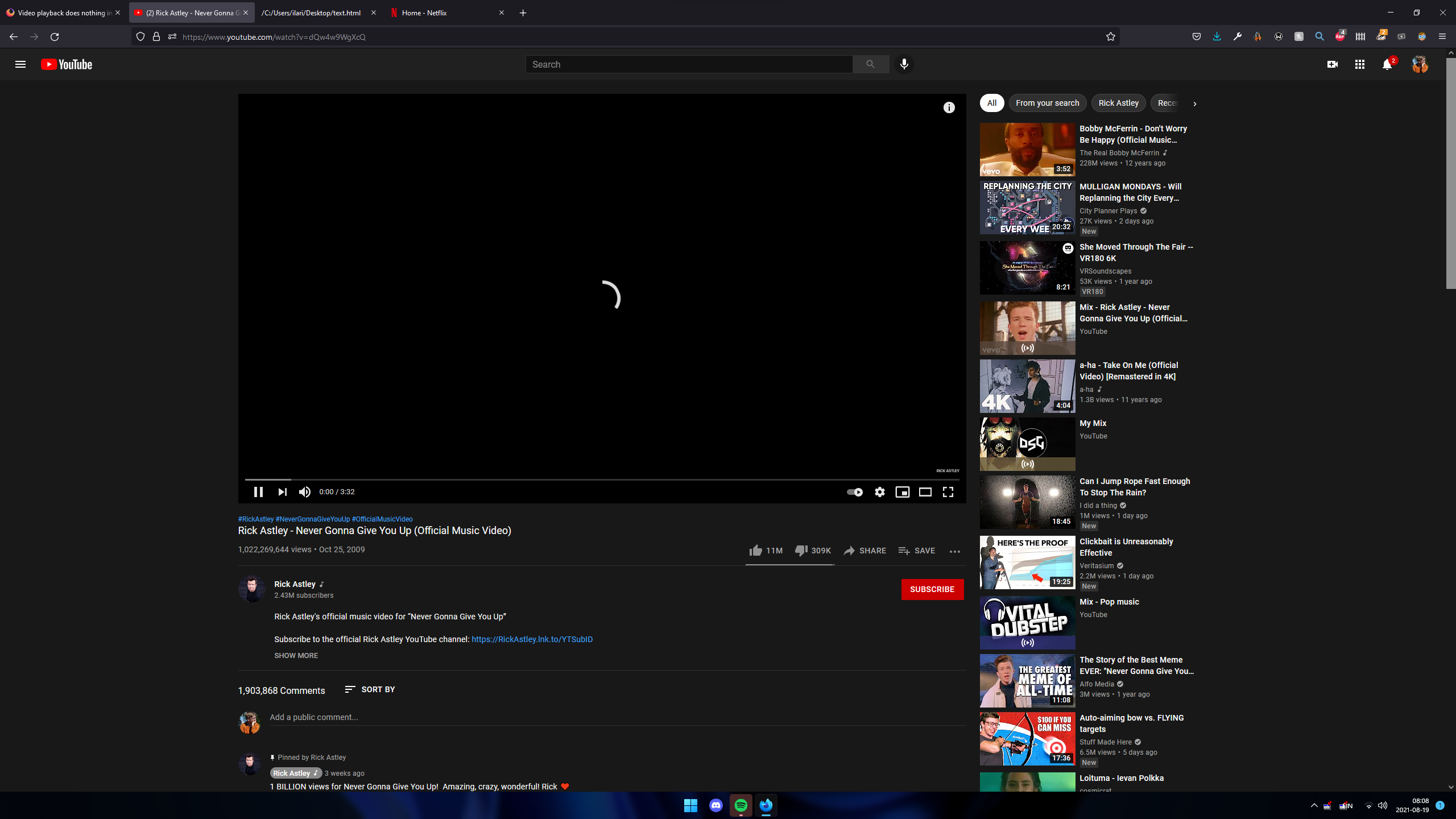
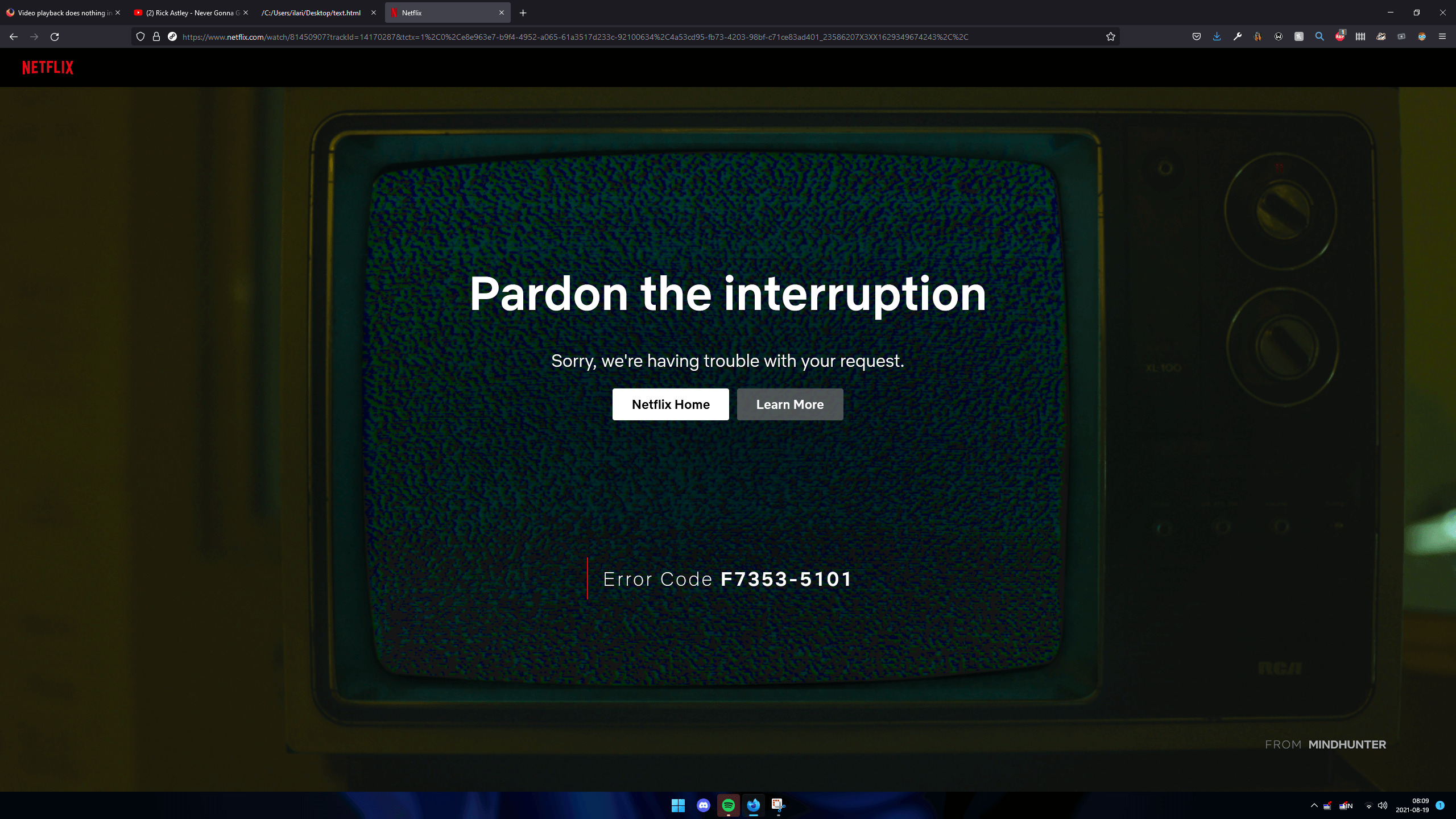
Playing HTML5, Youtube, or Netflix video does not work at all for me - Netflix throws an error code, while Youtube and HTML5 simply never stop loading.
I've tried
- Starting Firefox in Troubleshoot Mode
- Clearing the cache and cookies for the given website
- Refreshing Firefox
On the chromium-based edge browser, video playback works normally.
DRM-controlled content playback is enabled, hardware acceleration is disabled, allowing auto-play doesn't help, and neither does disabling Tracking Protection.

すべての返信 (3)
Linux,Windows, or Mac? It would help if you show the full browser.
jonzn4SUSE said
Linux,Windows, or Mac? It would help if you show the full browser.
I added additional information with my post, it's visible on the sidebar on the right of the post if you click on "Question Details"
I'm running Windows 11 Pro for Workstations Version 21H2 (Build 22000.132), and the rest of the browser looks exactly as if the video playback simply hadn't loaded yet (aside from the Netflix one, where it shows the given error).
I didn't send the entire screenshots last time, because it said it had a filesize limit of 1024KiB... I'll have to compress them.
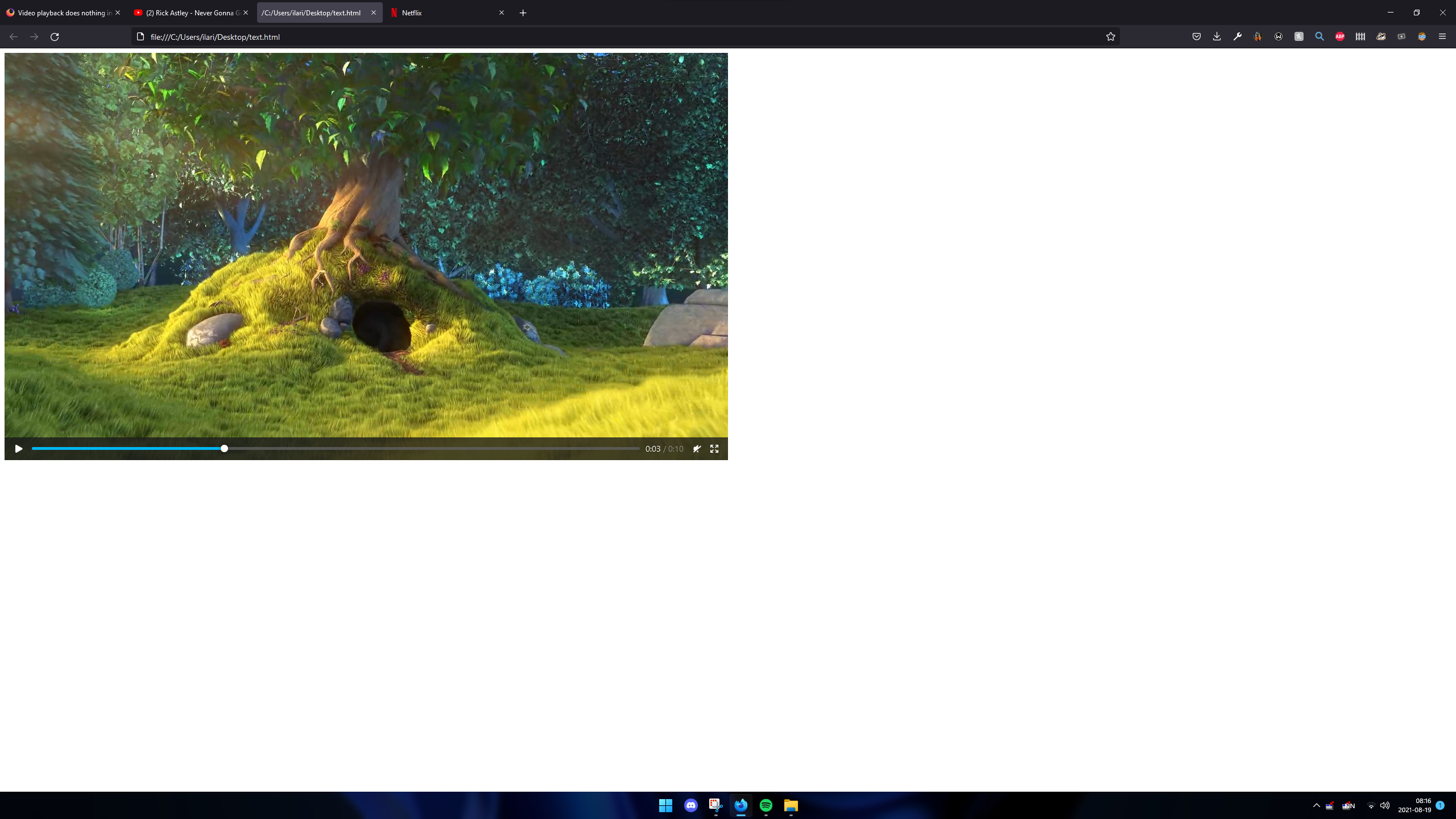
Update: HTML5 video works now, I don't know if it was just my video source, or if something changed between yesterday and tomorrow, but it works.
I've attached a screenshot of HTML5 working normally for good measure.
この投稿は Ilari Suhonen により に変更されました
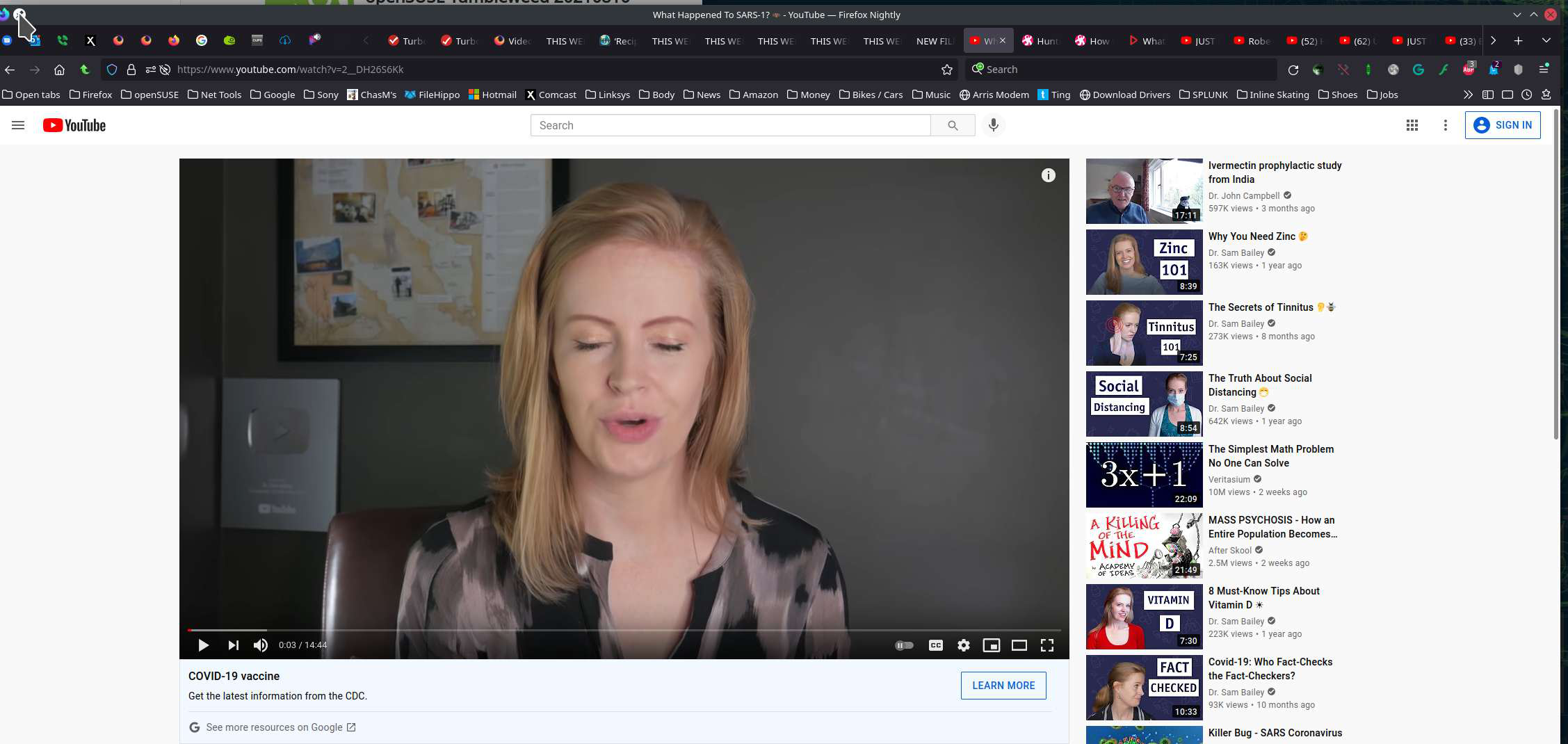
I'm not having issues in Win11. see screenshot