


How do I choose the GPU that Firefox is active on?

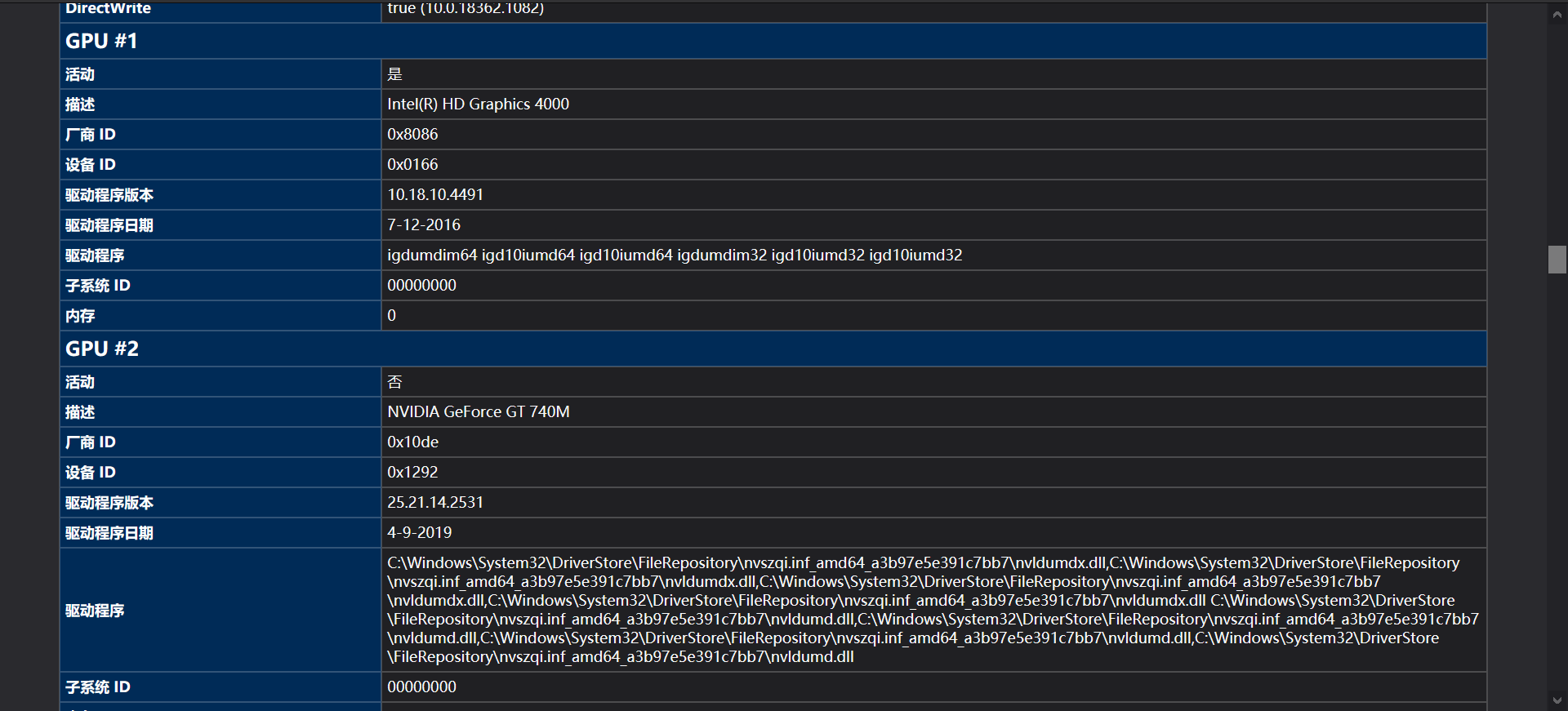
My laptop has two GPUs which are the integrated graphics card of the Intel CPU and the graphics card of NVidia. Now I want to use WebRender in Firefox, does it use the integrated graphics card or the NVidia graphics card for rendering?
https://user-media-prod-cdn.itsre-sumo.mozilla.net/uploads/images/2021-04-18-00-57-42-b85c78.png
As shown in the picture, my GPU#1 is active, but the GPU#2 I want to use is not active, how do I make GPU#2 active?
Also: when will WebRender be active?
すべての返信 (5)


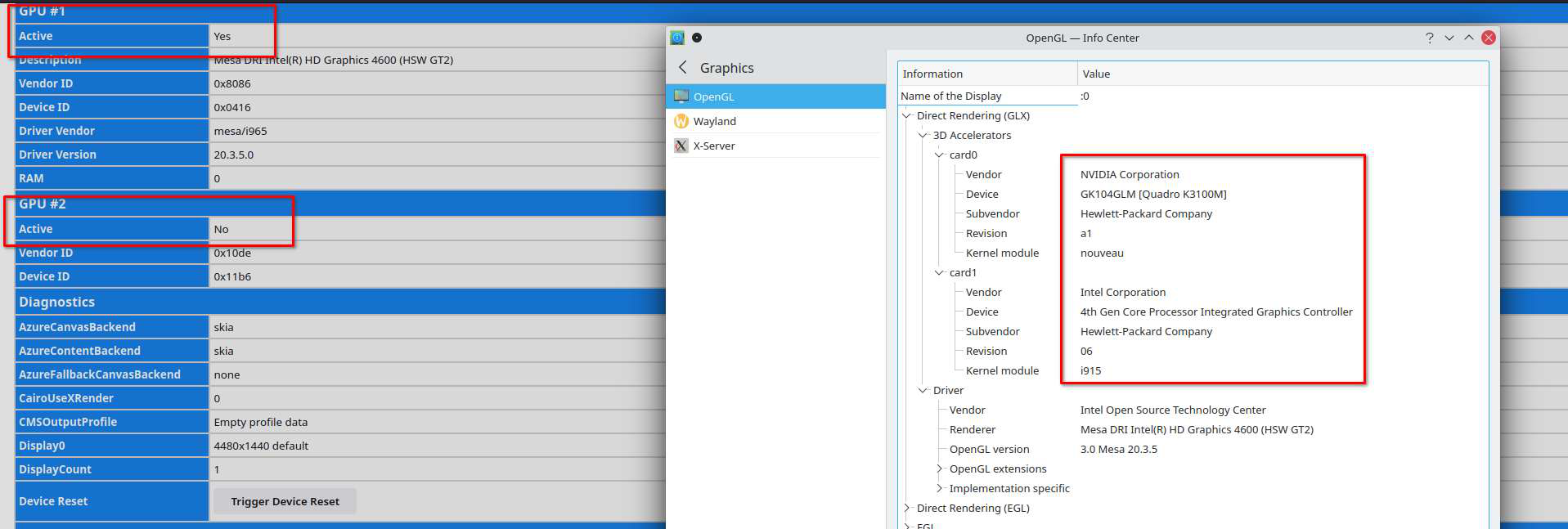
I just noticed that I have the same issue on openSUSE. see screenshot Let me check my other machines.
jonzn4SUSE 说
I just noticed that I have the same issue on openSUSE. see screenshot Let me check my other machines.
Yes, this is a problem because we can't choose the GPU we want to use.
And we don't get any response or help right now...
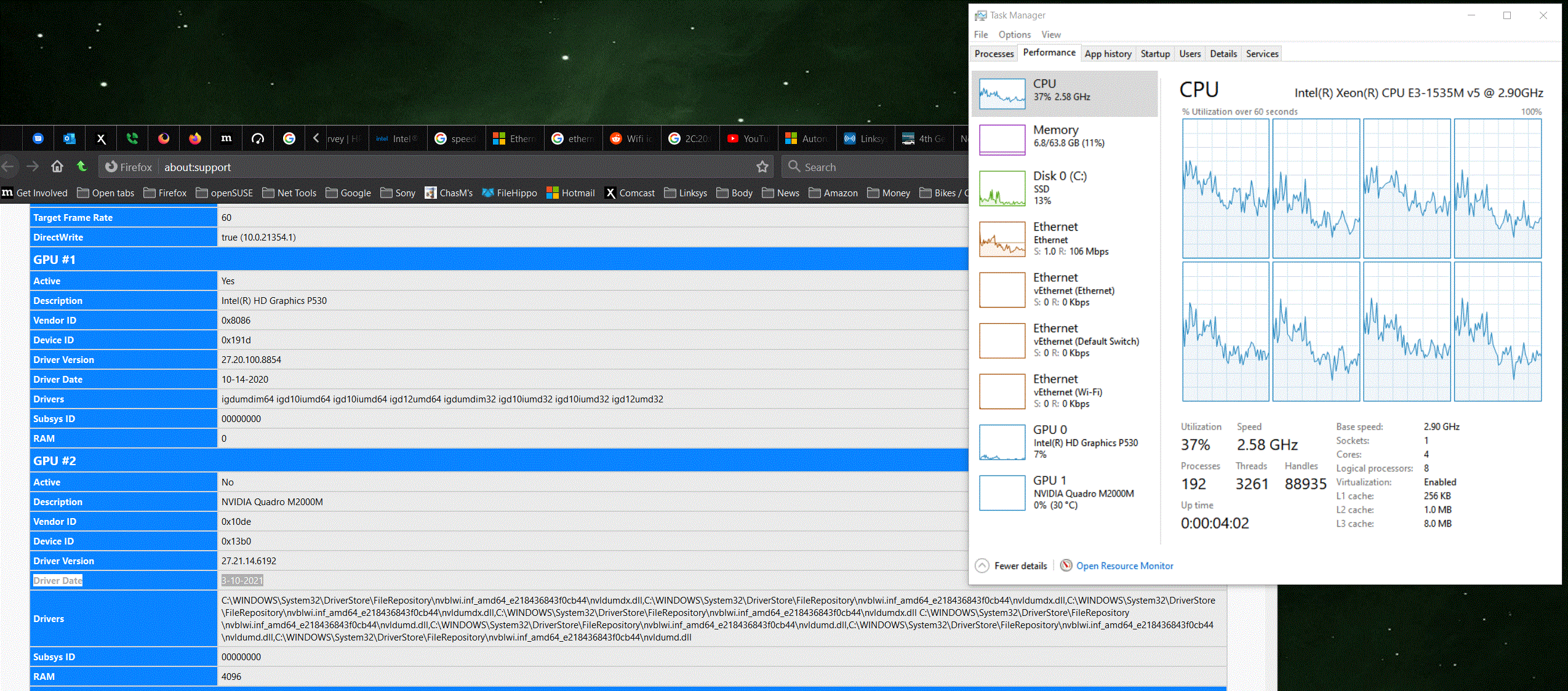
I'm also seeing it in Win10. Interesting...
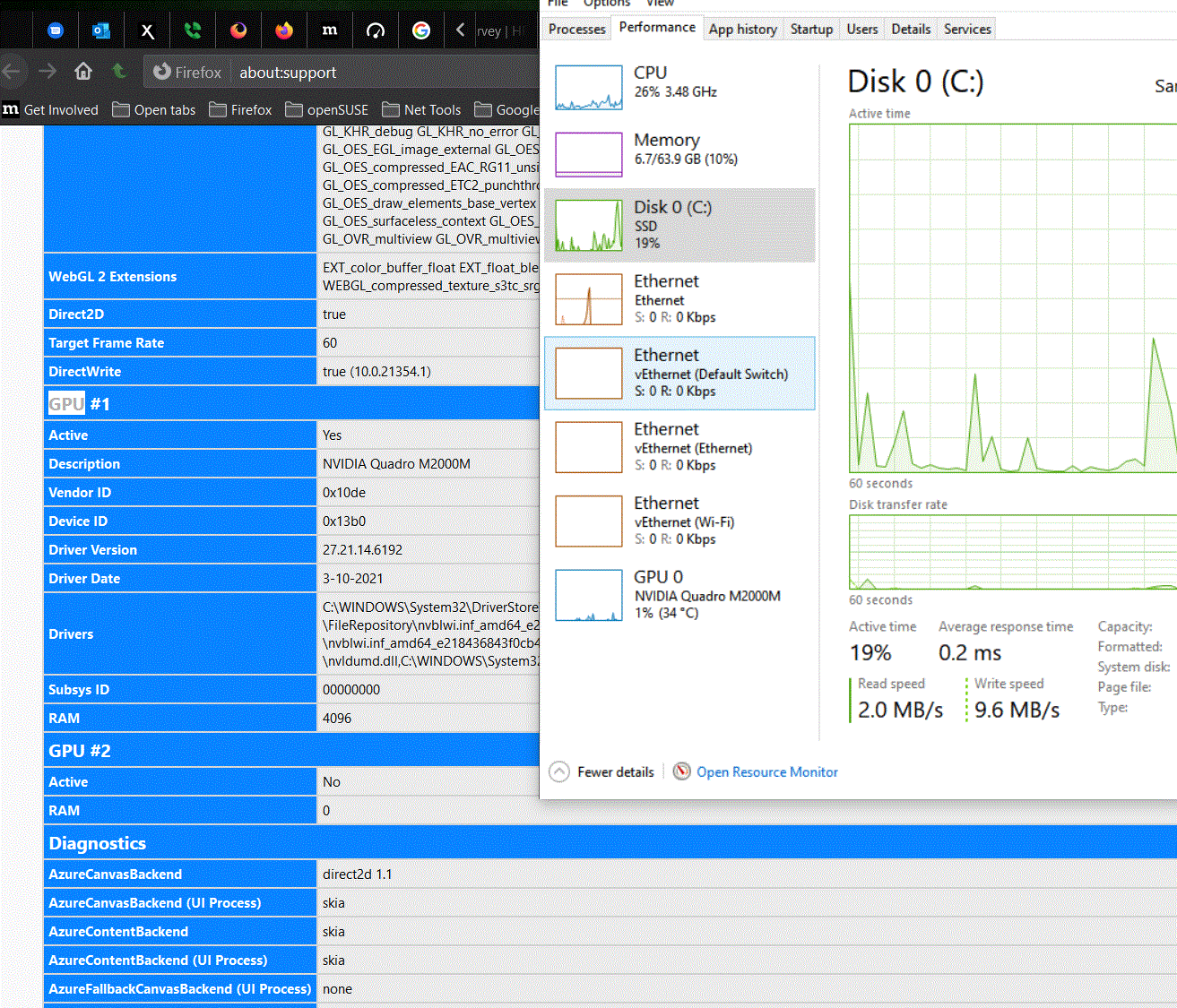
Changed the graphic settings in the bios to discrete and only NVIDIA is working. The card is now active in Firefox, but my laptop screen is dark.
この投稿は jonzn4SUSE により に変更されました