


Firefox Won't Ask tTo Save Site Logih Names And Passwords
Firefox wont ask if log in names and passwords are to be saved on my sister's account.
It does ask if I want account and passwords saved when I'm logged into Windows on my account.
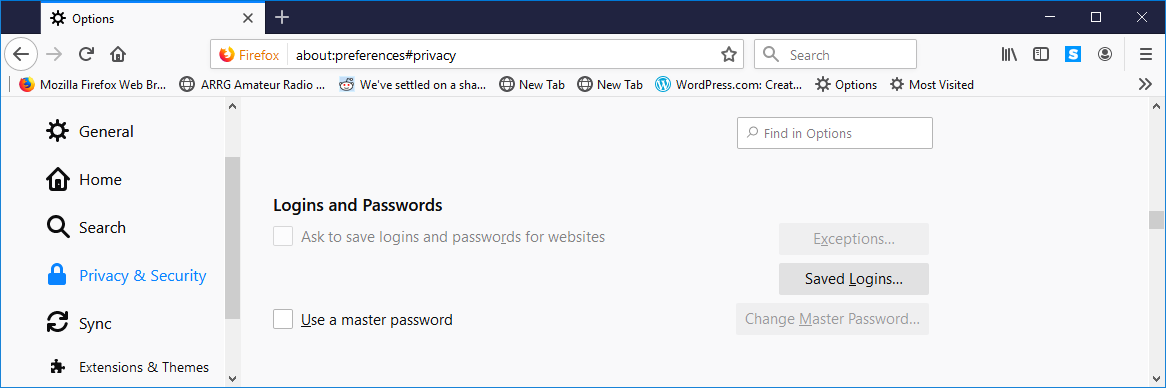
When I go to Options - Privacy & Security - Logins and Passwords on my sister's account, "Ask to save logins and password for websites" is grayed out along with the checkbox. I can't turn it on.
See attached image,
How can I set this so she's asked if the login information is saved?
Thanks Larry
すべての返信 (3)

Are you using any password add-ons or programs?
Thanks Fred:
Are you using any password add-ons or programs?
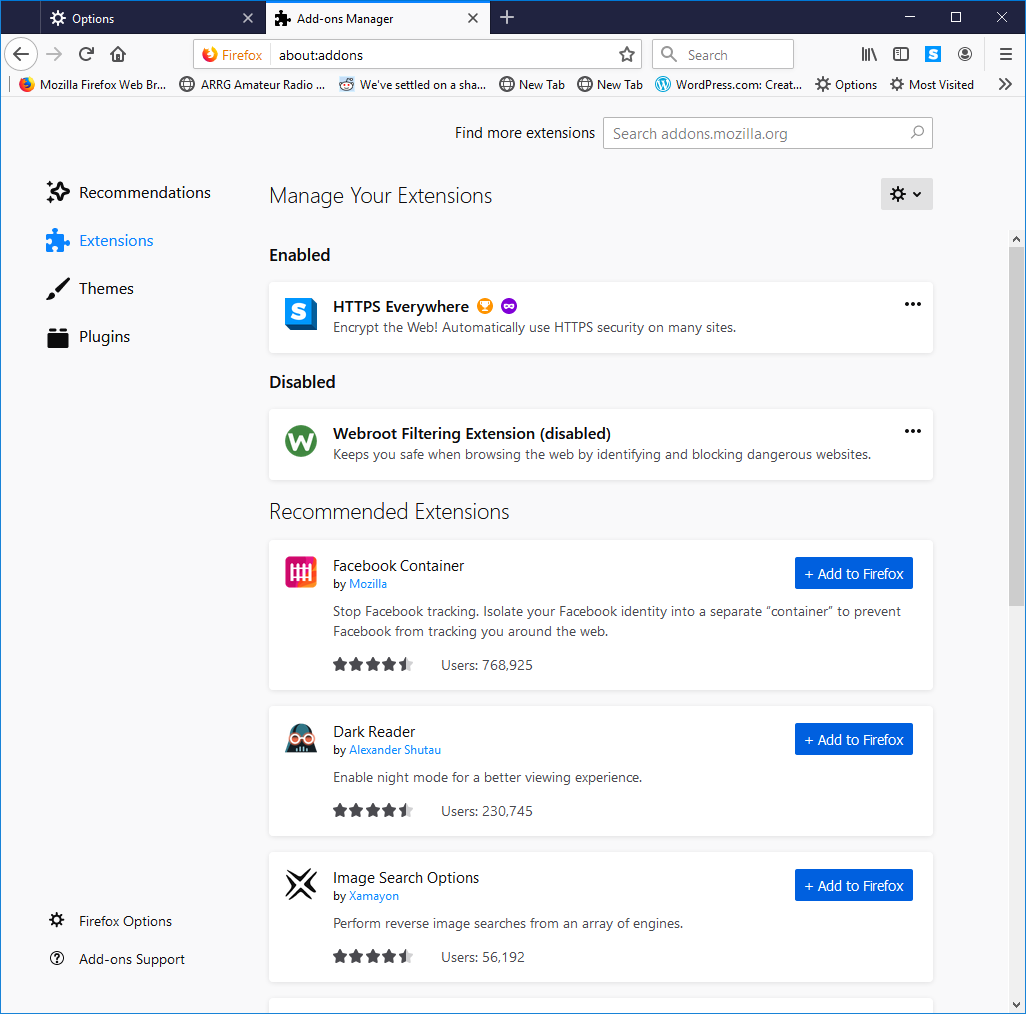
It looks like my sister has added HTTPS Everywhere. Other add-ons appear to be the same ones I have.
I disabled that and re-logged into her account. "Ask to save logins and passwords for websites", and it's check box, were still grayed out so I've re-enabled it.
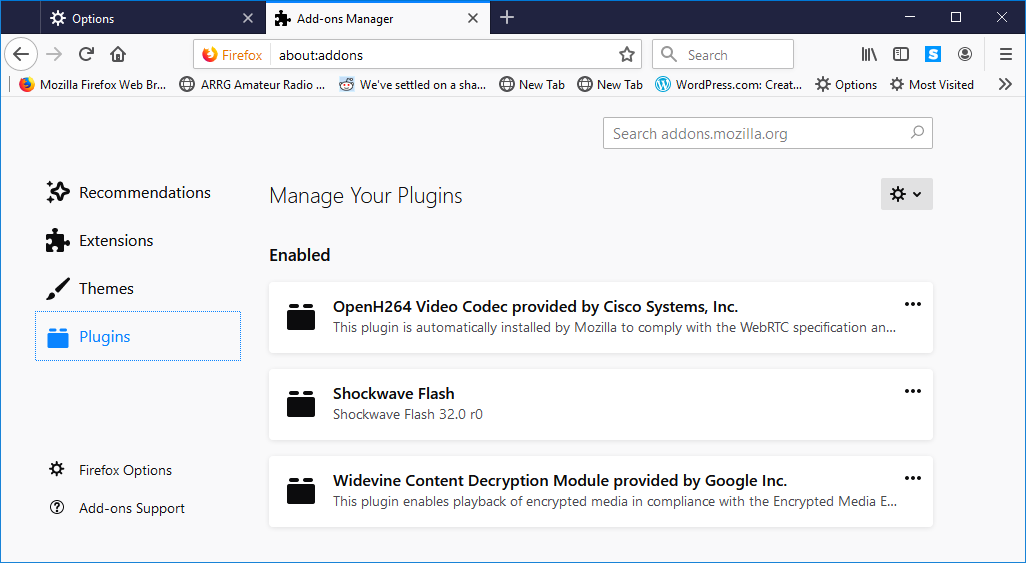
Attached are lists of the extension and plug-ins.
I appreciate your assistance
Hello Larry,
Would you please make sure that your sister is not in permanent private browsing mode (the box will be greyed out, if she is) :
Options/Preferences => Privacy & Security => History
Choose : "Use custom settings for history"
Make sure that "Always use private browsing mode" is unchecked.