Using Chrome's Flash game saves in Firefox

With the changes made to Chrome recently, I am switching back to Firefox :-)
That being said, I noticed that my Chrome Flash game saves don't seem to work in Firefox. I have created symbolic links to a single folder for both browsers' Flash game saves. Chrome works fine and pulls up the saved games, but if I try with Firefox, it doesn't read them...nor does it save over the same files.
Does Firefox do something differently when using Flash game saves?
すべての返信 (2)
While Firefox uses Adobe Flash Player, Chrome uses a version of flash player made by them (called PepperFlash). These two flash players work very differently. I don't think you're going to be able to access saved games from one in another.
Марк Шмидт said
В то время как Firefox использует Adobe Flash Player, Chrome использует версию флэш-проигрывателя достигнутом ими (так называемый PepperFlash). Эти два флэш-плееры работают очень по-разному. Я не думаю, что вы собираетесь быть в состоянии получить доступ к сохраненные игры от одного в другое.
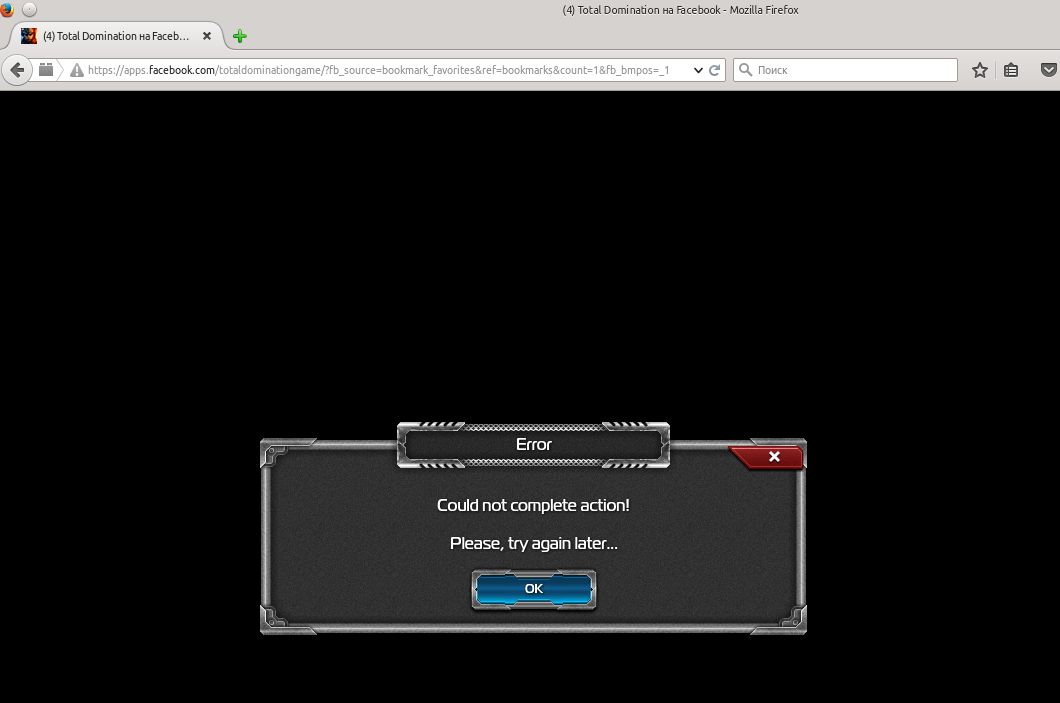
Почему не работает игра Total Domination (Plarium), в Firefox? Когда в Google Chrome всегда всё замечательно! Версия flash player (You have version 18,0,0,209 installed)