


No firefox update option under preferences window

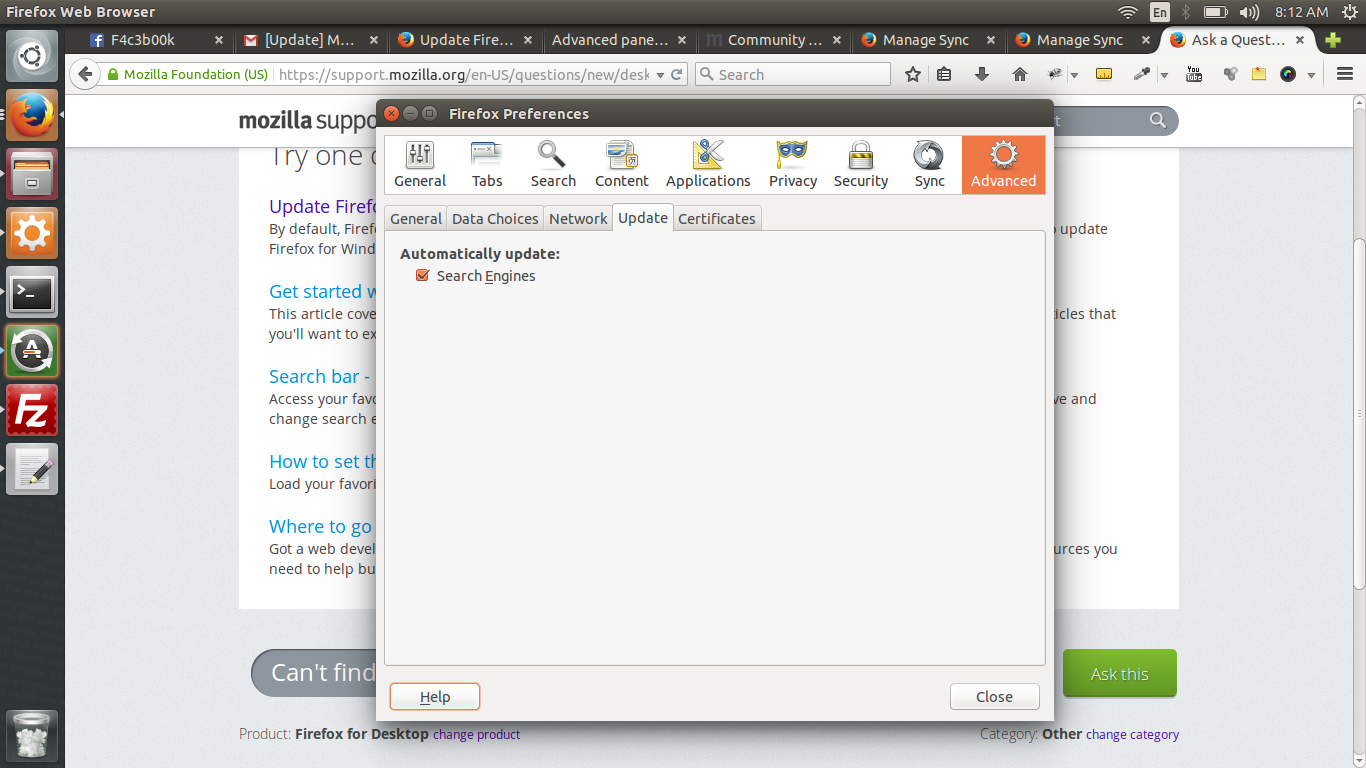
Hi, I wanted to update my firefox but there is no FIREFOX UPDATES option under preferences > updates. Screenshot attached. Unable to update firefox from 34 t 36
選ばれた解決策
That happens if you have a Firefox version from the repositories of your Linux distribution. You need to update Firefox via your Linux software management.
You can alternatively install the version from the Mozilla servers. You can find the full version of the current Firefox 36.0 release in all languages and for all operating systems here:
この回答をすべて読む 👍 0すべての返信 (3)
Hmm, that's odd, maybe it's a customized version of Firefox.
Can you try using the "About Firefox" dialog on the Help menu, or the "?" button on the "3-bar" application menu. Does that trigger an update check?
選ばれた解決策
That happens if you have a Firefox version from the repositories of your Linux distribution. You need to update Firefox via your Linux software management.
You can alternatively install the version from the Mozilla servers. You can find the full version of the current Firefox 36.0 release in all languages and for all operating systems here:
I got a solution for this and it worked like a charm. Thanks for trying though. Cheers! Stackoverflow