


Firefox crash: Adobe Flash plugin keeps crashing

Does anyone else have the problem of their Adobe Flash plugin continually crashing?
When I check my plugins, I do not see one that is literally named "Adobe Flash"
The closest thing I see is a plugin called "Shockwave Flash" -- is that the same thing?
Anyway, I have found the latest Adobe flash, by searching for it on Google, have downloaded it from Adobe, and installed it.
Still have the same error of Adobe Flash crashing.
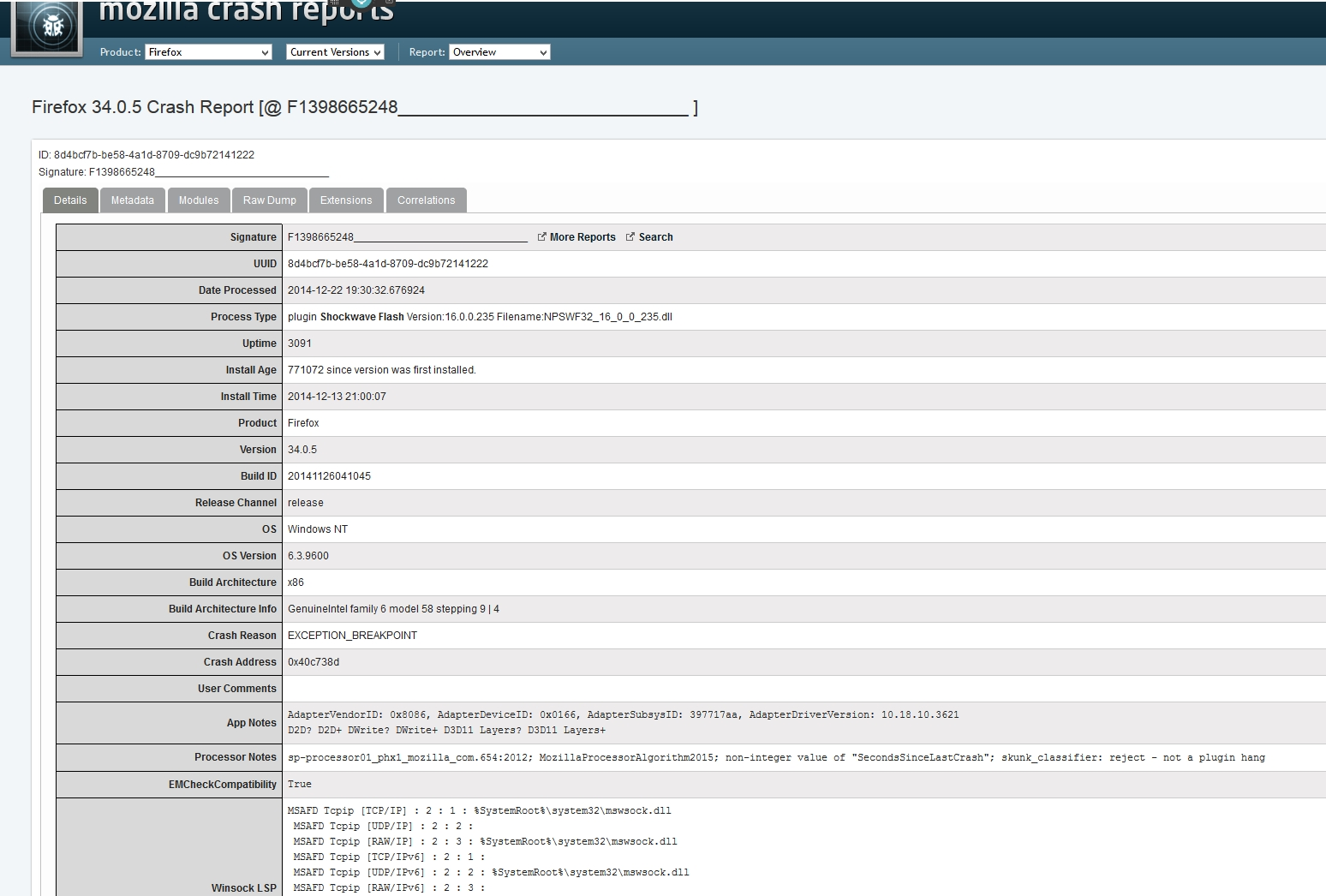
Attached is a screen shot of the Mozilla crah report I obtained.
Thank you.
すべての返信 (2)
Shockwave Flash is from Adobe.

In the address bar, type about:crashes<enter>. Note: If any reports do not have BP in front of the numbers, click it and select Submit.
Using your mouse, mark the most resent 7 - 10 crash reports, and copy them. Now go to the reply box below and paste them in.
For some reason, Flash is listed as Shockwave Flash, and Shockwave is listed as Shockwave for Director.
If you have problems with current Shockwave Flash plugin versions then check this:
- see if there are updates for your graphics drive drivers
https://support.mozilla.org/kb/upgrade-graphics-drivers-use-hardware-acceleration
- disable protected mode in the Flash plugin (Flash 11.3+ on Windows Vista and later)
https://forums.adobe.com/message/4468493#TemporaryWorkaround
- disable hardware acceleration in the Flash plugin
https://forums.adobe.com/thread/891337 See also: