


Can't delete profile

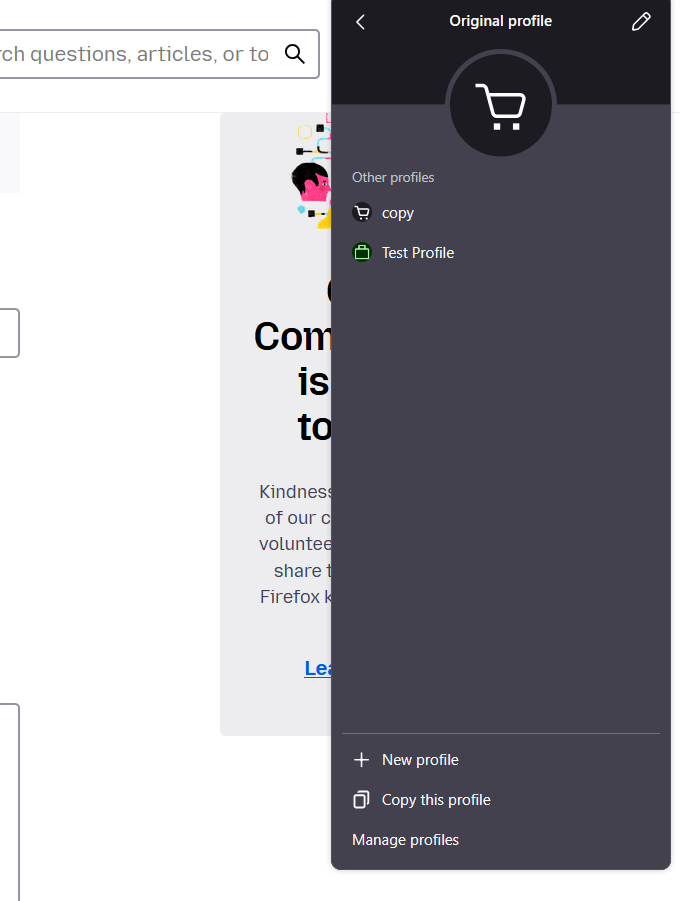
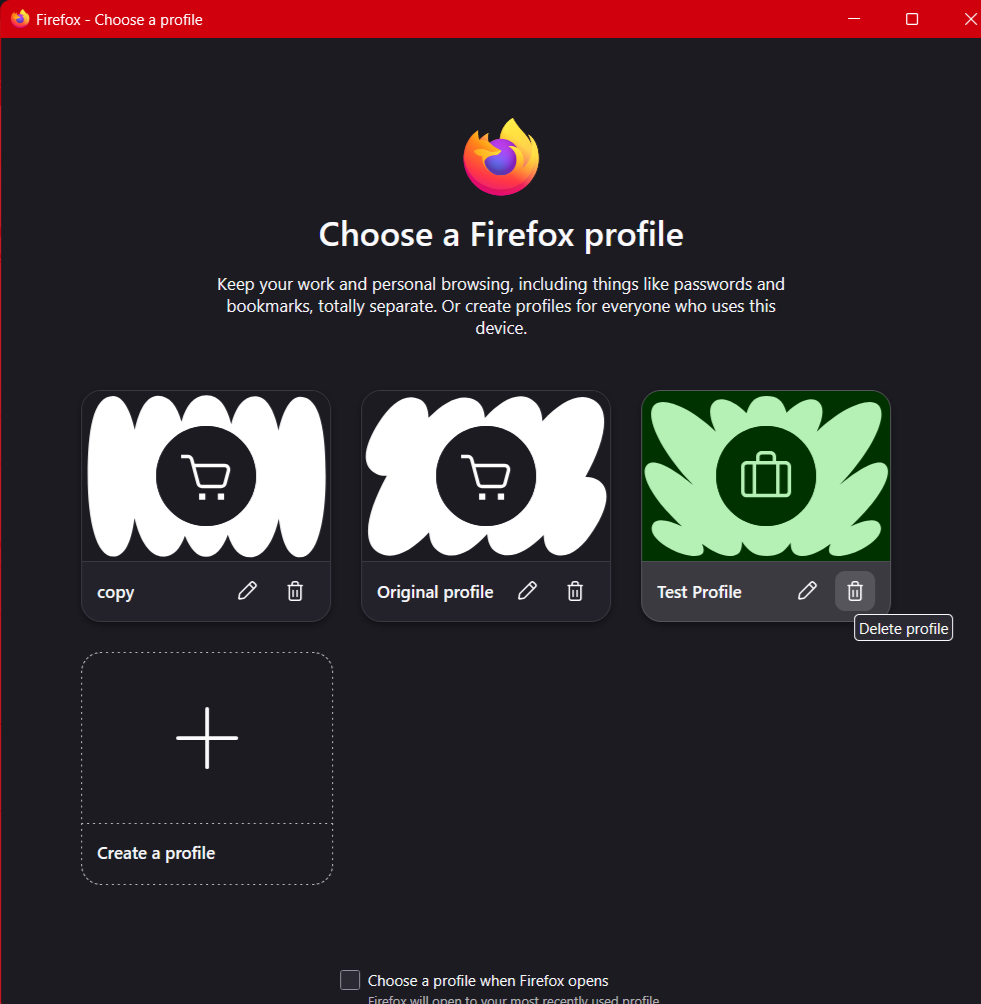
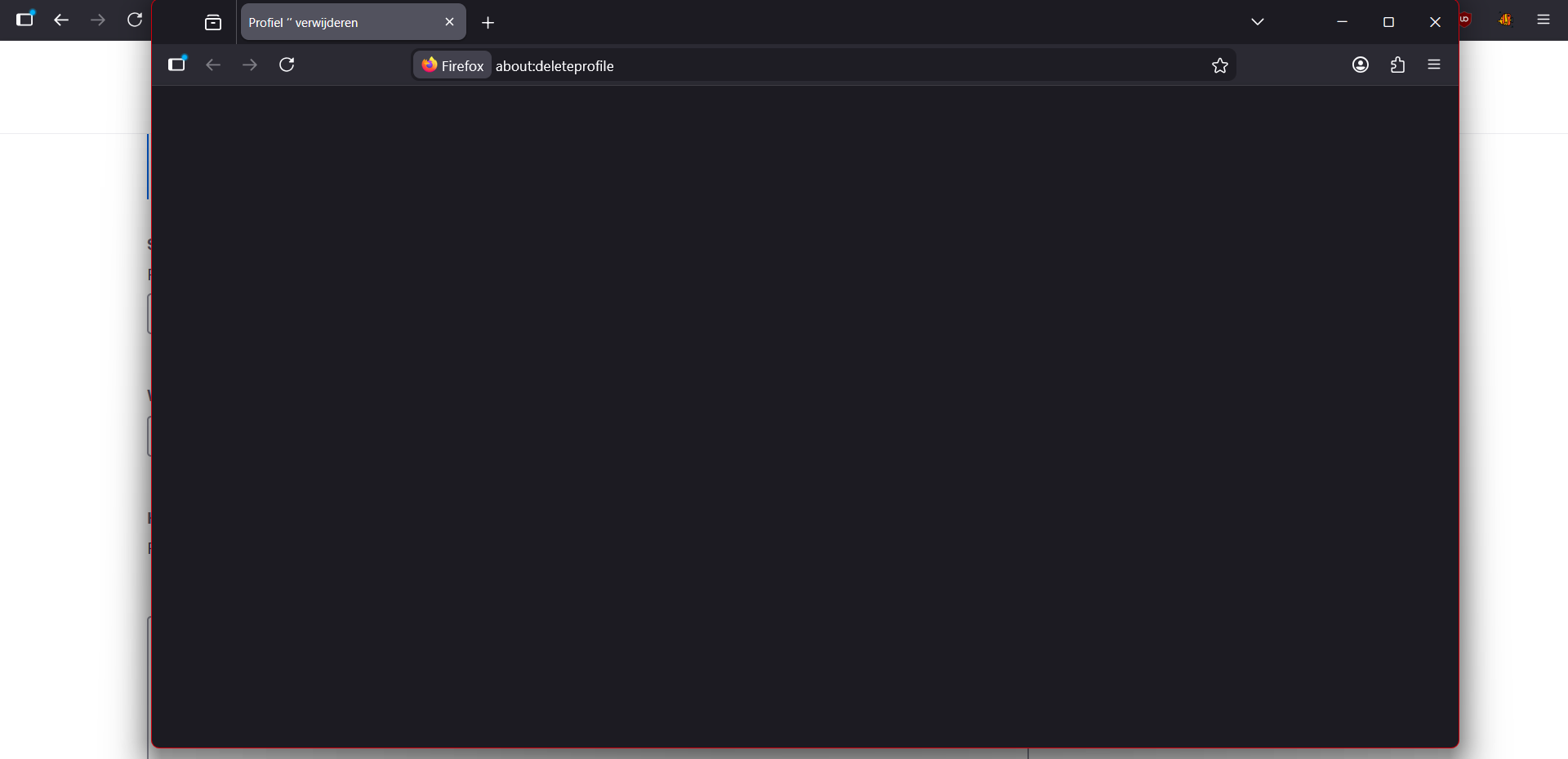
With the profile system, which I just used to try and fix another problem. Deleting them doesn't work I've tried manually deleting the profiles as well but they still show up in the UI and it just recreates the folder again if you try to delete it or open it. If you use the UI to try and delete it the instance and page it opens is simply blank. And now the profile I'm trying to delete isn't open. I'm trying to delete it from "original profile" and when I do it opens the a new instance of firefox with the profile I'm trying to delete with in the address bar: about:deleteprofile but the screen is empty.
All Replies (1)

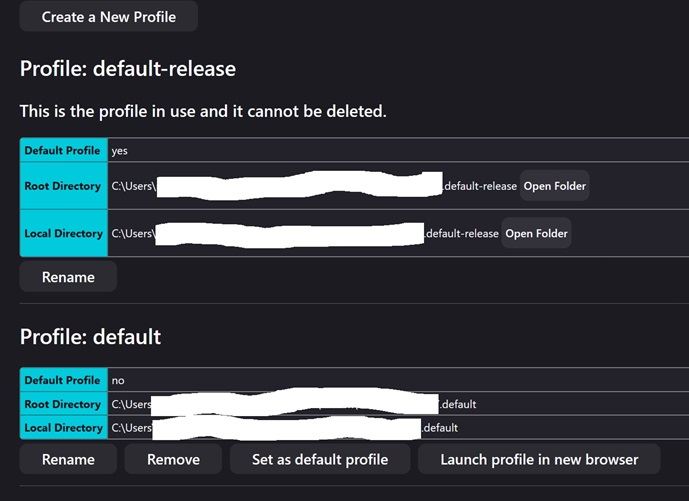
Hi Using [about:profiles] I get this. There are copies in both [Roaming] / root and [Local] folders in Win 11 etc.
Edeziri site na amoun