


Message Filters Poltergeist

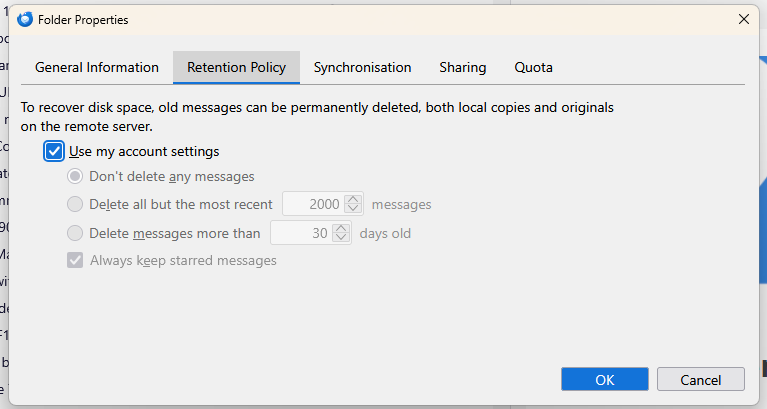
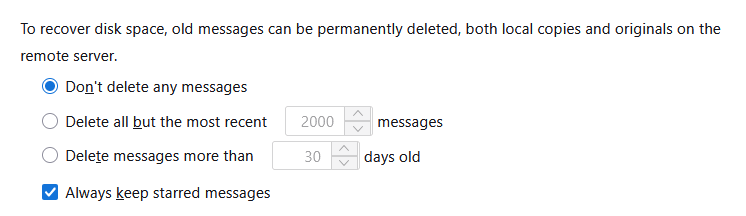
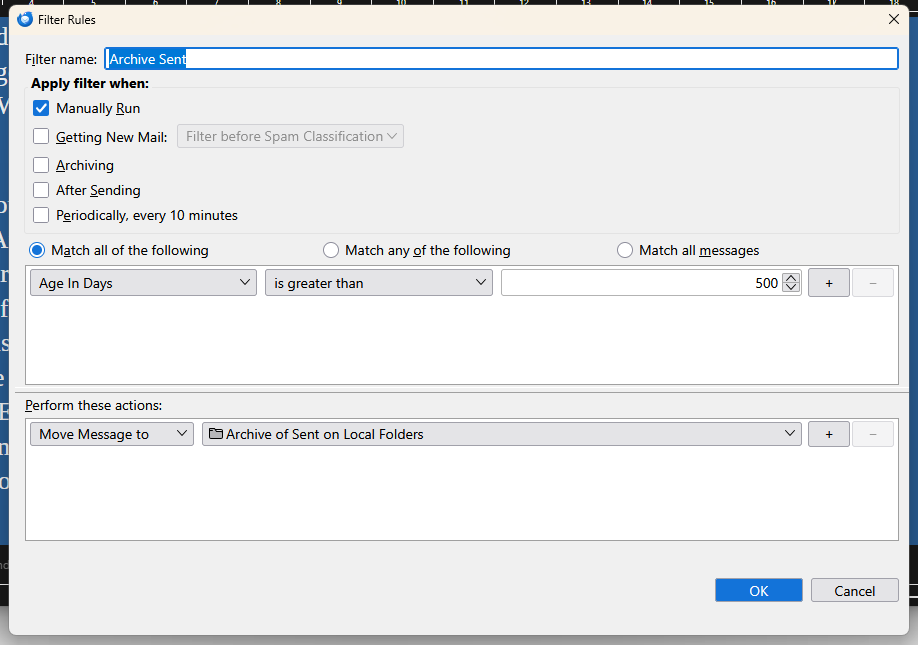
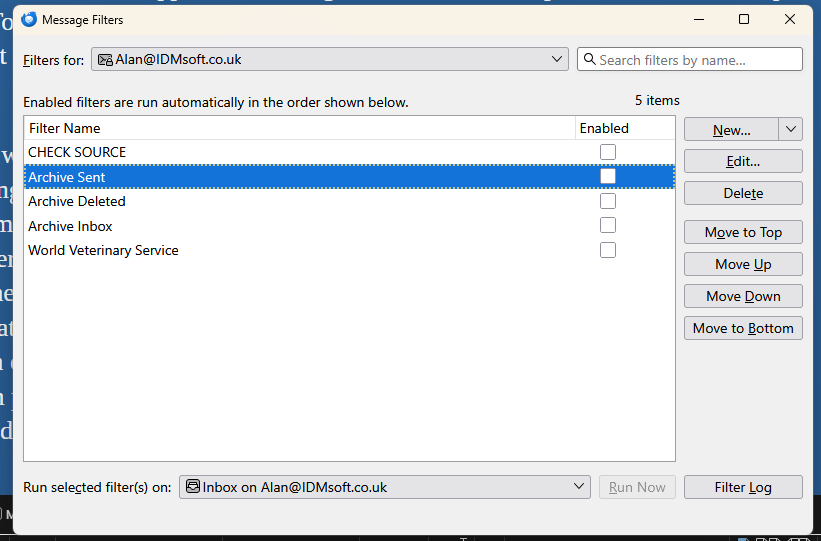
I have an IMAP account with three folders in it that I need to keep below quota. They are Inbox, Sent, and Deleted. Among my local folders I have Archive of Inbox, Archive of Sent, and Archive of Deleted. I have three message filters that move old messages from the IMAP folders to their corresponding local folders. I understand that these filters have to be run manually, not automatically, because their source folders need to be set before each run. None of the filters is enabled, I'm not sure what this setting does but I think it prevents Thunderbird running the filter automatically. Each of the filters has Manually Run checked and all other options left unchecked. The retention policy for each IMAP folder is 'Use my account settings'. The relevant account setting is 'Don’t delete any messages'. I would therefore expect messages to remain in my IMAP folders until I run the filters, but that does not seem to be what is happening. I delete several messages per day and they go from the inbox into the deleted folder, but the total number of messages in that folder doesn't increase - in fact it sometimes decreases whilst I'm working. It is as though a ghost is running the filters when I'm not watching. Can anybody tell me what is happening?
Asịsa ahọpụtara
Hello there
Correct, that is a local app UI issue, not a browser UI issue.
Damaged trash folder or corrupted. Close Thunderbird>go to profile map>open the imap mail map>delete the files : Trash / Trash.msf.>restart.
You could try using this; most of the software configurations are app-related. That’s a plus, so nobody will be disappointed.
Gụọ azịza a na nghọta 👍 0All Replies (6)
Hello there Alan 37.
Culprit It seems that automatic cleanup from email provider on the server is the culprit. It removes messages, and it is unrelated to Thunderbird filters.
Similar Please check if other devices synced to your PC are configured to purge the Recycle Bin or 'Deleted Items' folder. These devices send commands to the server to permanently delete data at set intervals. For example, if you delete a file on your phone, the server syncs this action across your environment, subsequently removing the data from your desktop. This cycle continues across all linked devices.
Edeziri site na Googlethunderbird.
Googlethunderbird, Thanks for that, is the automatic cleanup documented anywhere? Alan/
Hello there
Uncheck Account Settings > Server Settings.Setting to check: Uncheck Clean up Inbox on Exit.
Extensive system use combined with a near-capacity SSD or HDD may lead to 'Insufficient Disk Space' errors Settings >General>disk space.
This behavior is located near the end of all critical warnings and results in more forced processing. But it seems to be a last resort for an overloaded system and software.
Edeziri site na Googlethunderbird.
Googlethunderbird, Yes, that was unchecked. I can't find any relevaent settings in the webmail interface, Alan.
Asịsa Ahọpụtara
Hello there
Correct, that is a local app UI issue, not a browser UI issue.
Damaged trash folder or corrupted. Close Thunderbird>go to profile map>open the imap mail map>delete the files : Trash / Trash.msf.>restart.
You could try using this; most of the software configurations are app-related. That’s a plus, so nobody will be disappointed.
Edeziri site na Googlethunderbird.
Googlethunderbird, It it's possible to configure some aspects of the email service through the Webmail interface. I was hoping there might some way to control ravaging the Deleted folder, but I was disappointed, Alan.