How can I get rid of your nag screens at Yahoo mail?

How can I get rid of your nag screens at Yahoo mail? It is freezing up my computer!
Semua Balasan (3)
What "nag screens" are you seeing?
Please make sure you update your software. You can use http://ninite.com/firefox-flash-java-reader/ninite.exe to do it all at once, easily.
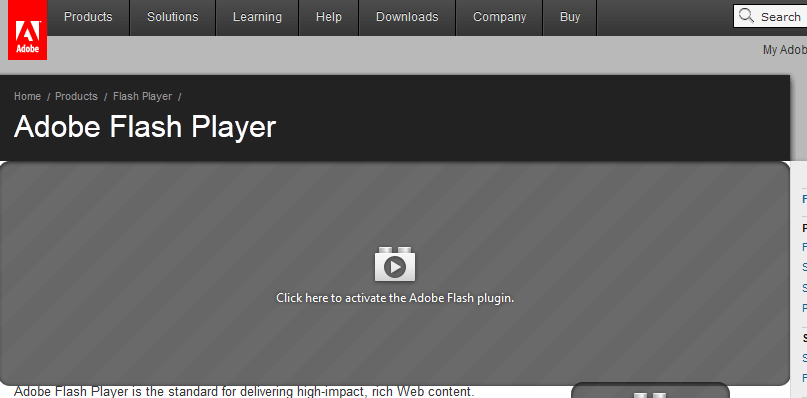
It was a plain screenwith "click here to play". It was after I sign in at yahoo. It was not there today. I'll get better data next time.
(see the screenshot attached at the bottom of this post)
If this is what you're seeing, then you've enabled the experimental Click to Play feature. To turn it off,

- Type about:config in the address bar and press Enter.
- Press the big button to bypass the warning.
- In the Search bar, paste plugins.click_to_play
- In the search results, double-click plugins.click_to_play to set its value to false
If instead of the message, “Click here to activate the Adobe Flash plugin” you're seeing an image of the letter F on a light blue background, then that feature is provided by the Flashblock extension.