Open
The search bar in the middle of the page defaults to the search bar at the top of the page and I want to make the search bar in the middle of the page the default search bar

The search bar in the middle of the page to be the default search bar not the search bar at the top of the page
The search bar in the middle of the page to be the default search bar not the search bar at the top of the page
Semua Balasan (2)
Hello
To see, you can try browser.newtabpage.activity-stream.improvesearch.handoffToAwesomebar https://support.mozilla.org/en-US/questions/1583718
Hello
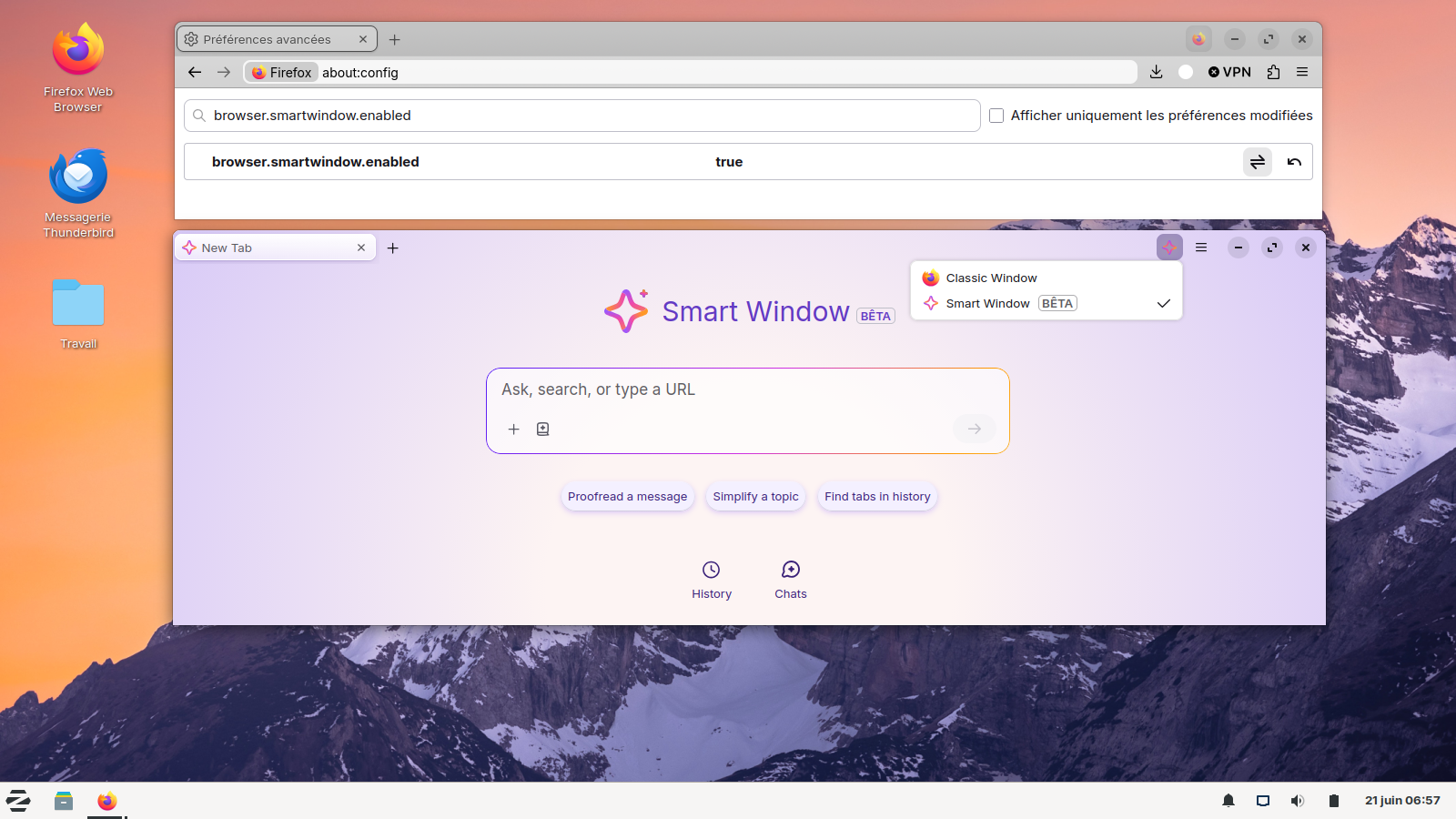
For information, if you wish to try Smart Window Beta https://connect.mozilla.org/t5/discussions/smart-window-beta-feedback/td-p/122365
1 - Go to configuration editor https://support.mozilla.org/en-US/kb/about-config-editor-firefox 2 - Enter a search term browser.smartwindow.enabled You can double-click on the preference to set the value to true